


Views
No views yet
gguf-connector; simply execute the command below in console/terminalggc q8GGUF file(s) available. Select which one to use:
- qwen-image-edit-plus-v2-iq3_s.gguf
- qwen-image-edit-plus-v2-iq4_nl.gguf
- qwen-image-edit-plus-v2-mxfp4_moe.gguf
Enter your choice (1 to 3): _
gguf file in your current directory to interact with; nothing else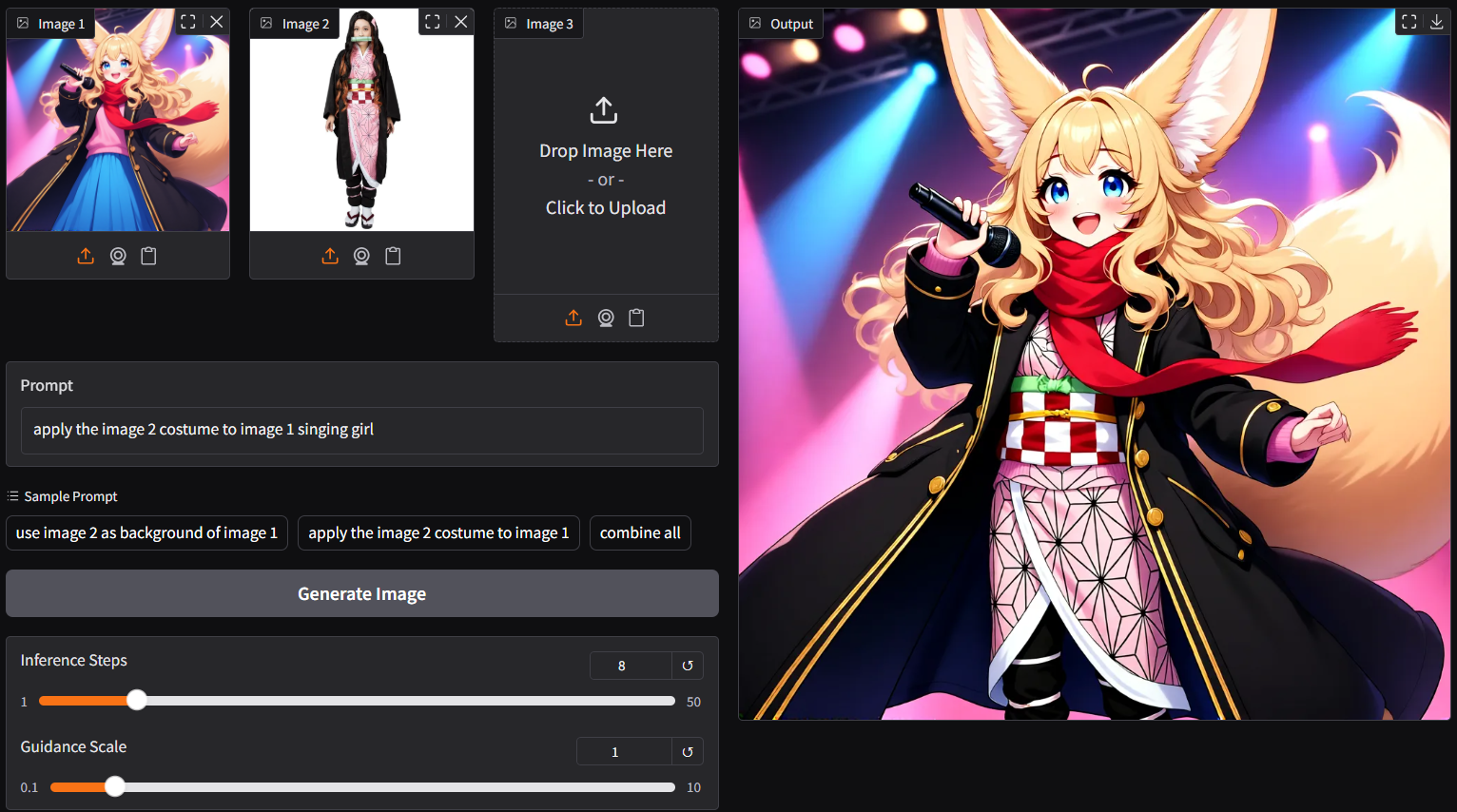
ggc q8 accepts multiple image input (see picture above; two images as input)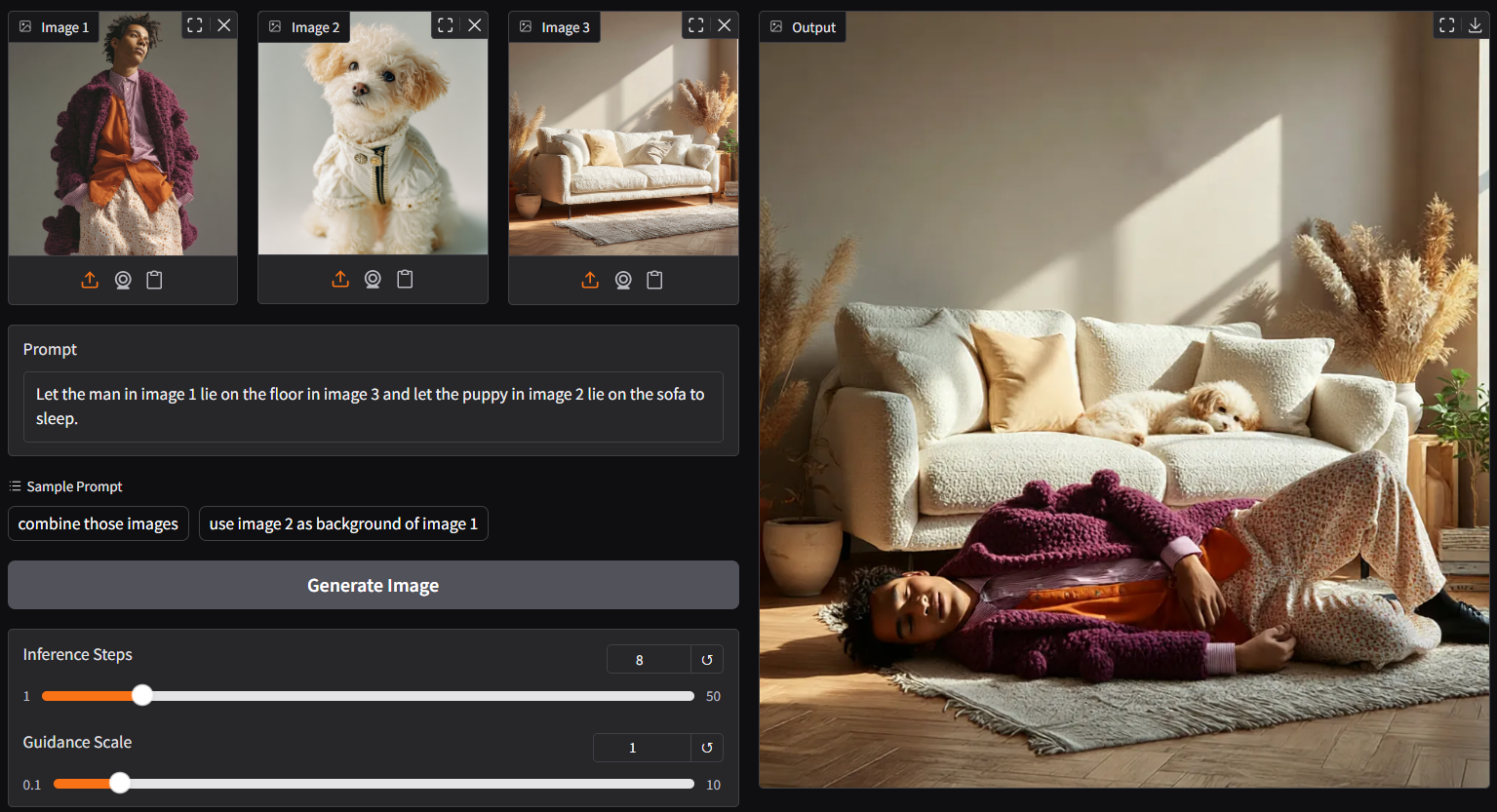
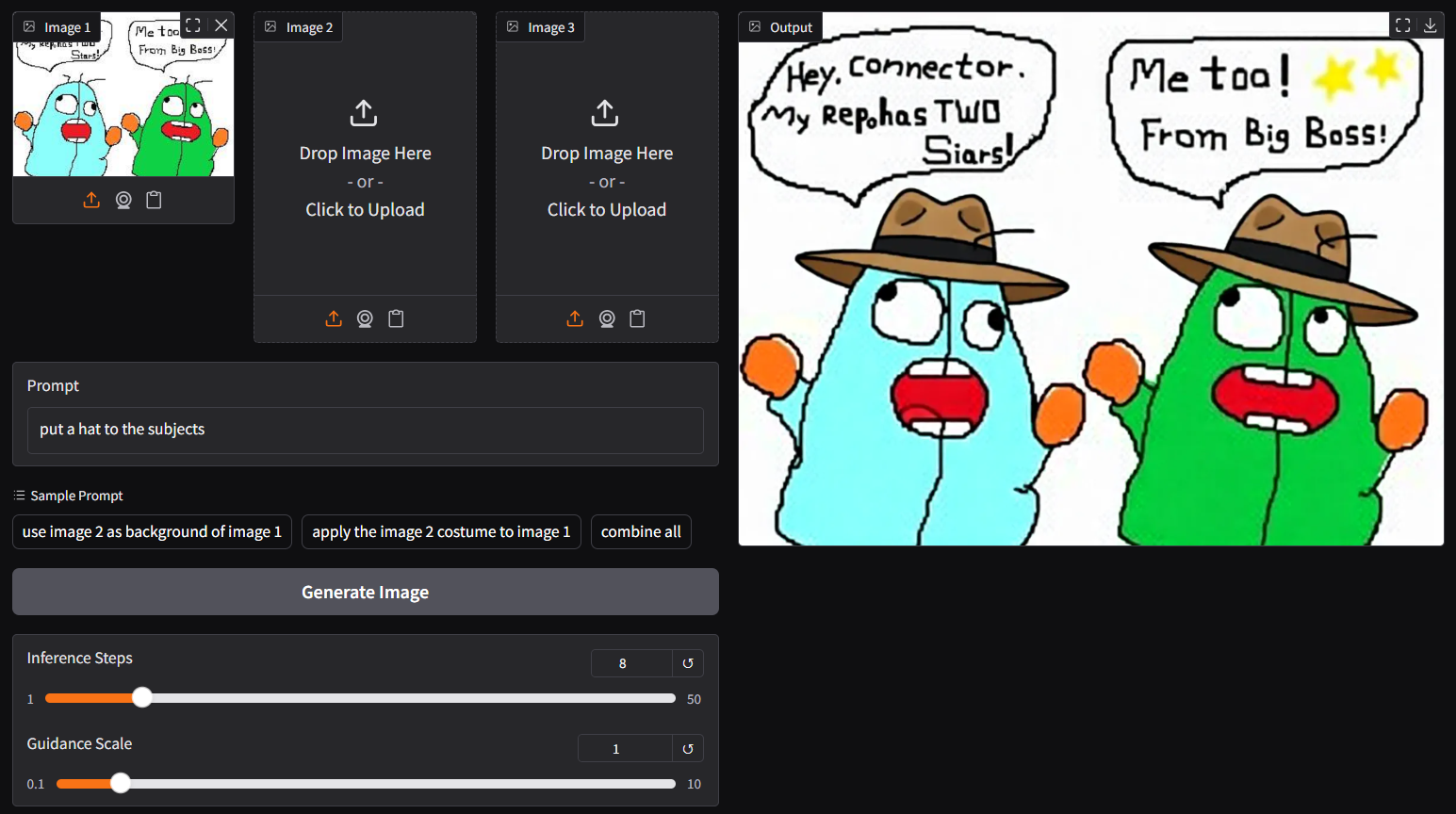
ggc q8 is accepting single image input (see above), you could opt the legacy ggc q7 (see below); similar to image-edit model beforeggc q7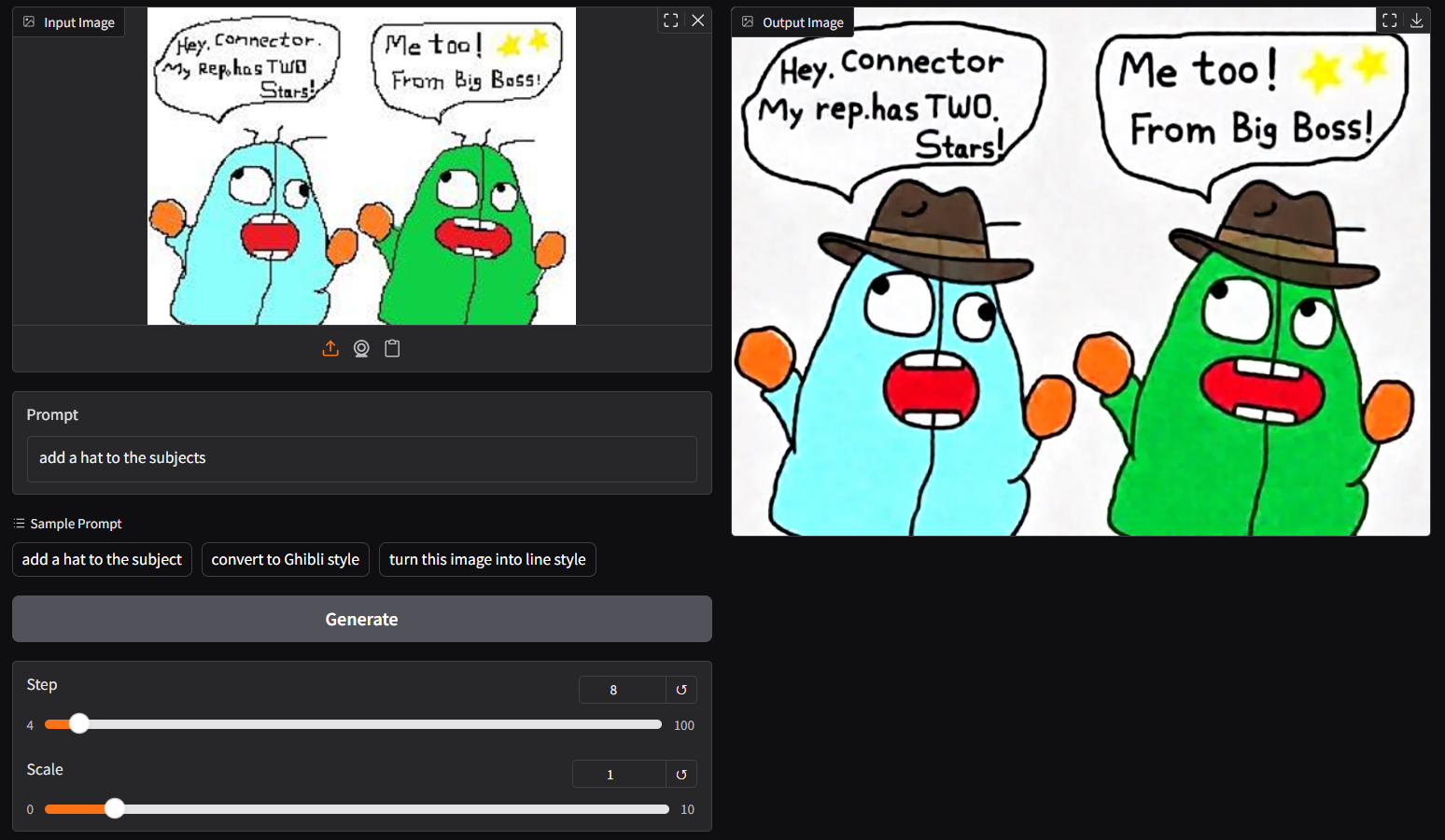
./ComfyUI/models/diffusion_models./ComfyUI/models/text_encoders
./ComfyUI/models/vae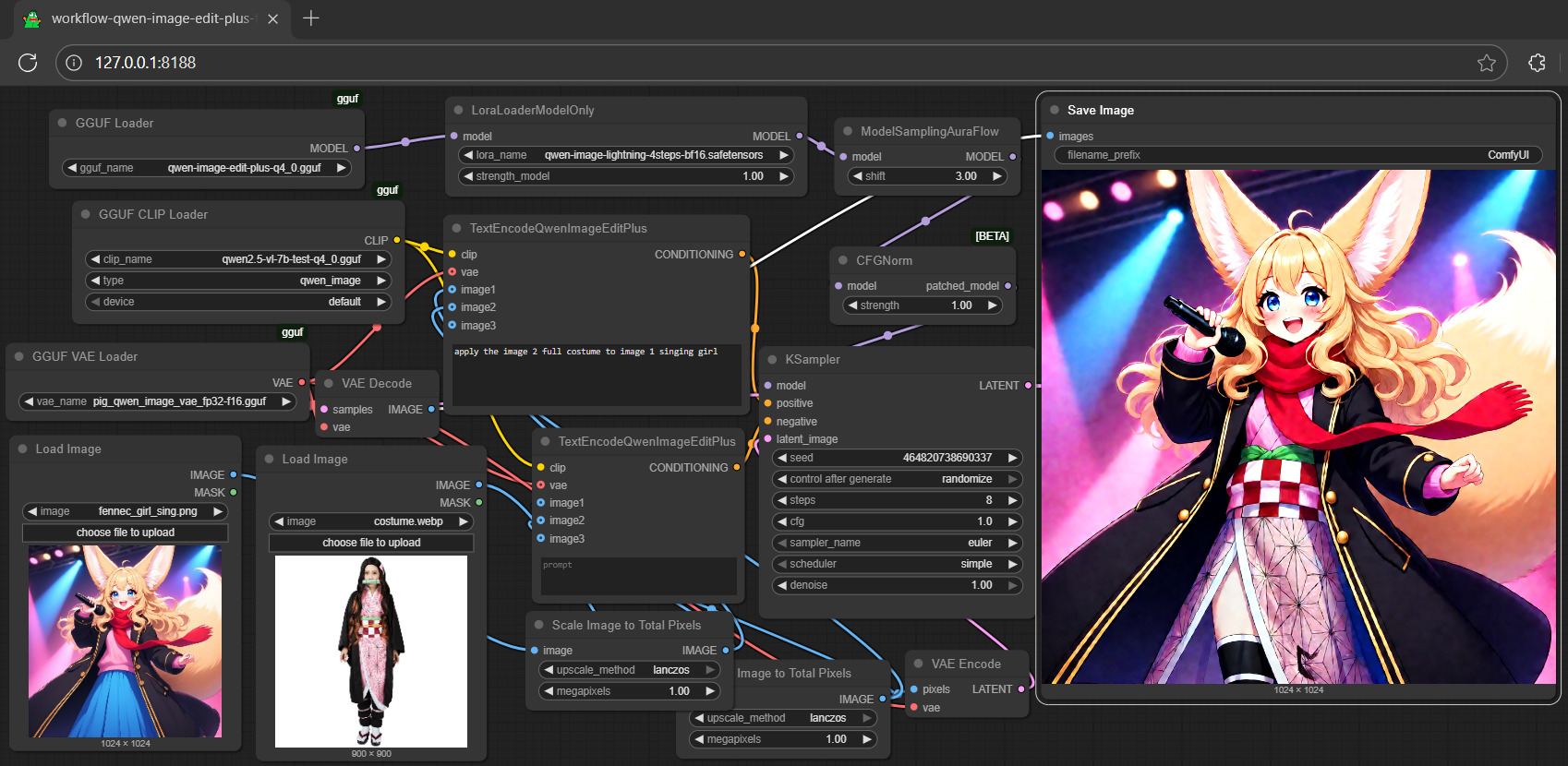
QwenImageEditPlusPipeline, should after this pr; for i quant support, should after this commit; install the updated git version diffusers by:pip install git+https://github.com/huggingface/diffusers.gitQwenImageEditPipeline by QwenImageEditPlusPipeline from the qwen-image-edit inference example (see here)1import torch, os
2from diffusers import QwenImageTransformer2DModel, GGUFQuantizationConfig, QwenImageEditPlusPipeline
3from diffusers.utils import load_image
4
5model_path = "https://huggingface.co/calcuis/qwen-image-edit-plus-gguf/blob/main/qwen-image-edit-plus-v2-iq4_nl.gguf"
6
7transformer = QwenImageTransformer2DModel.from_single_file(
8 model_path,
9 quantization_config=GGUFQuantizationConfig(compute_dtype=torch.bfloat16),
10 torch_dtype=torch.bfloat16,
11 config="callgg/image-edit-plus",
12 subfolder="transformer"
13 )
14pipeline = QwenImageEditPipeline.from_pretrained("Qwen/Qwen-Image-Edit-2509", transformer=transformer, torch_dtype=torch.bfloat16)
15print("pipeline loaded")
16pipeline.enable_model_cpu_offload()
17image = load_image("https://huggingface.co/datasets/huggingface/documentation-images/resolve/main/diffusers/cat.png")
18prompt = "Add a hat to the cat"
19inputs = {
20 "image": image,
21 "prompt": prompt,
22 "generator": torch.manual_seed(0),
23 "true_cfg_scale": 2.5,
24 "negative_prompt": " ",
25 "num_inference_steps": 20,
26}
27with torch.inference_mode():
28 output = pipeline(**inputs)
29 output_image = output.images[0]
30 output_image.save("output.png")
31 print("image saved at", os.path.abspath("output.png"))q9 connector; simply execute the command below in console/terminalggc q9Safetensors available. Select which one to use:
- qwen-image-edit-lite-blackwell-fp4.safetensors
- qwen-image-edit-lite-int4.safetensors (for non-blackwell card)
Enter your choice (1 to 2): _
safetensors file in your current directory to interact with; nothing else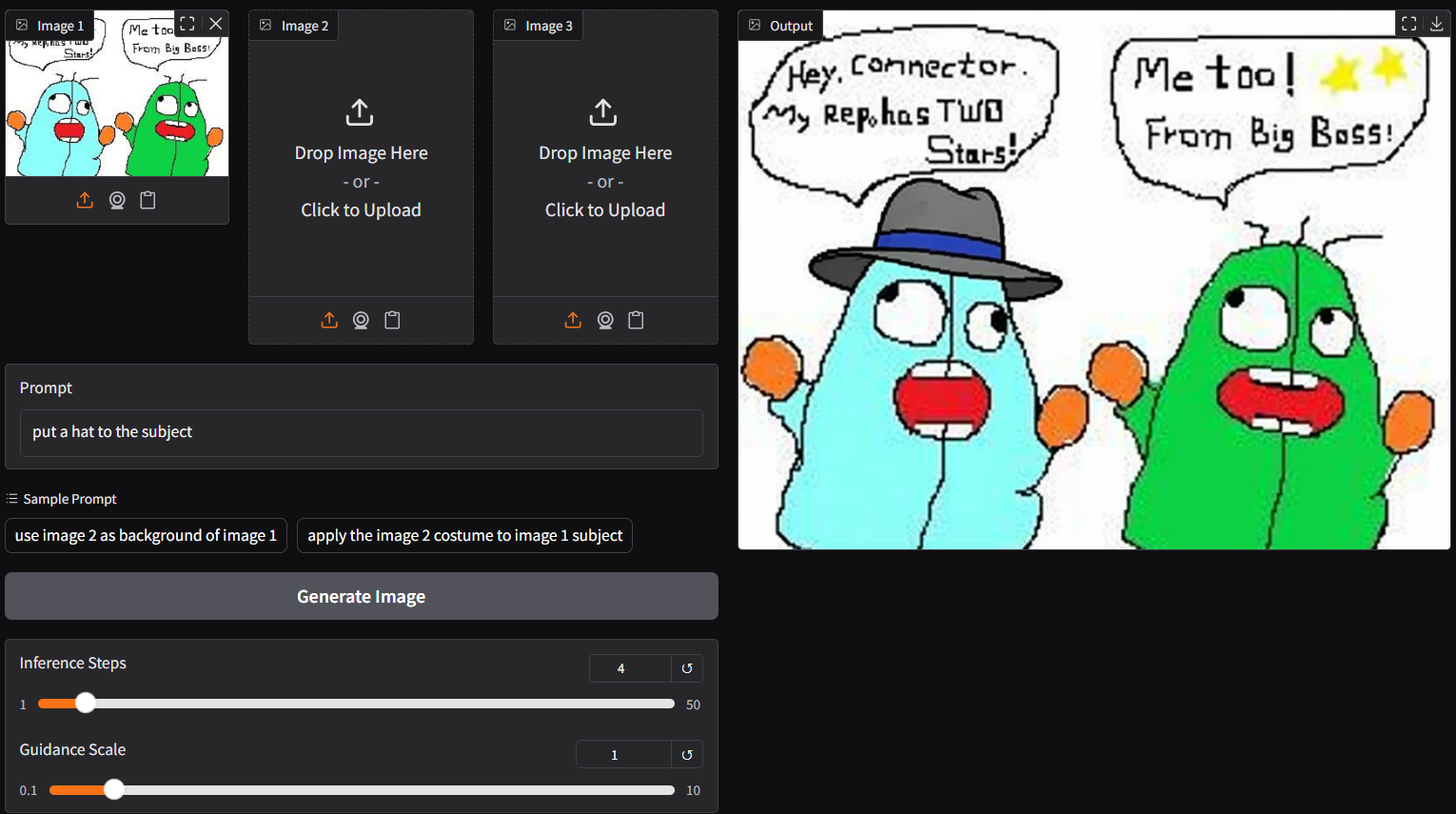
ggc q0GGUF file(s) available. Select which one to use:
- qwen-image-edit-lite-iq4_nl.gguf
- qwen-image-edit-lite-q4_0.gguf
- qwen-image-edit-lite-q4_k_s.gguf
Enter your choice (1 to 3): _
gguf file in your current directory to interact with; nothing else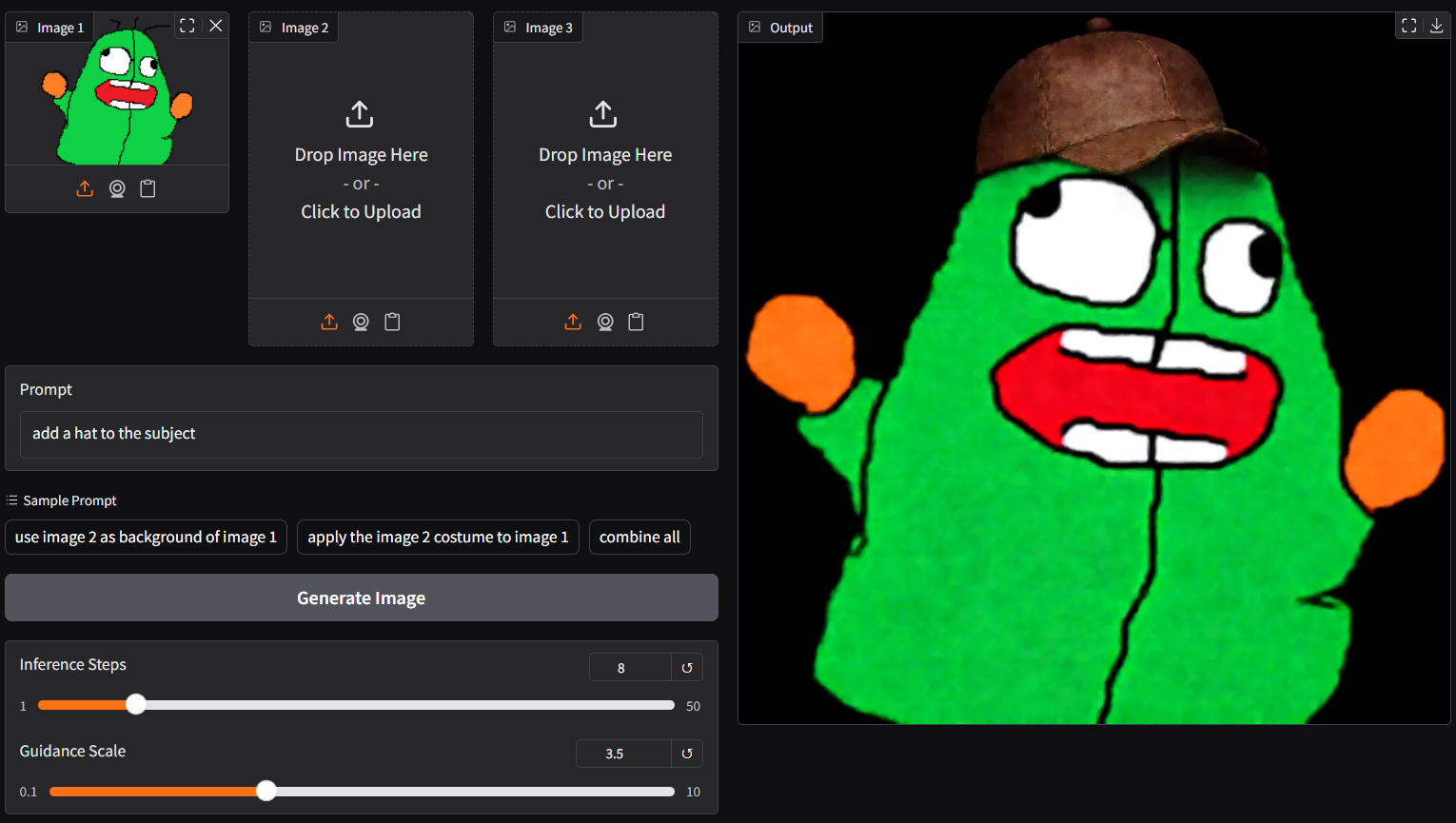
q0 and q9; able to generate output with 4/8 steps; and more working layers in these versions, should be more stable than p0 (v2.0) below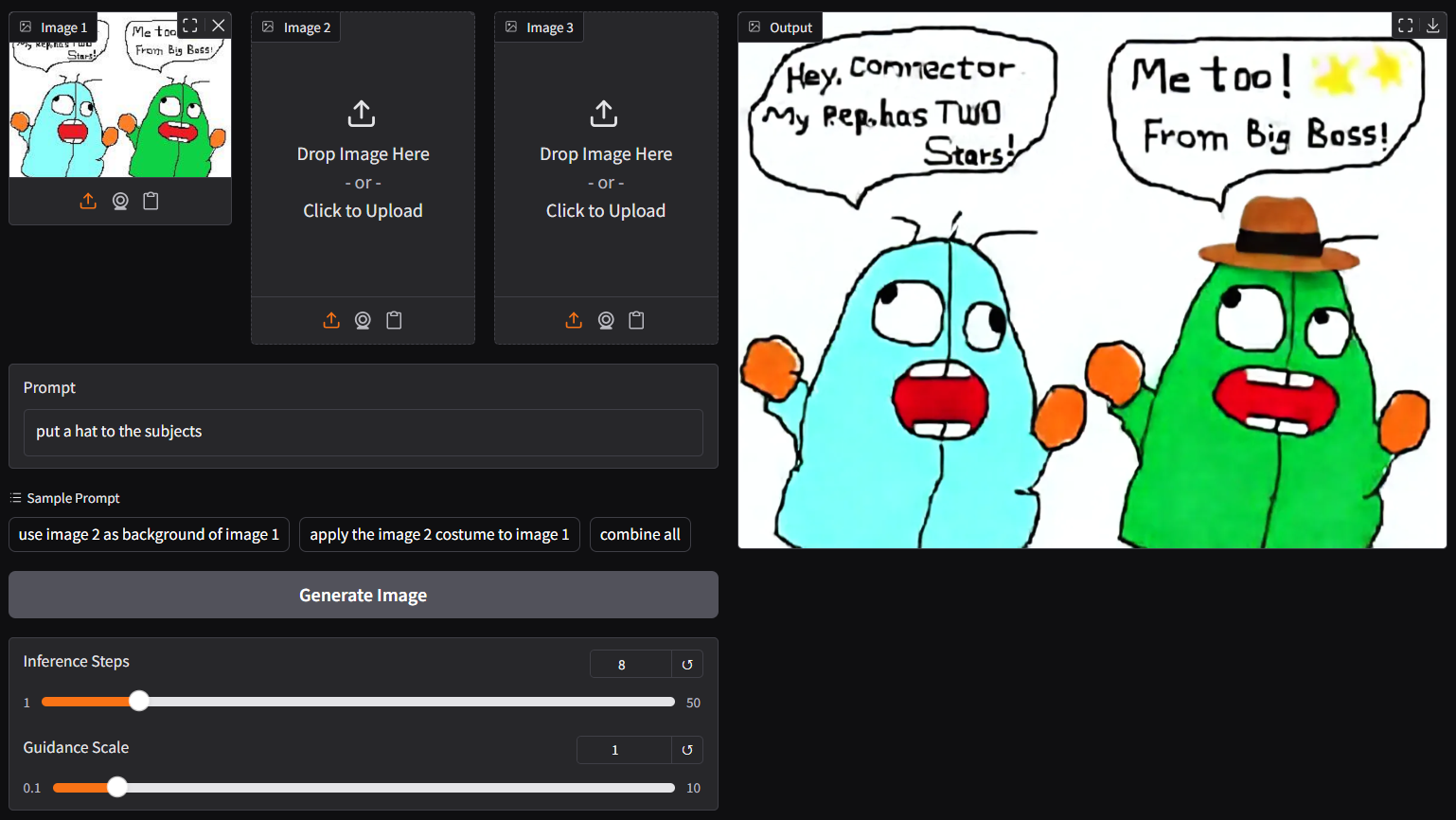
p0 connector (experimental)ggc p0GGUF file(s) available. Select which one to use:
- qwen-image-edit-lite-v2.0-iq2_s.gguf
- qwen-image-edit-lite-v2.0-iq3_s.gguf
- qwen-image-edit-lite-v2.0-iq4_nl.gguf
Enter your choice (1 to 3): _
gguf file in your current directory to interact with; nothing elsep9 connectorggc p9GGUF file(s) available. Select which one to use:
- qwen-image-edit-lite-v2.1-q4_0.gguf
- qwen-image-edit-lite-v2.1-mxfp4_moe.gguf
Enter your choice (1 to 2): _
gguf file in your current directory to interact with; nothing else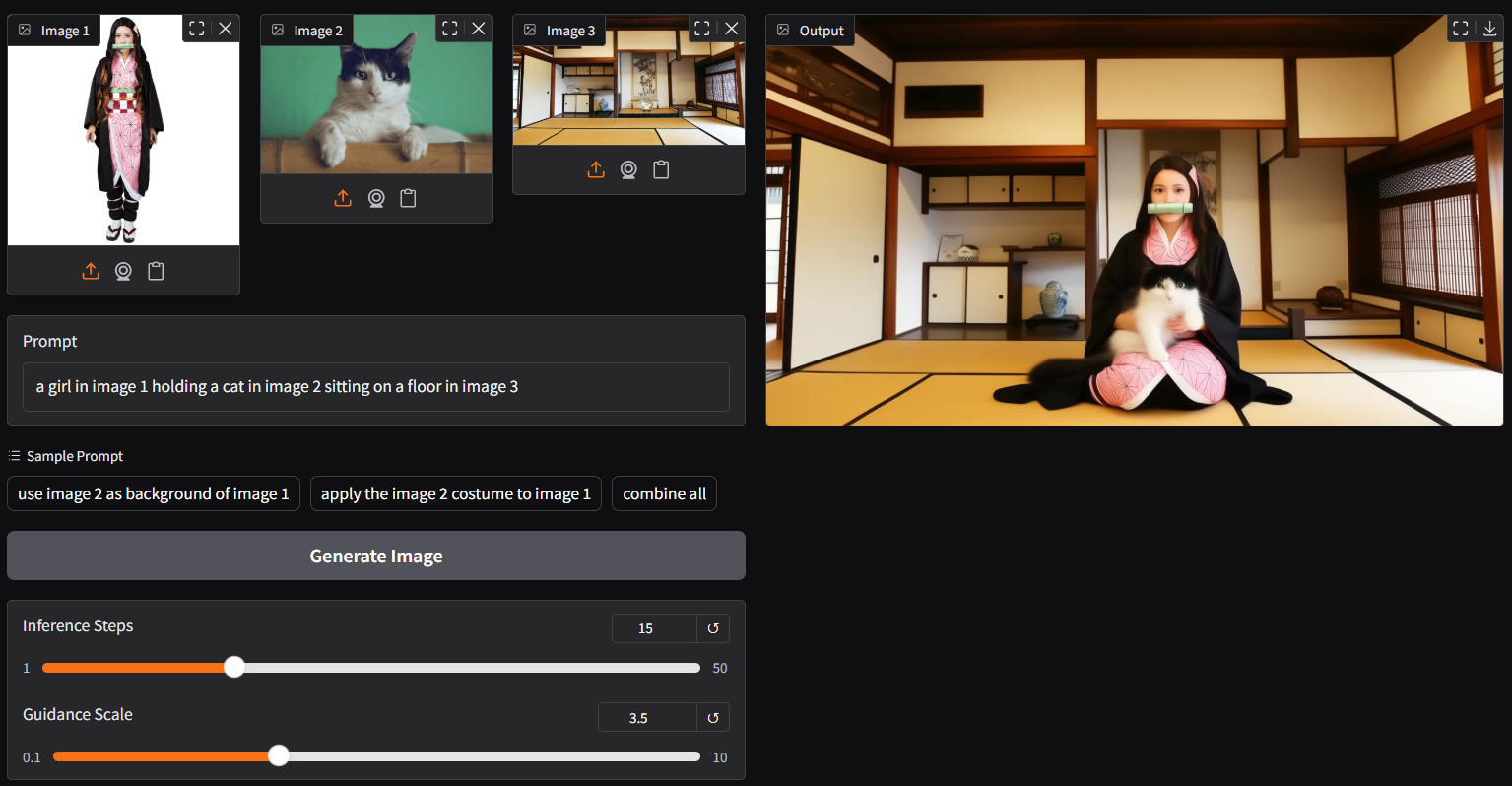
ggc p9 is able to generate picture with 4/8 steps but need a higher guidance (i.e., 3.5); if too many elements involved, you might consider increasing the steps (i.e., 15) for better output