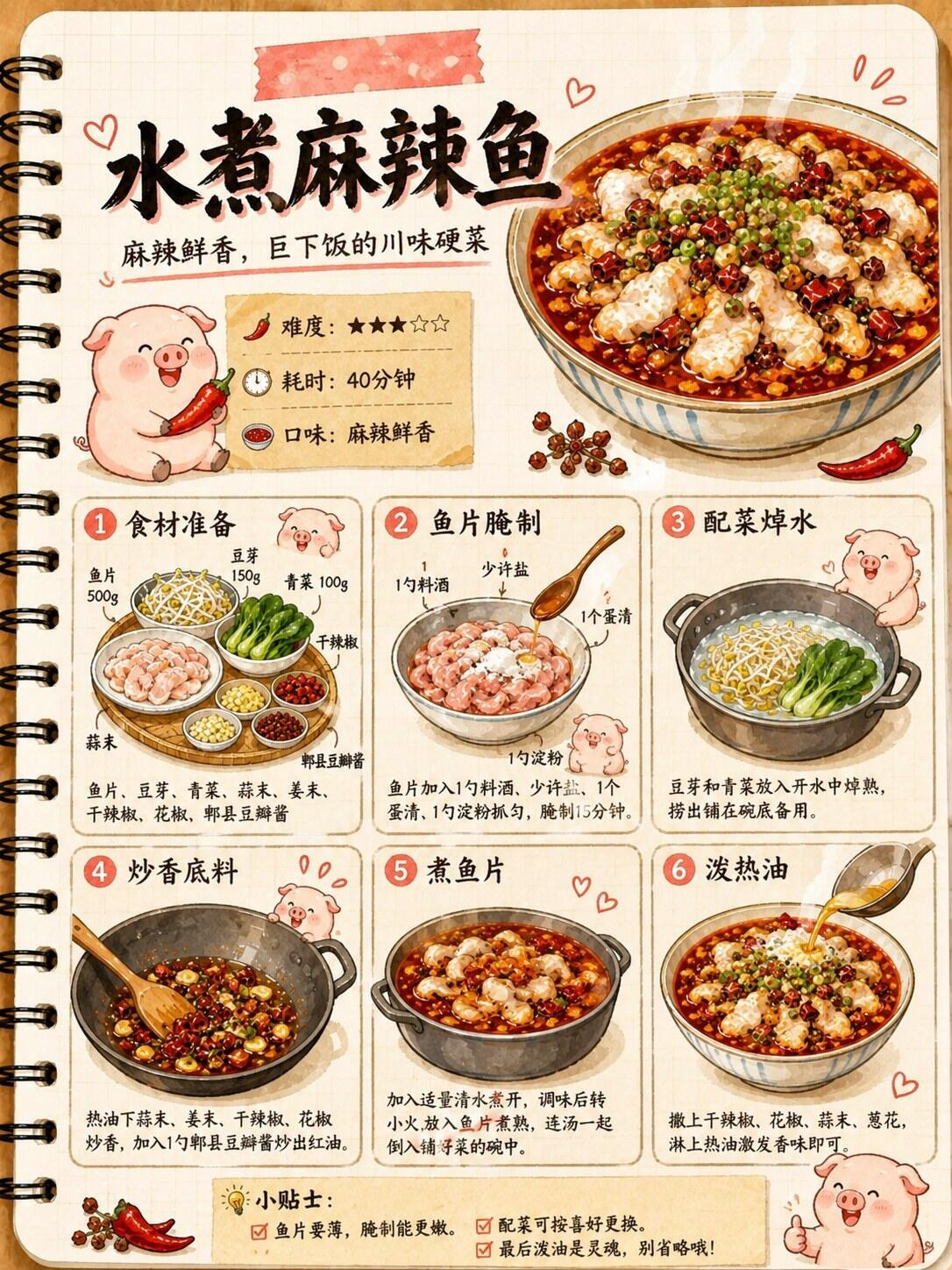
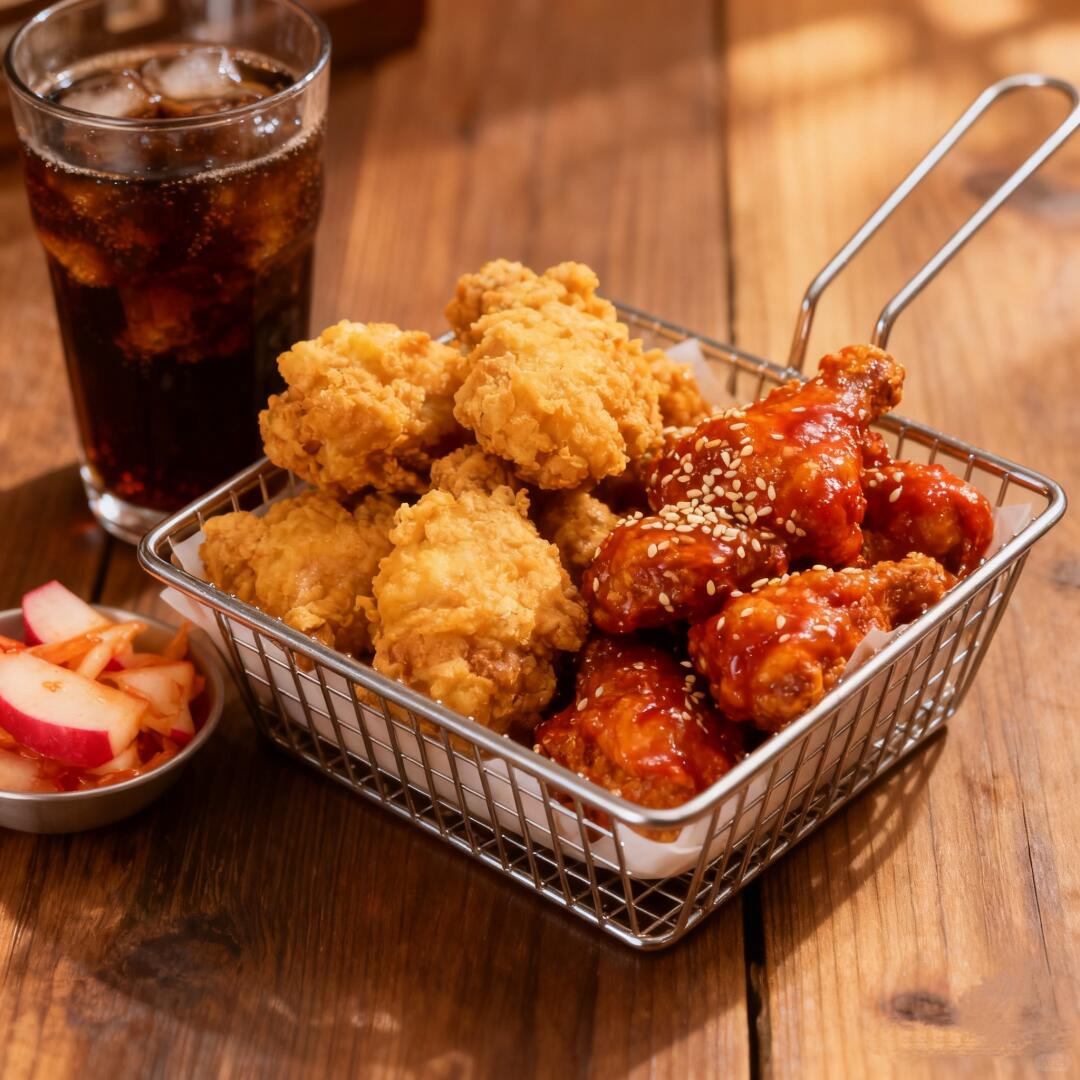
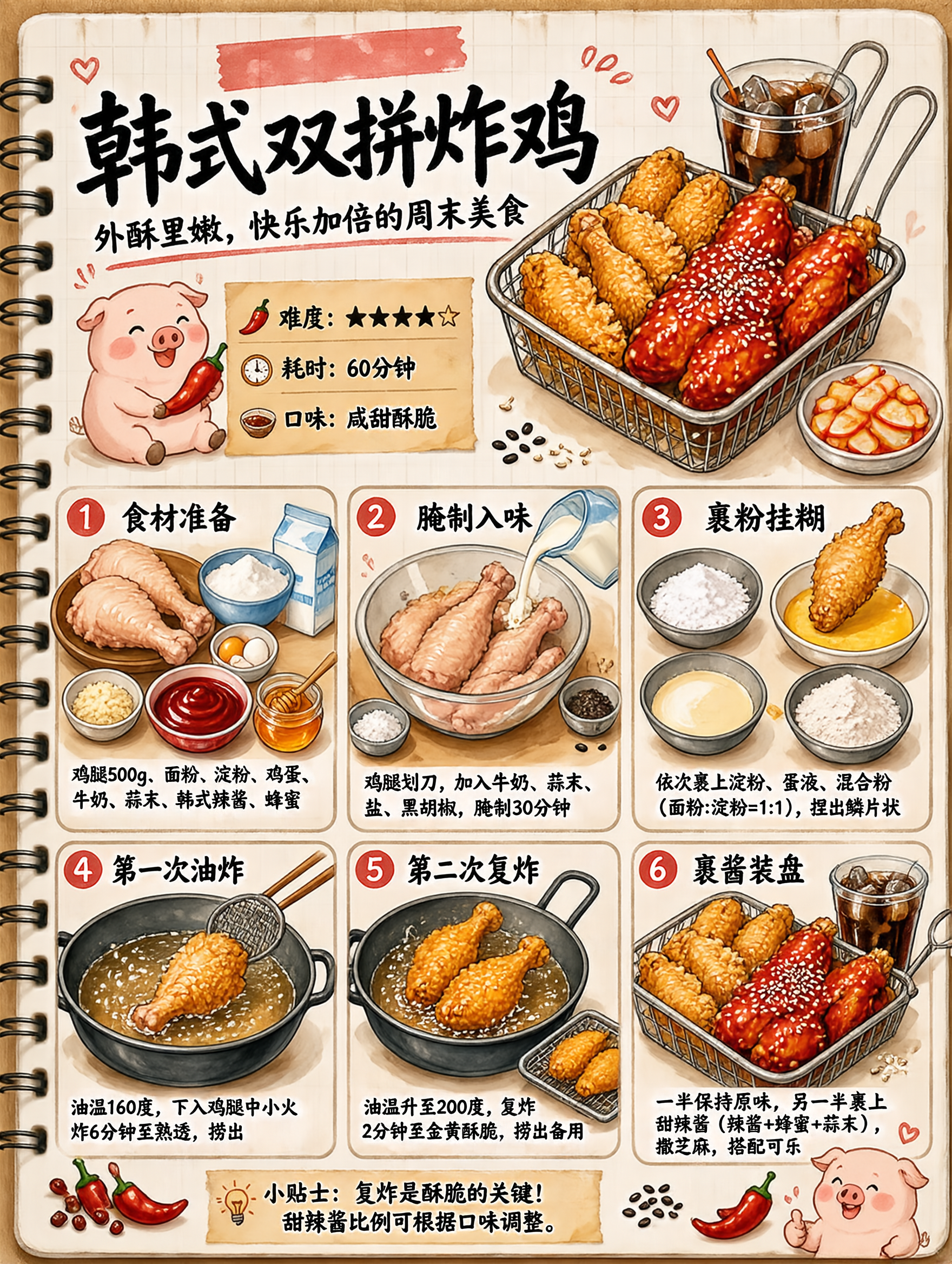
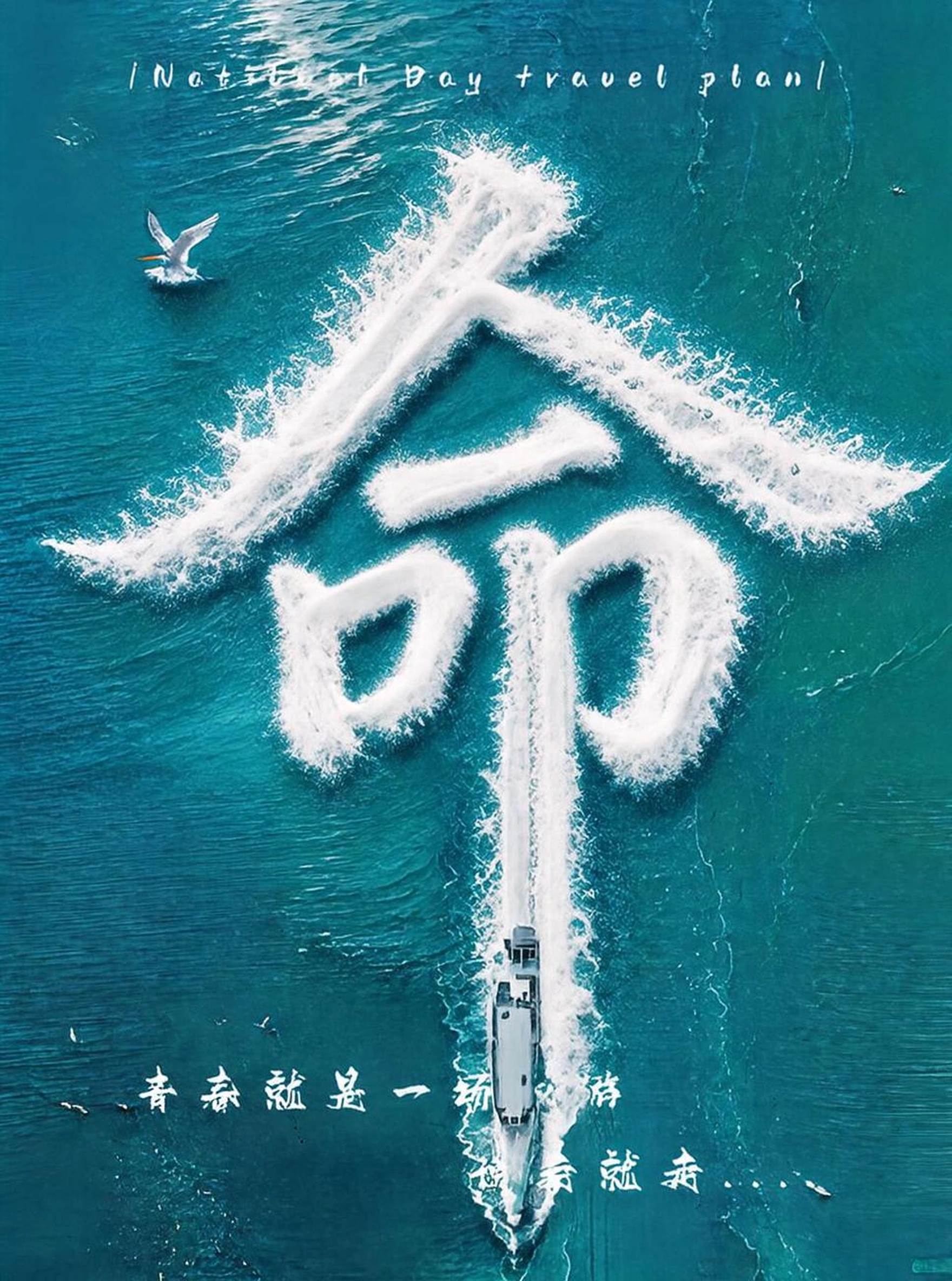
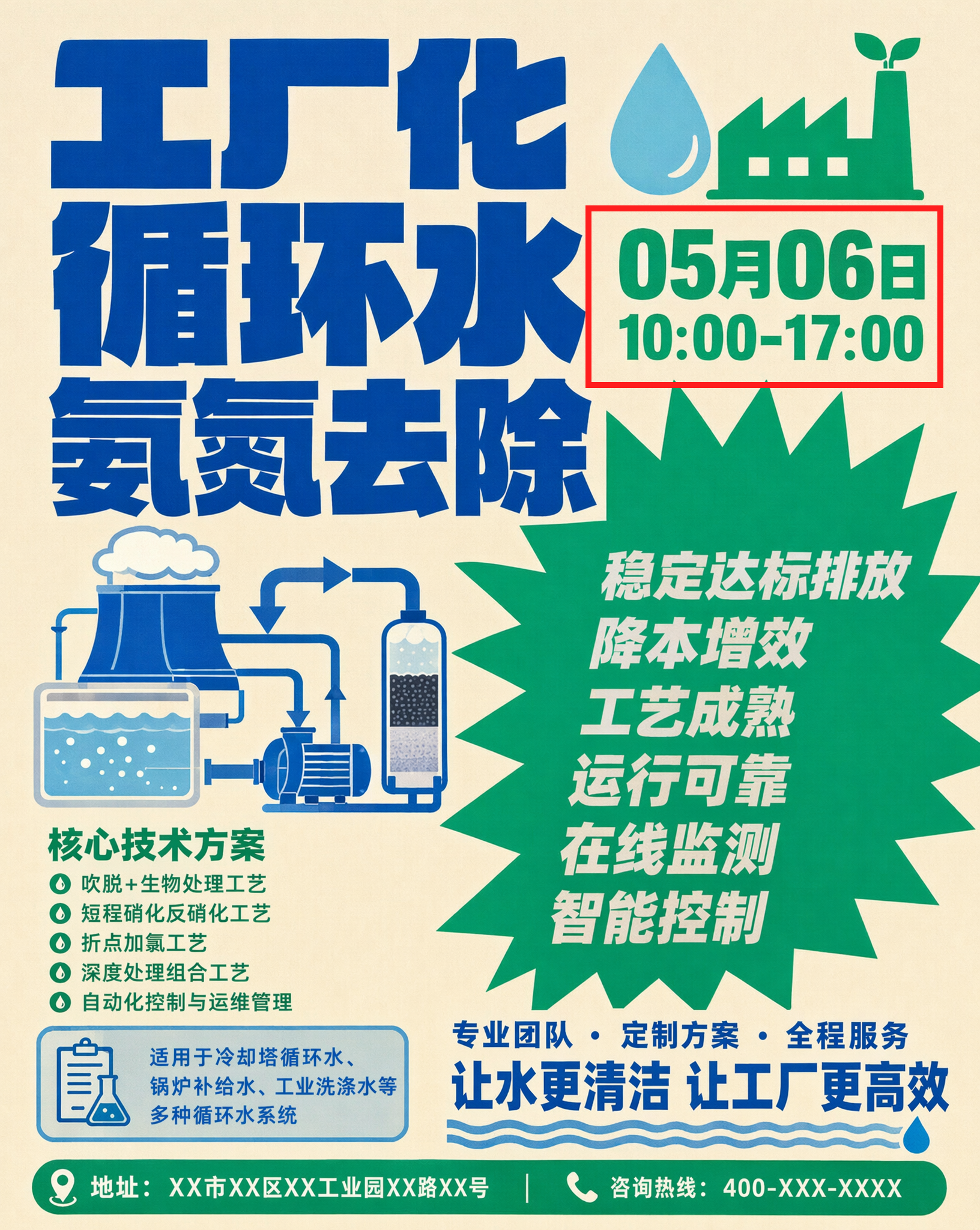
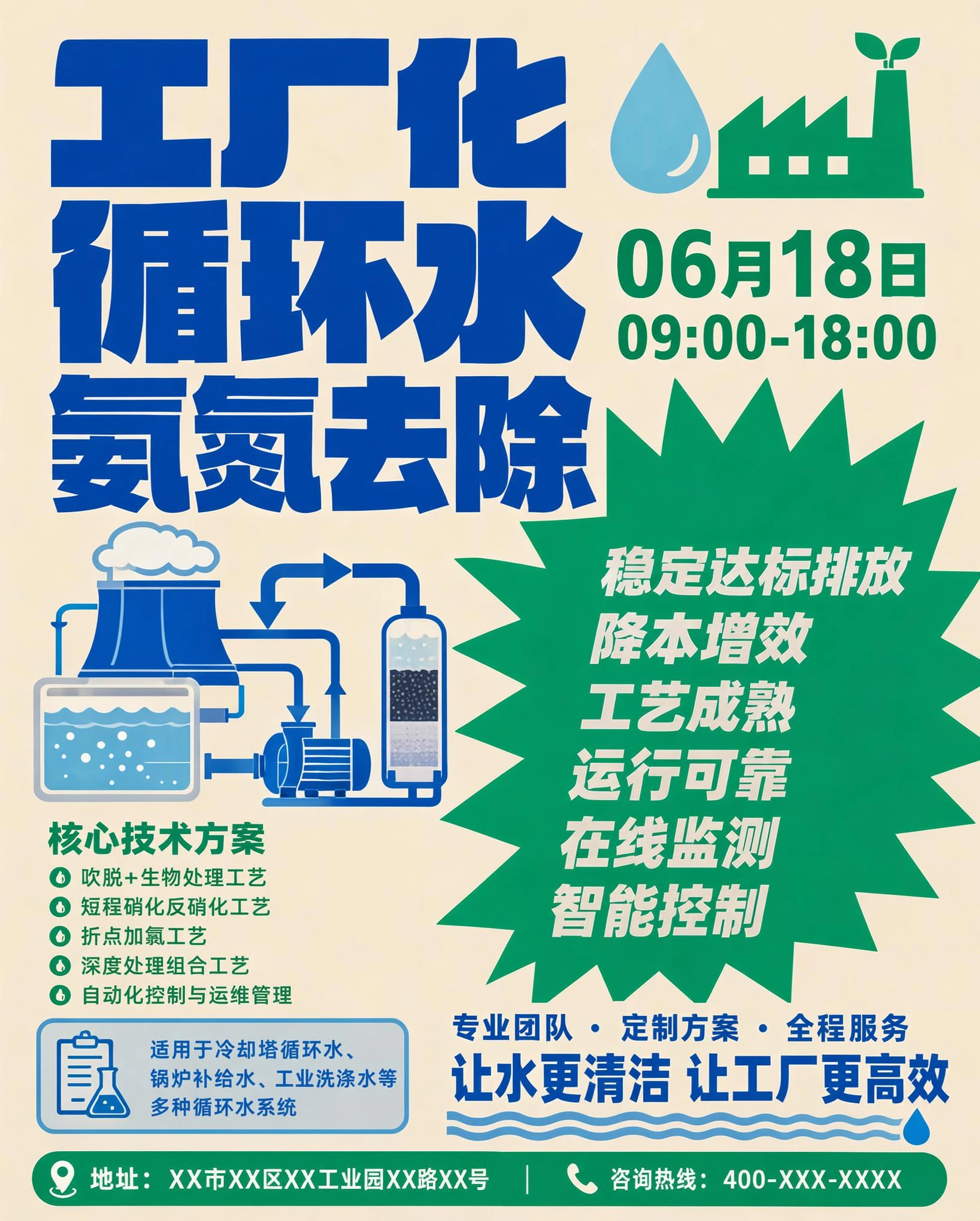
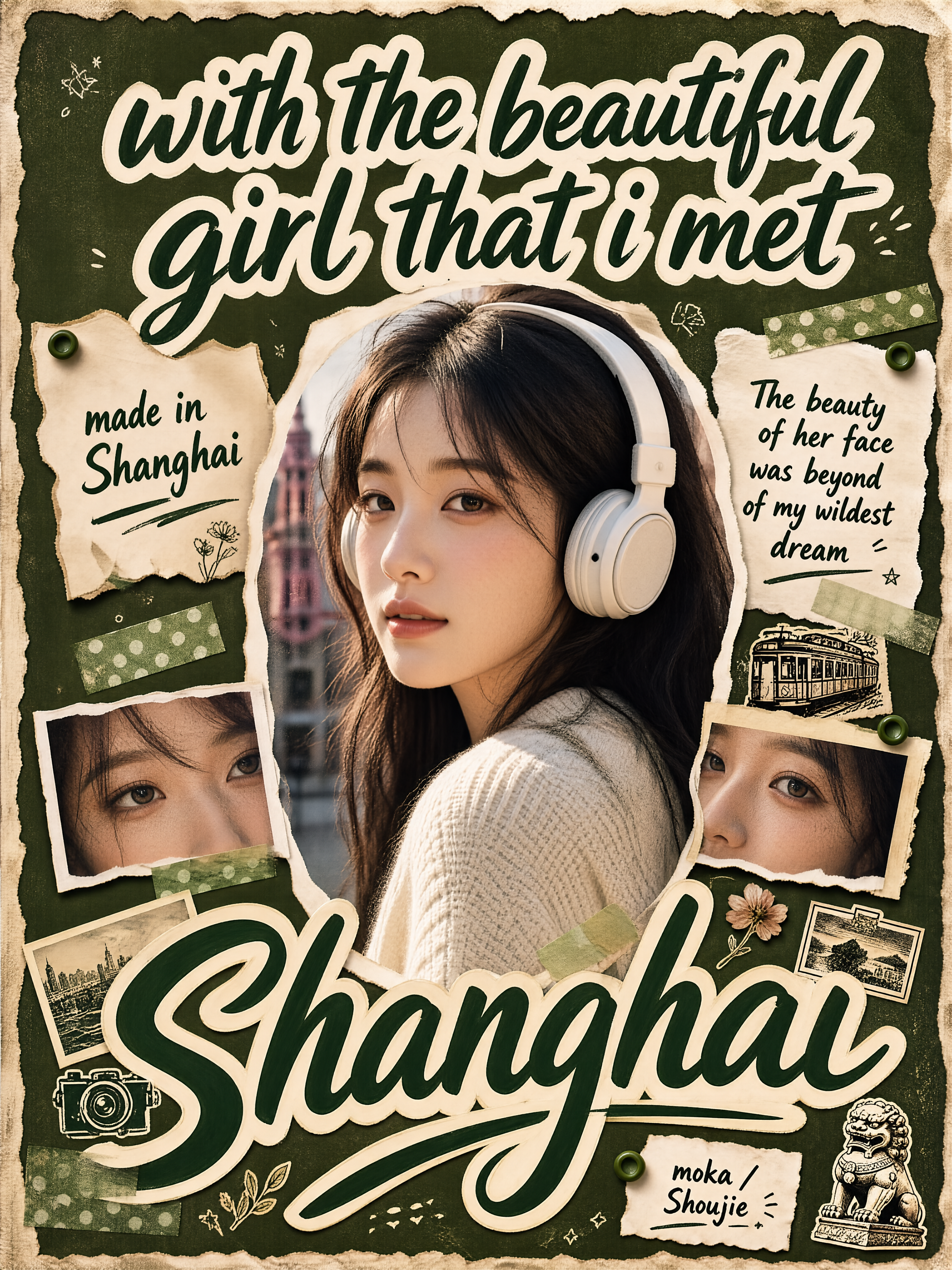
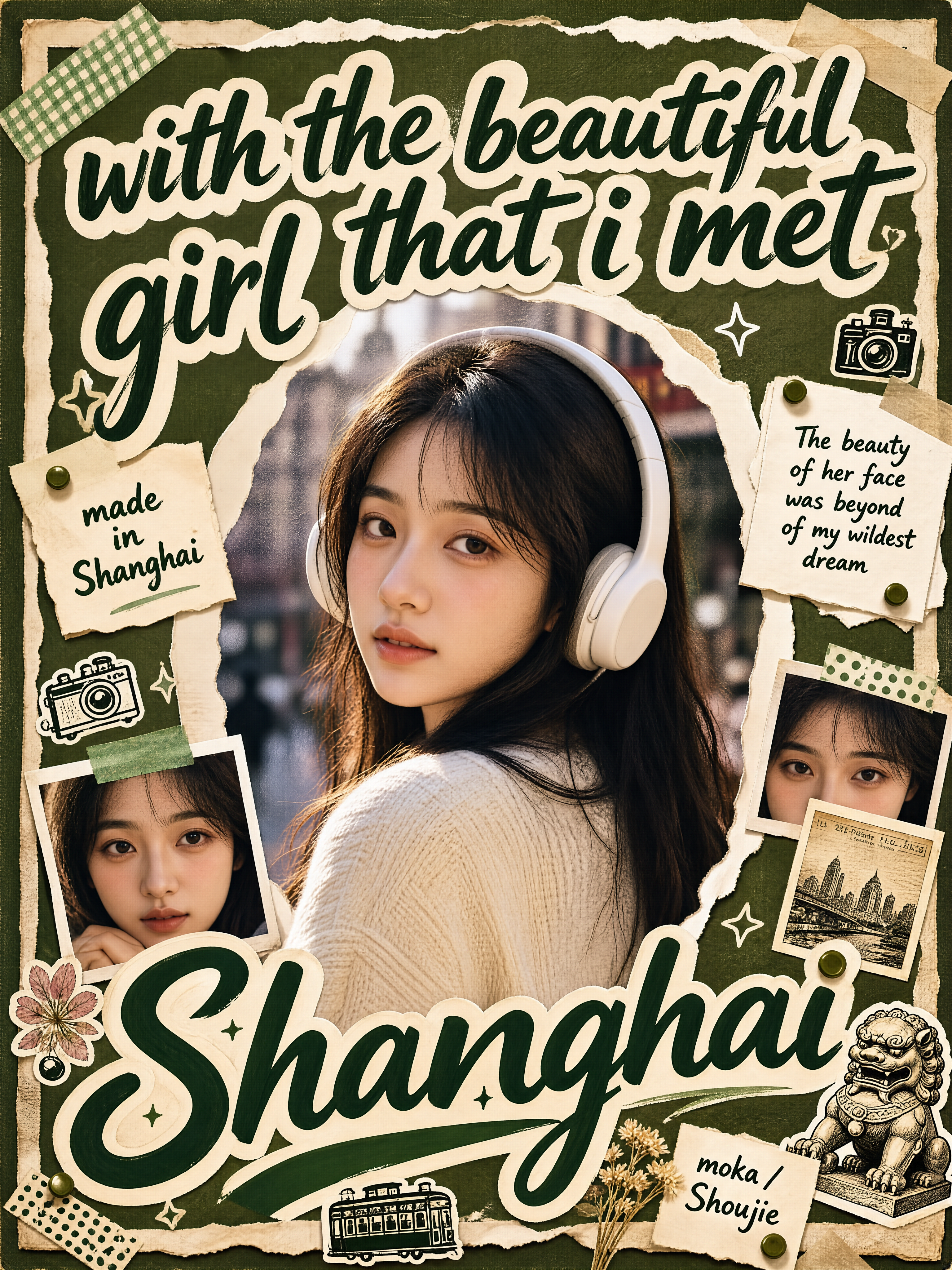
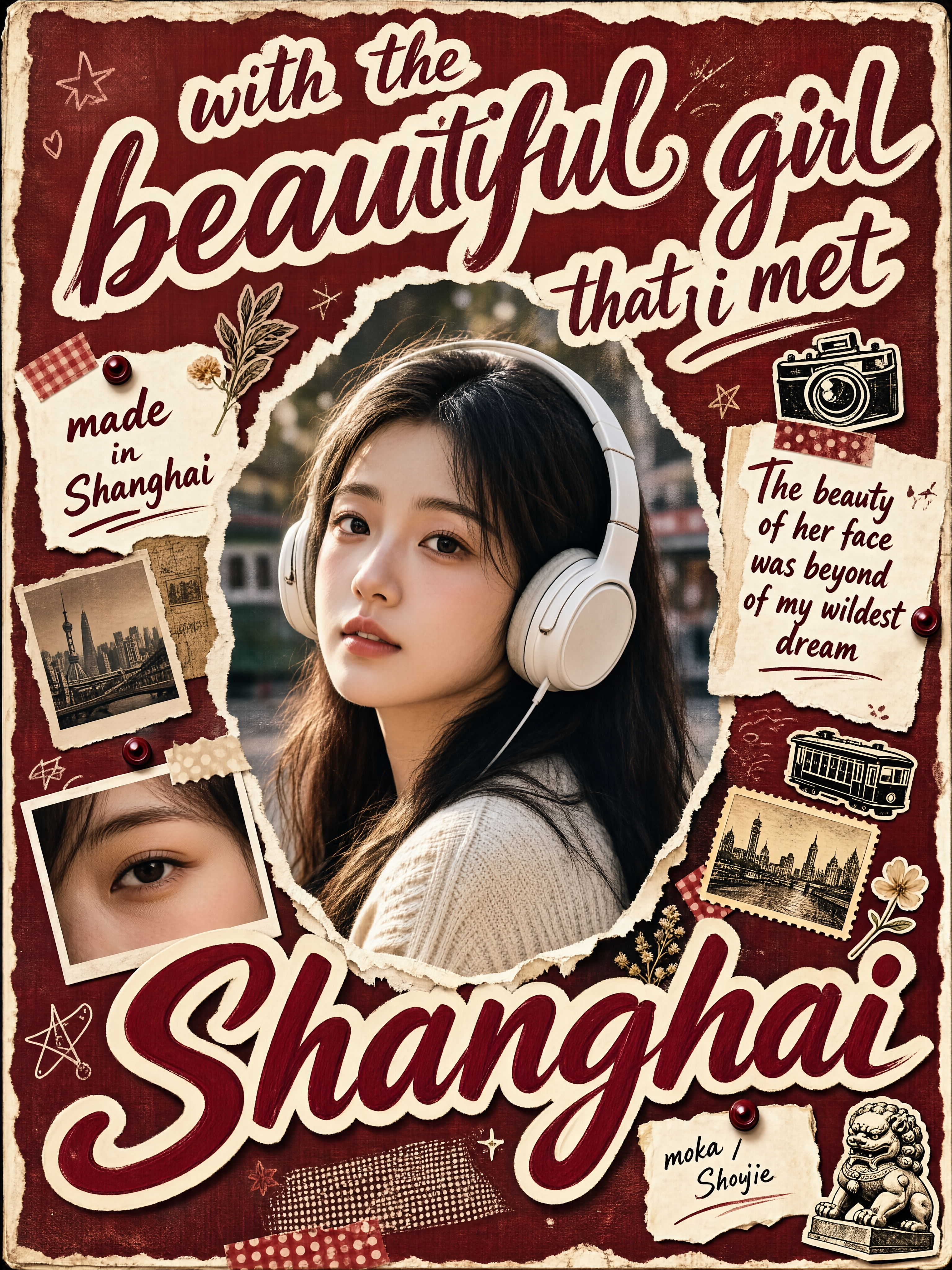
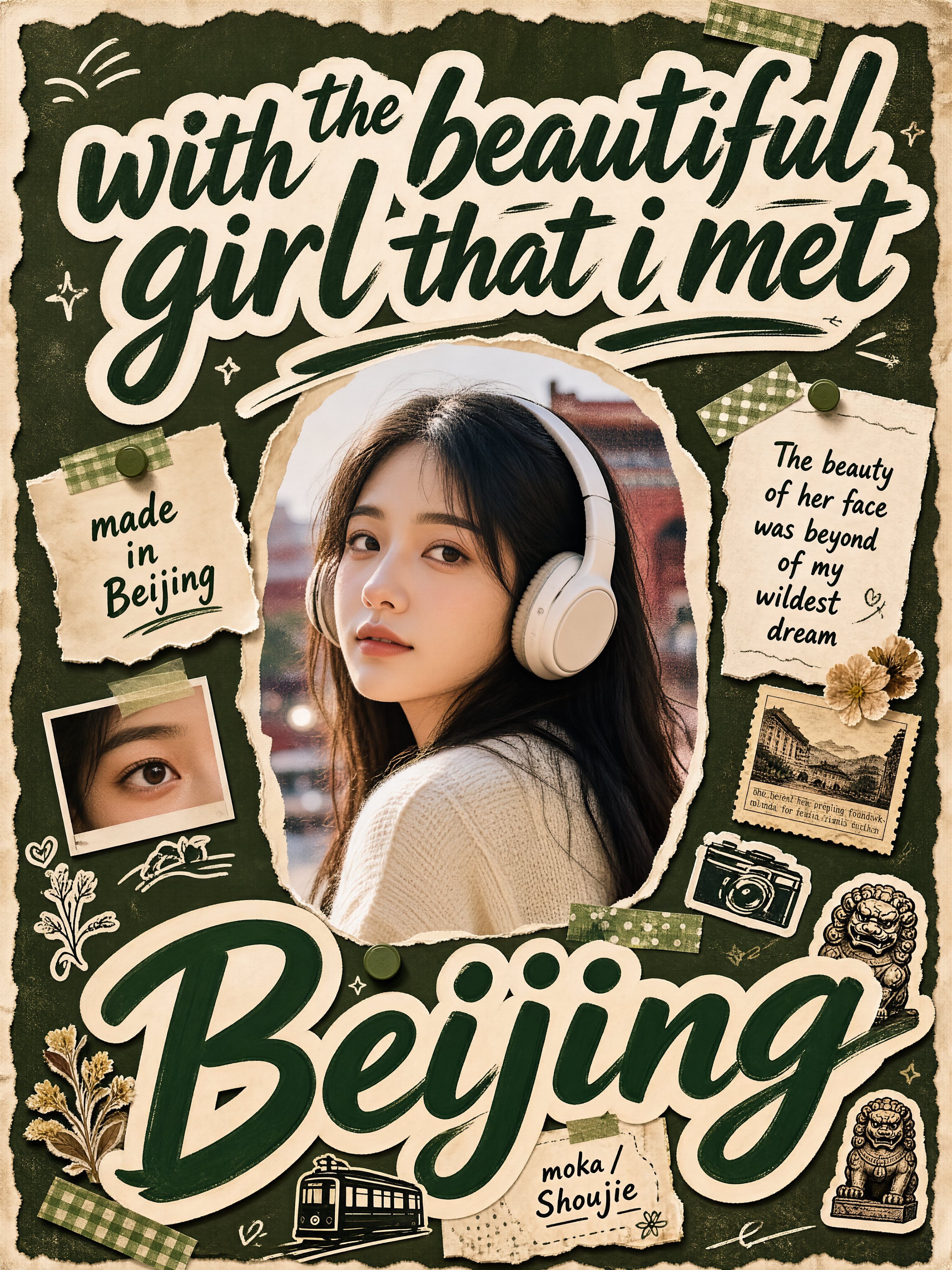
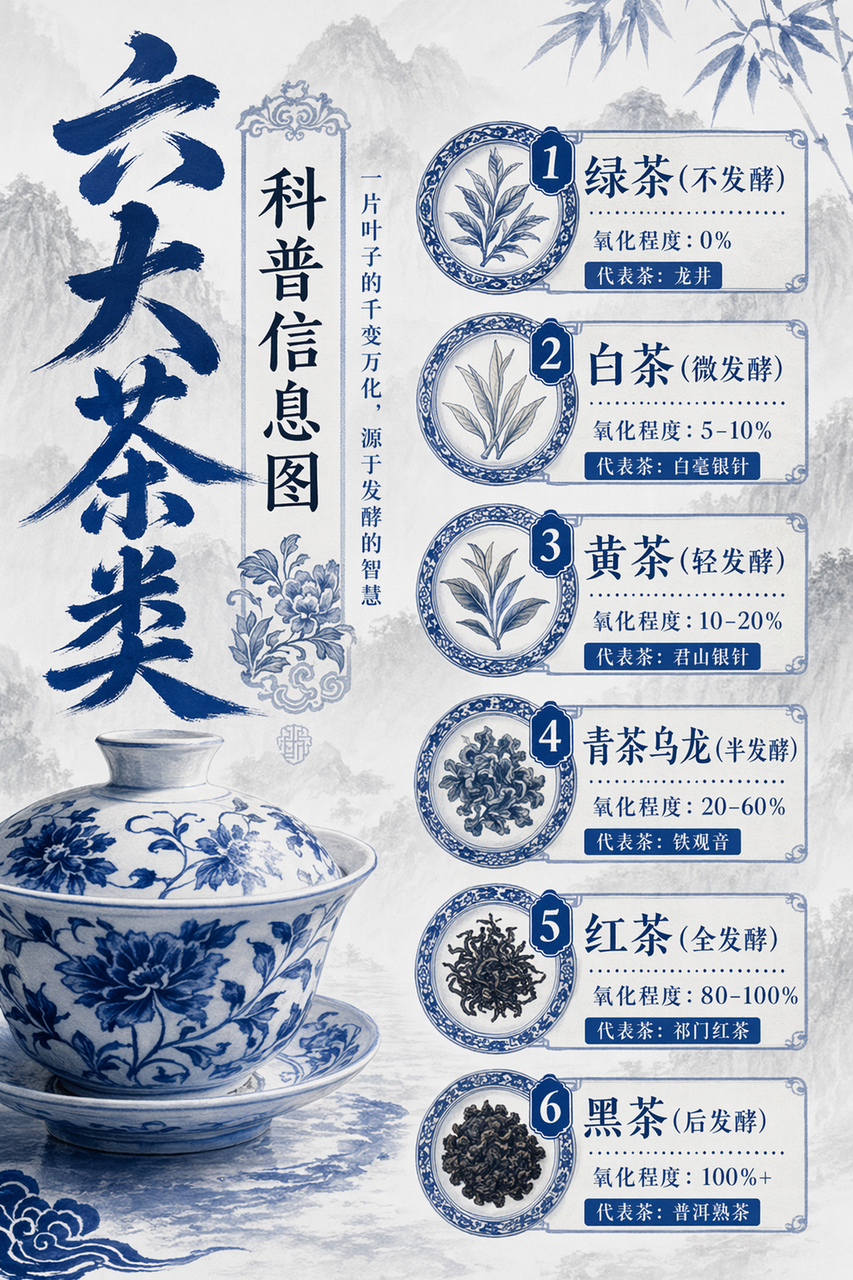
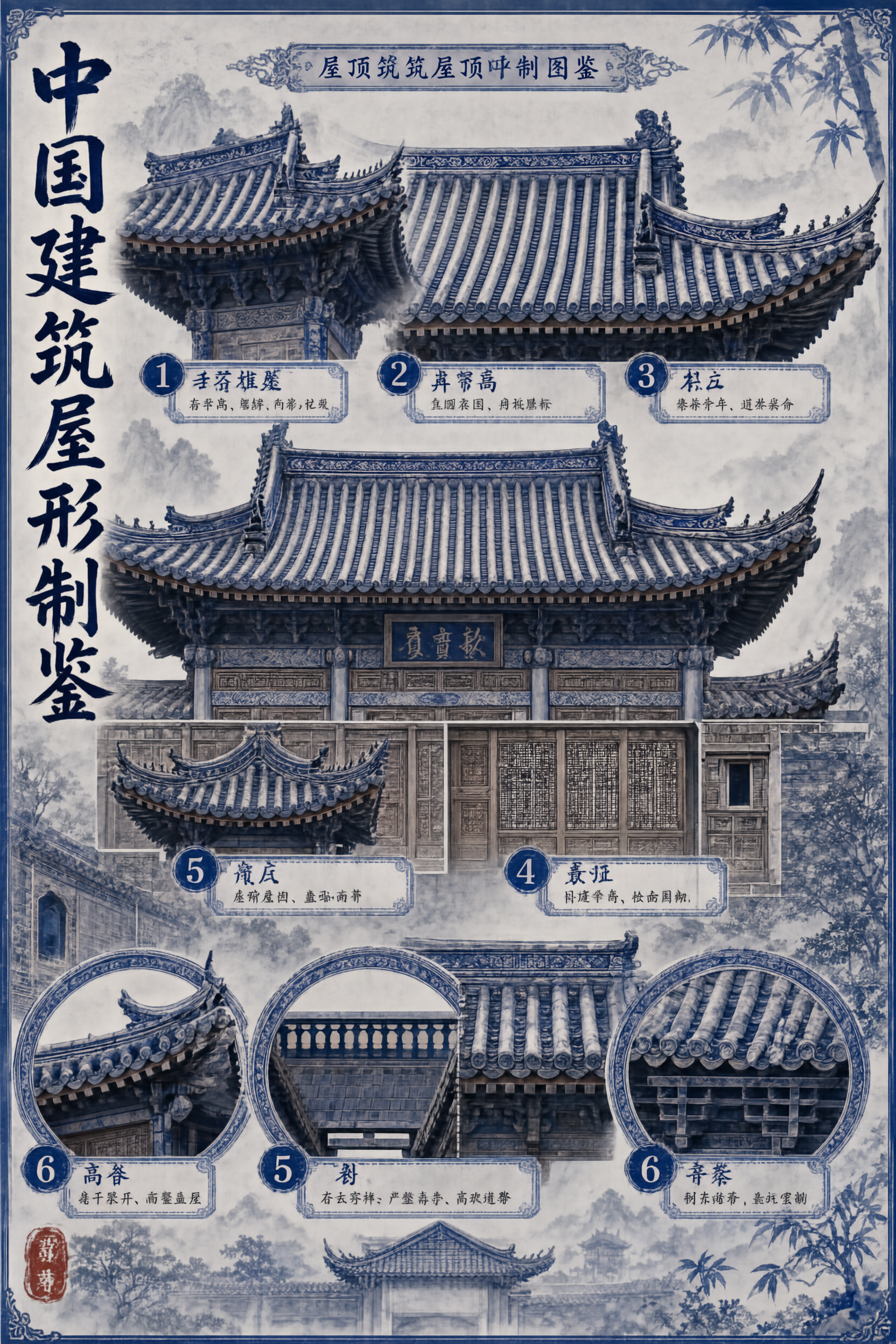
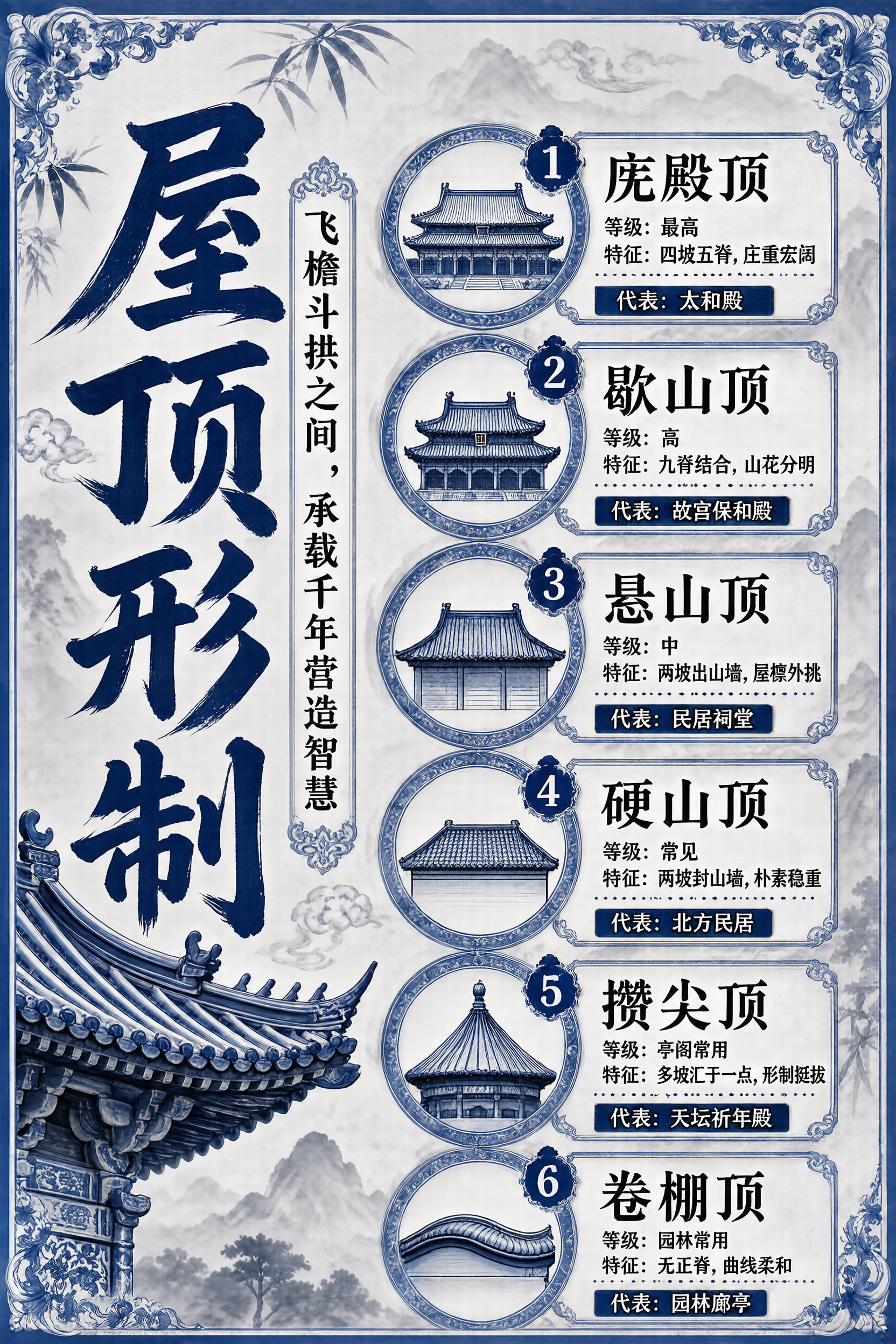
NOTE: SenseNova-U1.5 (preview) offers an early look at our latest progress in image generation and editing. Notably, a more capable and refined production version will be officially released soon.
🌟 Overview
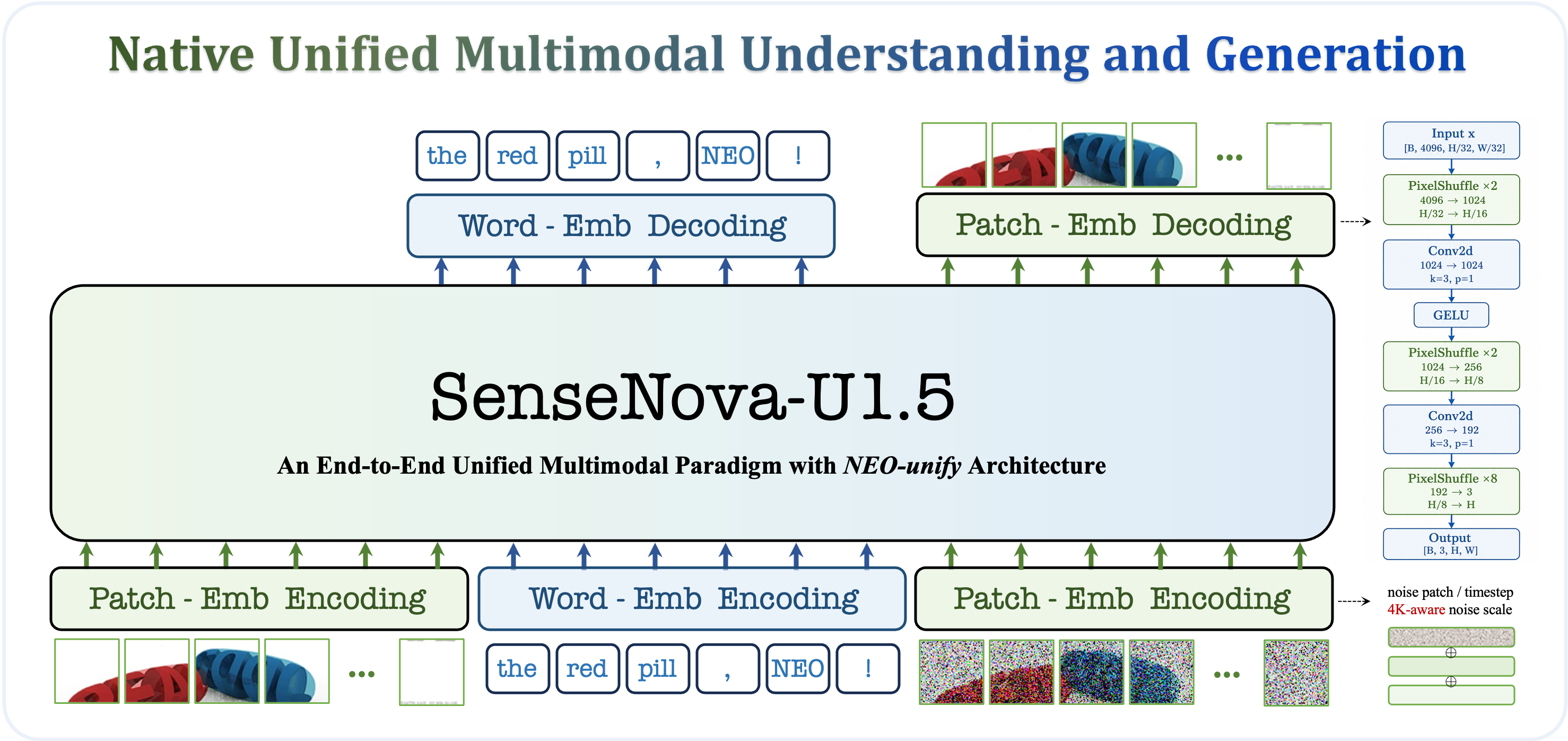
Overview of the technical advances in SenseNova-U1.5 (Preview)
SenseNova-U1.5 (Preview) is a natively unified multimodal model built on
NEO-unify, featuring new patch encoding and decoding layers. We further expand and refine the text-to-image training corpus, while extensively filtering and synthesizing editing data for both single-image and multi-image reference settings. Hence, it shows a notable leap in native image generation and editing:
Native 4K generation with remarkable efficiency, preserving both global coherence and fine-grained detail at high resolution.
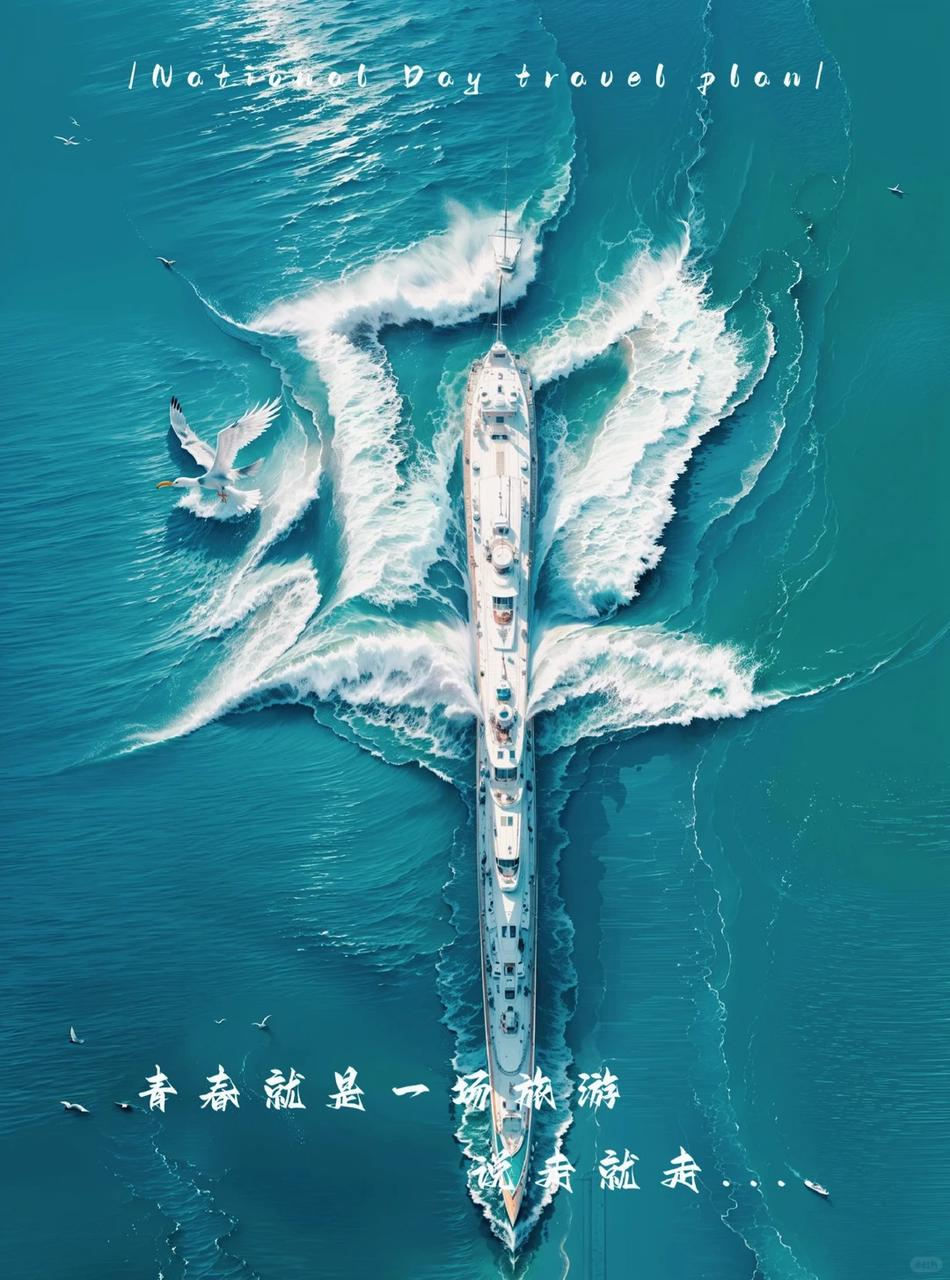
Striking improvements in texture, material, lighting, and realism, producing richer and more visually convincing images.
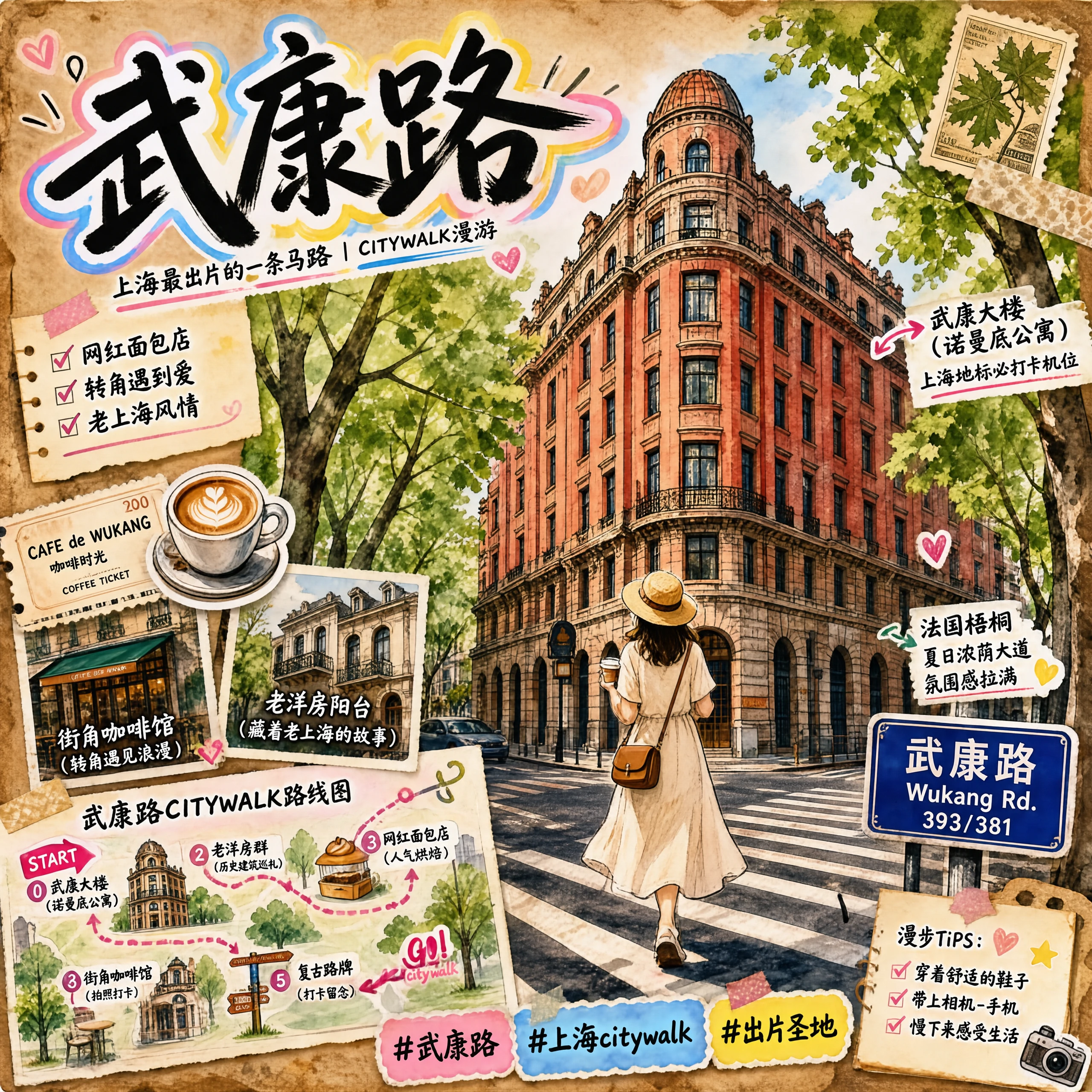
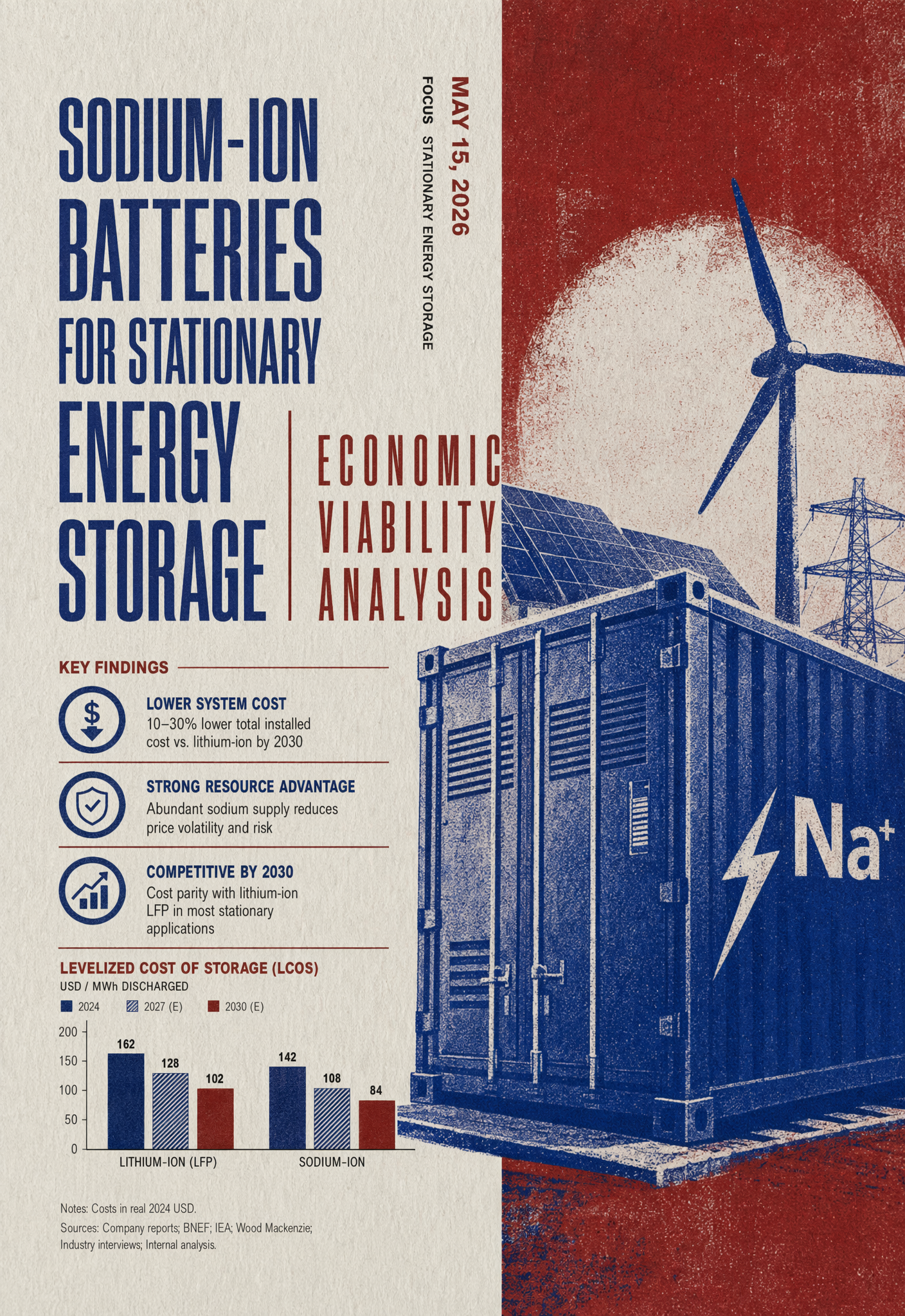
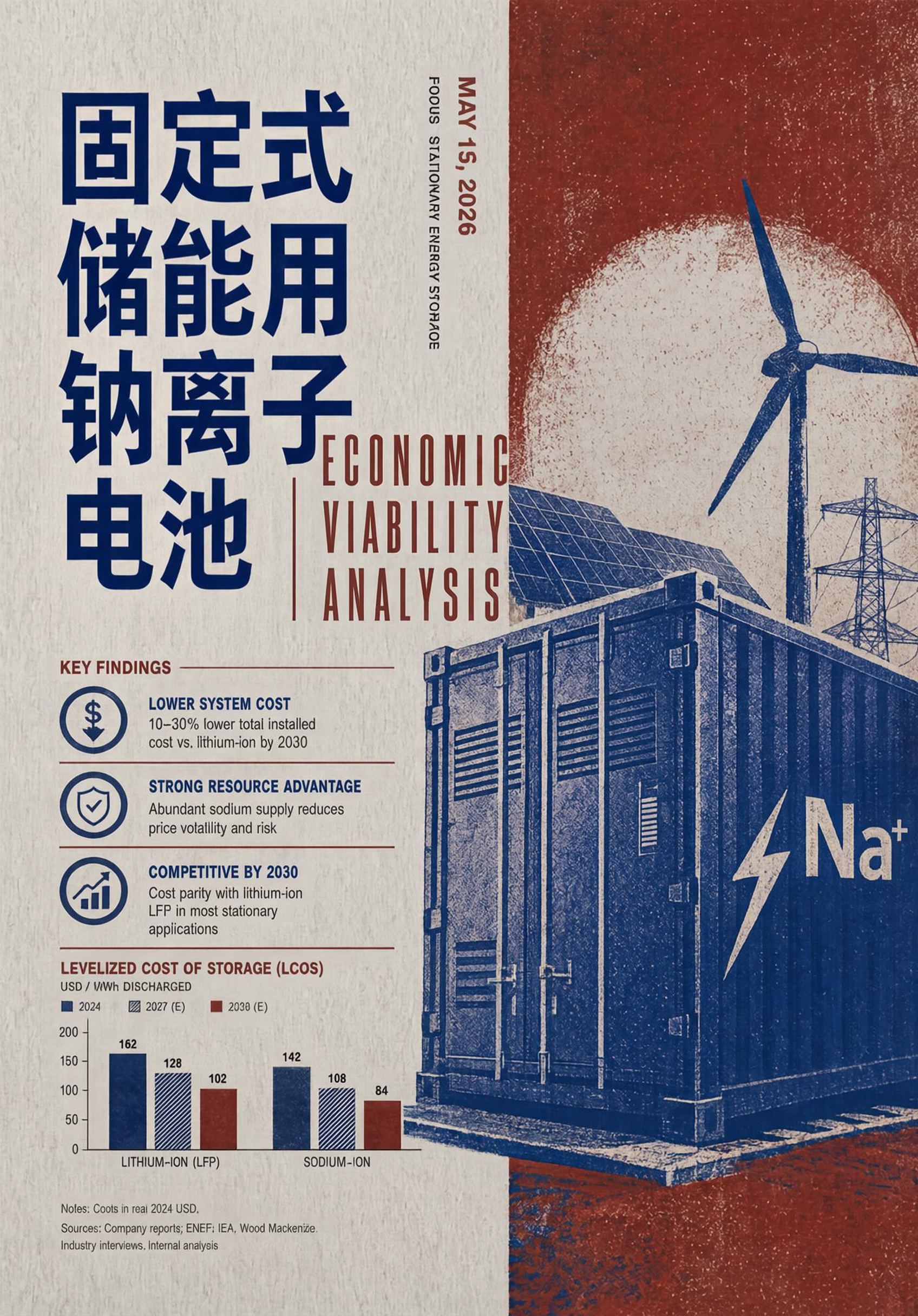
Substantially stronger Chinese and English text rendering, together with more reliable composition of dense and complex layouts.
A major step forward in image editing, with stronger instruction following, subject-identity preservation, and structural consistency.
Fine-grained, region-controllable editing through masks, bounding boxes, and visual markers.
📣 Updated News
[2026.07.31] Released SenseNova-U1.5-8B-MoT (Preview), featuring native 4K generation, finer textures, complex layouts, and stronger editing capability. We also open-sourced the pre-training launcher and configuration.
Click to expand the SenseNova U1 updated history
[2026.07.16] Released SenseNova-U1-8B-MoT-Infographic-V3 📊. The new version supports both infographic generation and editing. While retaining its infographic generation capabilities, it substantially improves local text, local content, global style, and global layout editing, including precise text correction in dense text. For model details and benchmark results, see ✨ U1 Infographic Model Series.
[2026.06.29] Released SenseNova-U1-8B-MoT-Infographic-V2 📊. This version improves dense small-text rendering with sharper character edges, strengthens layout generation for complex and information-dense graphics, improves overall visual quality and coherence, and fixes the black-background issue. For model details and visual examples, see ✨ U1 Infographic Model Series.
[2026.06.11] Released SenseNova-U1-8B-MoT-Interleaved 📖, optimized specifically for interleaved text-image generation. It substantially improves narrative coherence, character and style consistency, and text-image alignment across multi-page content such as picture books, storybooks, slide decks, and illustrated tutorials.
[2026.05.21] Released the full-parameter fine-tuning training code for SenseNova U1.
[2026.05.08] Added GGUF quantized-weight support and a layered-loading VRAM mode for inference on a single GPU with limited memory. See the low-VRAM inference guide. GGUF weights for SenseNova-U1-8B-MoT-Merger are available at 🤗 smthem/SenseNova-U1-8B-MoT-Merger-gguf. We thank @smthem for contributing the quantized weights to the community.
[2026.04.27] First released the SenseNova U1 inference code.
🔬 What U1.5 Improves
From Patchwise Prediction to Patch-Joint Reconstruction
SenseNova-U1's original MLP head reconstructs each RGB patch independently. At high resolutions, this can expose token boundaries as grid patterns, seams, or texture discontinuities. SenseNova-U1.5 instead adopts progressive spatial reconstruction via ConvDecoder: visual tokens are reshaped into a two-dimensional feature grid and upsampled through multiple Pixel Shuffle stages, with intermediate 3×3 convolutions enabling neighboring patches to interact and merge into a more continuous image.
Qualitative results show that this design substantially suppresses grid-like artifacts throughout pre-training. It also improves robustness during downstream adaptation, reducing the likelihood that similar artifacts re-emerge when fine-tuning on new domains.
From Instruction Following to Visual Preservation
SenseNova-U1 relied primarily on publicly available image-editing datasets, many of which contained noisy supervision, low-quality samples, and visible compositing or retouching artifacts. For SenseNova-U1.5, we extensively clean, filter, and synthesize the editing corpus, while improving Chinese–English balance and expanding coverage of both single-image and multi-image reference settings.
Quantitative results show that the encoder-free NEO-unify architecture achieves strong instruction following together with subject-identity and structural preservation using only a single sequence of reference-image tokens. This results in stronger editing performance and substantially higher inference efficiency, further validating the effectiveness of native unified multimodal modeling.
From Format Exposure to Cross-Task Generalization
The generation and editing corpora used to train SenseNova-U1.5 contain only a small number of simple JSON-formatted prompts, rather than long, hierarchical, or highly structured instructions. Besides, more complex JSON-like formats appear only in the understanding training data corpora, with substantially different content, structures and task objectives.
Despite this gap, it generalizes well to long and structured instructions in image generation and editing. This suggests that native unified multimodal modeling can combine capabilities learned from understanding and generation within a unified model, enabling structured comprehension and visual planning to transfer across tasks without dedicated training on fixed prompt templates.
✨ What U1.5 Achieves
🖼️ Text-to-Image
Qwen-Image Bench
Model
Quality
Aesthetics
Alignment
Real-world Fidelity
Creative Generation
Overall
EN ↑
ZH ↑
EN ↑
ZH ↑
EN ↑
ZH ↑
EN ↑
ZH ↑
EN ↑
ZH ↑
EN ↑
ZH ↑
GLM Image
49.86
49.26
49.98
50.64
47.49
47.90
44.25
44.69
44.67
45.23
47.86
48.19
Qwen Image
48.45
48.44
51.18
52.25
50.04
50.72
43.45
43.16
45.37
47.30
48.48
49.23
HunyuanImage 3.0
50.76
50.35
54.66
53.57
53.16
52.00
45.33
44.31
48.33
49.12
51.35
50.81
Qwen Image 2512
51.84
51.76
54.40
54.74
51.44
52.72
47.80
47.00
47.75
50.19
51.32
52.06
GPT Image 1
52.50
52.34
55.77
55.09
55.35
56.28
48.25
48.14
57.29
55.78
54.24
54.07
Qwen Image 2*
53.60
53.09
57.51
56.30
56.48
57.48
52.17
51.74
57.40
59.01
55.69
55.63
GPT Image 2
59.09
58.65
68.48
67.53
65.78
65.85
59.40
57.38
75.34
75.23
65.23
64.69
U1
47.30
45.79
50.30
47.07
50.58
47.78
43.13
42.53
46.15
43.88
48.28
45.99
U1.5-Preview
49.14
49.19
52.02
51.87
52.46
52.61
45.22
45.11
47.23
48.80
49.93
50.25
U1.5-Preview†
50.21
50.01
57.26
56.44
58.52
59.28
48.26
48.24
60.43
60.95
55.17
55.22
Note: Qwen Image 2* denotes our evaluation results; U1.5-Preview† denotes results obtained using Prompt Enhance (PE), implemented following the Cosmos3 upsampling strategy..
✏️ Image Editing
Model
ImgEdit-Bench
GEdit-Bench
WeEdit
Overall ↑
EN GO ↑
CN GO ↑
IA ↑
TC ↑
BP ↑
Average ↑
Qwen-Image-Edit-2511
4.51
7.877
7.819
3.180
3.930
4.630
3.913
Qwen-Image-2
4.28
8.369
8.348
5.044
6.079
5.680
5.601
FireRed-Image-Edit
4.56
7.943
7.887
4.150
6.330
7.140
5.873
LongCat-Image-Edit
4.45
7.748
7.731
3.390
5.590
6.710
5.230
HY-Image-3-Instruct
—
—
—
4.160
5.990
7.030
5.727
Nano-Banana
4.29
7.291
7.399
3.920
7.140
7.800
6.287
Nano-Banana-Pro
4.37
7.738
7.799
8.580
9.100
8.850
8.843
GPT-Image-1.5
—
—
—
6.520
7.780
6.150
6.817
U1
3.90
7.470
7.420
5.729
6.604
7.157
6.497
U1.5-Preview
4.37
8.172
8.051
6.532
7.271
6.752
6.852
🎨 Showcases
🖼️ Text-to-Image Showcase
The following examples cover several types of text-to-image tasks. Click a title
in the left column to expand the complete original prompt.
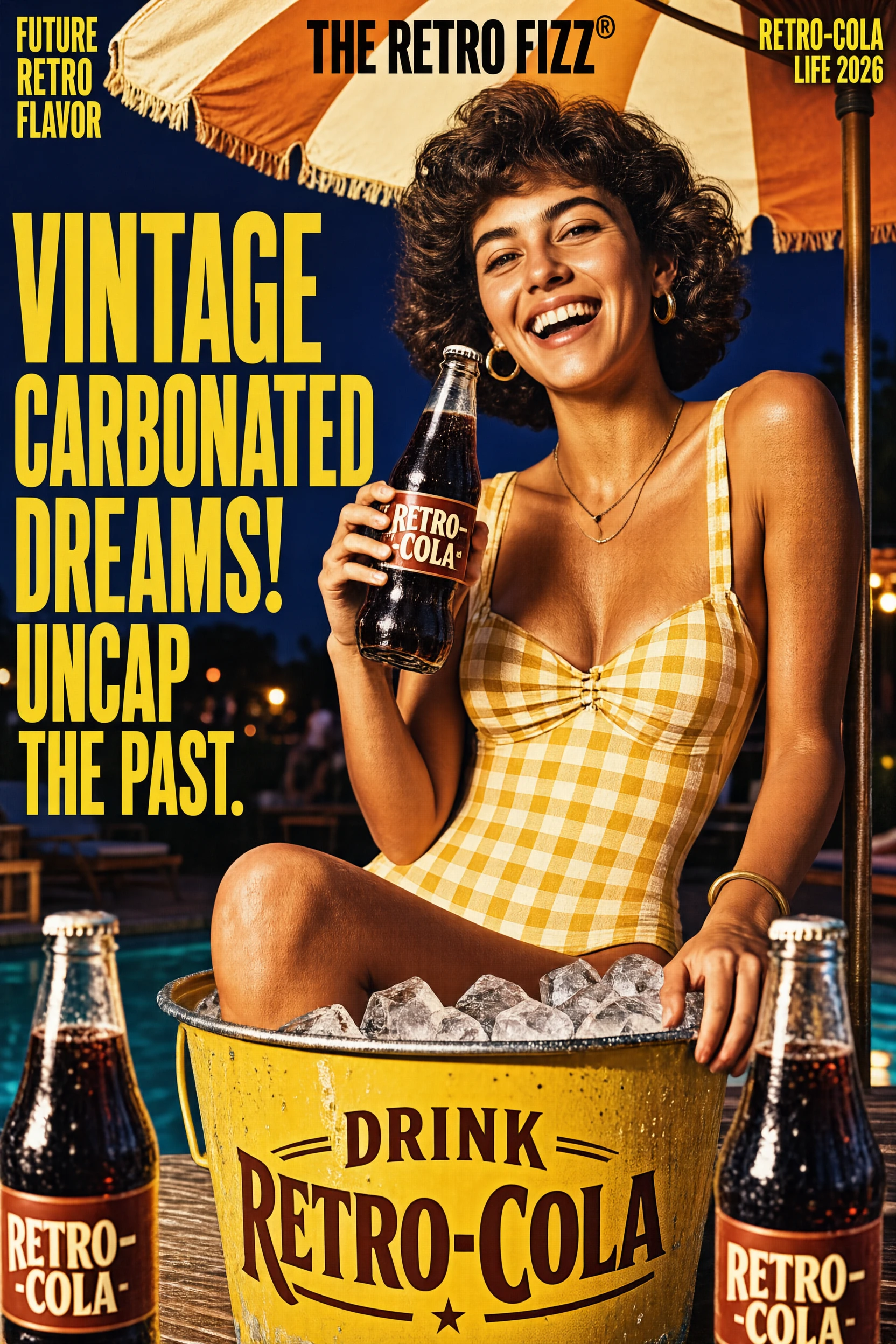
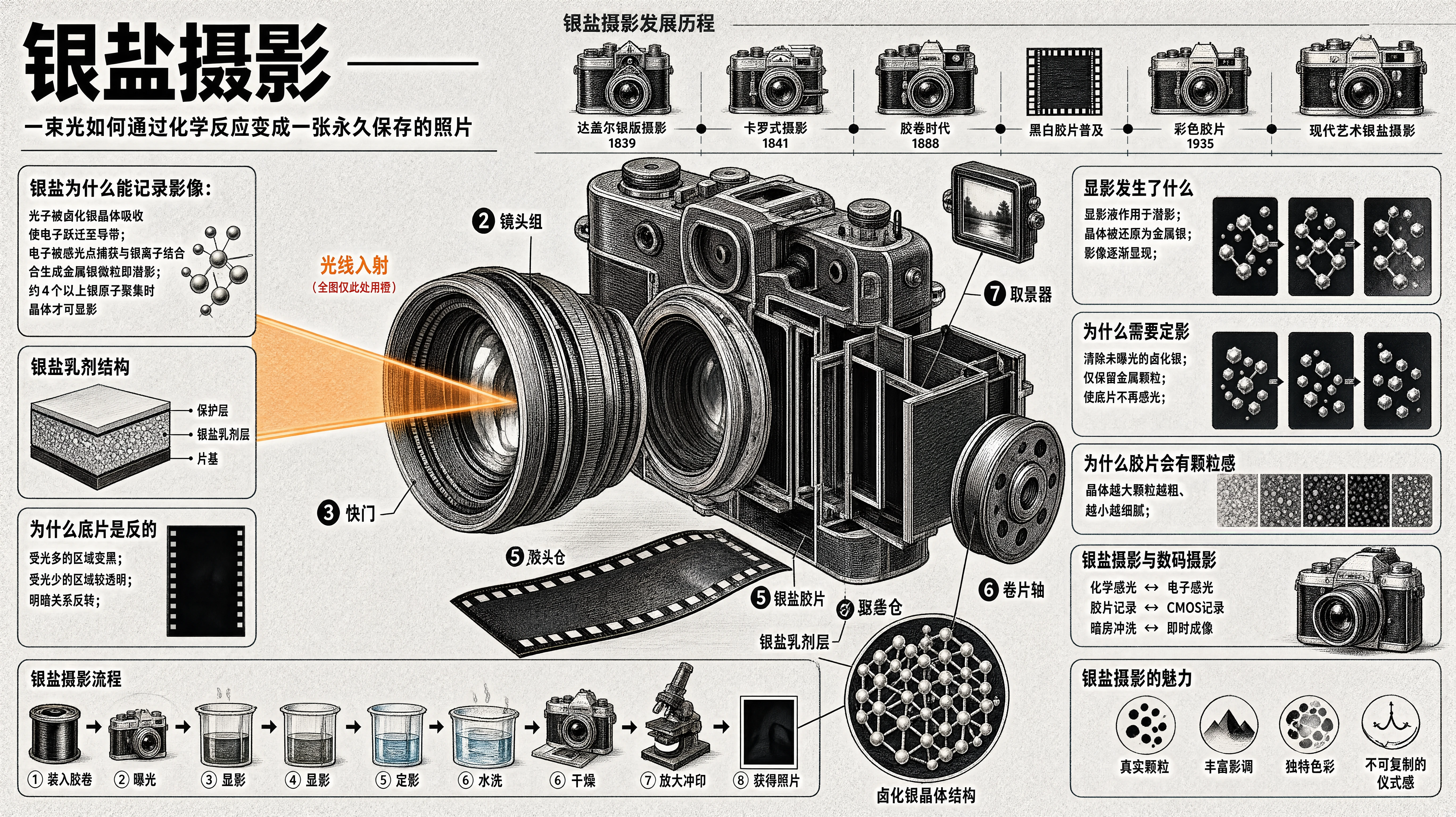
Vintage soda advertisement generated by SenseNova-U1.5 (Preview)
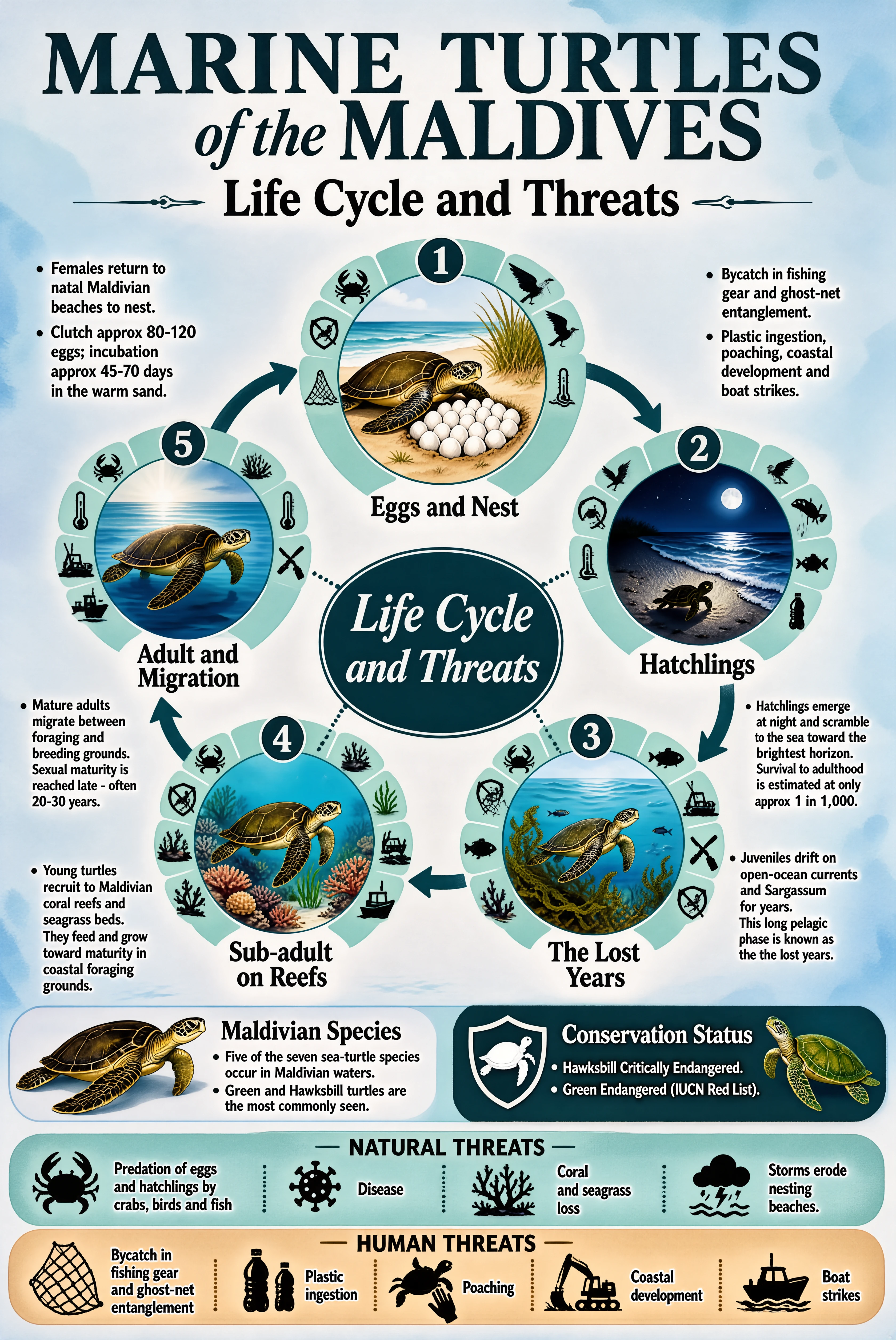
Marine turtle educational infographic
{
"type": "circular life-cycle educational infographic poster",
"theme": "MARINE TURTLES of the MALDIVES - Life Cycle and Threats",
"language": "English",
"priority_emphasis": [
"TOP PRIORITY: all text crisp, correctly spelled, plain letters and numbers only - no strange symbols or garbled characters",
"core structure: a circular five-stage life cycle arranged clockwise around a central dark-teal oval label, with curved arrows connecting the stages",
"style: soft watercolor natural-history illustration inside each stage circle, combined with clean flat icons and elegant serif typography",
"calm coastal palette: soft ocean teals and blues on a very light blue-white background, one warm sand-beige accent band"
],
"canvas": {
"aspect_ratio": "2:3",
"orientation": "vertical poster",
"resolution_hint": "high resolution, refined print-quality detail",
"background": "very light blue-white with a subtle watercolor wash texture"
},
"style": {
"overall": "elegant marine conservation poster - watercolor illustration meets clean infographic design",
"visual_tone": "calm, natural, scientific, gentle",
"art_direction": "each life stage is a circular watercolor vignette with soft edges; around each vignette a pale-teal arc segmented into small flat threat icons; bold curved teal arrows link the stages clockwise; dotted lines connect stages to the center",
"color_palette": [
"deep ocean teal (headings, arrows, icons)",
"soft aqua and powder blue (arcs and fills)",
"muted seafoam green",
"warm sand beige (bottom accent band)",
"very light blue-white background"
],
"saturation": "low to medium, watercolor softness, no bright colors",
"typeface": "classic serif in dark teal - large elegant serif for the title with an italic word, medium serif for stage names and section headers, clean sans-serif regular for body bullets",
"references": ["natural history watercolor plates", "marine conservation posters", "editorial life-cycle diagrams"]
},
"layout": {
"header": {
"title": "MARINE TURTLES of the MALDIVES - large dark-teal serif, the words of the in elegant italic",
"subtitle": "Life Cycle and Threats - medium serif flanked by small decorative dashes"
},
"central_hub": "a solid dark-teal oval in the middle of the cycle with white italic serif text: Life Cycle and Threats",
"life_cycle_ring": {
"arrangement": "five stages arranged clockwise: stage 1 top center, stage 2 right, stage 3 lower right, stage 4 lower left, stage 5 left; bold curved teal arrows between consecutive stages; thin dotted lines from each stage toward the central oval",
"stage_design": "each stage has a numbered dark-teal circle badge on top, a round watercolor illustration, a serif stage name below, and a pale-teal arc of 4-5 small flat threat icons hugging the outer side of the circle (crab, bird, fish, thermometer, net, plastic bottle, no-poaching sign, excavator, boat as appropriate)",
"stages": [
{"number": "1", "name": "Eggs and Nest", "illustration": "watercolor female turtle on warm sand laying a clutch of white eggs among beach grass", "side_text": "left column bullets: Females return to natal Maldivian beaches to nest. Clutch approx 80-120 eggs; incubation approx 45-70 days in the warm sand.", "right_text": "right column bullets: Bycatch in fishing gear and ghost-net entanglement. Plastic ingestion, poaching, coastal development and boat strikes."},
{"number": "2", "name": "Hatchlings", "illustration": "watercolor night beach scene with a tiny hatchling scrambling toward moonlit waves", "side_text": "bullets: Hatchlings emerge at night and scramble to the sea toward the brightest horizon. Survival to adulthood is estimated at only approx 1 in 1,000."},
{"number": "3", "name": "The Lost Years", "illustration": "watercolor juvenile turtle drifting among Sargassum seaweed and small fish in open blue water", "side_text": "bullets: Juveniles drift on open-ocean currents and Sargassum for years. This long pelagic phase is known as the lost years."},
{"number": "4", "name": "Sub-adult on Reefs", "illustration": "watercolor young turtle swimming over coral reef and seagrass", "side_text": "bullets: Young turtles recruit to Maldivian coral reefs and seagrass beds. They feed and grow toward maturity in coastal foraging grounds."},
{"number": "5", "name": "Adult and Migration", "illustration": "watercolor mature turtle swimming through open water with light rays", "side_text": "bullets: Mature adults migrate between foraging and breeding grounds. Sexual maturity is reached late - often 20-30 years."}
]
},
"species_status_row": {
"left": "a watercolor hawksbill turtle illustration beside header Maldivian Species with bullets: Five of the seven sea-turtle species occur in Maldivian waters. Green and Hawksbill turtles are the most commonly seen.",
"right": "a dark-teal shield icon with a white turtle silhouette beside header Conservation Status with bullets: Hawksbill Critically Endangered. Green Endangered (IUCN Red List). A second watercolor green turtle illustration at the far right."
},
"threat_bands": {
"natural": "a full-width pale-teal rounded band titled NATURAL THREATS with four icon-text pairs separated by dotted dividers: crab icon - Predation of eggs and hatchlings by crabs, birds and fish; virus icon - Disease; coral icon - Coral and seagrass loss; storm cloud icon - Storms erode nesting beaches.",
"human": "below it a full-width warm sand-beige rounded band titled HUMAN THREATS with five icon-text pairs: fishing net - Bycatch in fishing gear and ghost-net entanglement; plastic bottles - Plastic ingestion; turtle with hand - Poaching; excavator - Coastal development; boat - Boat strikes."
}
},
"composition_rules": [
"the five-stage ring is the dominant structure, evenly spaced around the central oval",
"watercolor vignettes share a consistent illustration style and scale",
"threat-icon arcs hug each stage circle on its outer side without touching neighboring elements",
"side text columns sit outside the ring, aligned left or right, never overlapping the cycle",
"curved arrows are bold and smooth, clearly showing clockwise flow",
"the two threat bands stretch the full width at the bottom with even icon spacing",
"generous breathing room, nothing touches the poster edges"
],
"quality_tags": [
"watercolor natural-history illustration",
"circular life-cycle diagram",
"marine conservation poster",
"soft coastal palette",
"elegant serif typography",
"clean flat icon system",
"crisp accurate text",
"high detail"
],
"negative_prompt": [
"garbled text",
"misspelled words",
"strange symbols",
"blurry small labels",
"bright neon colors",
"oversaturated palette",
"photorealistic turtles",
"3D render look",
"cartoon childish style",
"cluttered overlapping elements",
"broken cycle arrows",
"wrong number of stages",
"watermark",
"low resolution"
]
}
Marine turtle educational infographic generated by SenseNova-U1.5 (Preview)
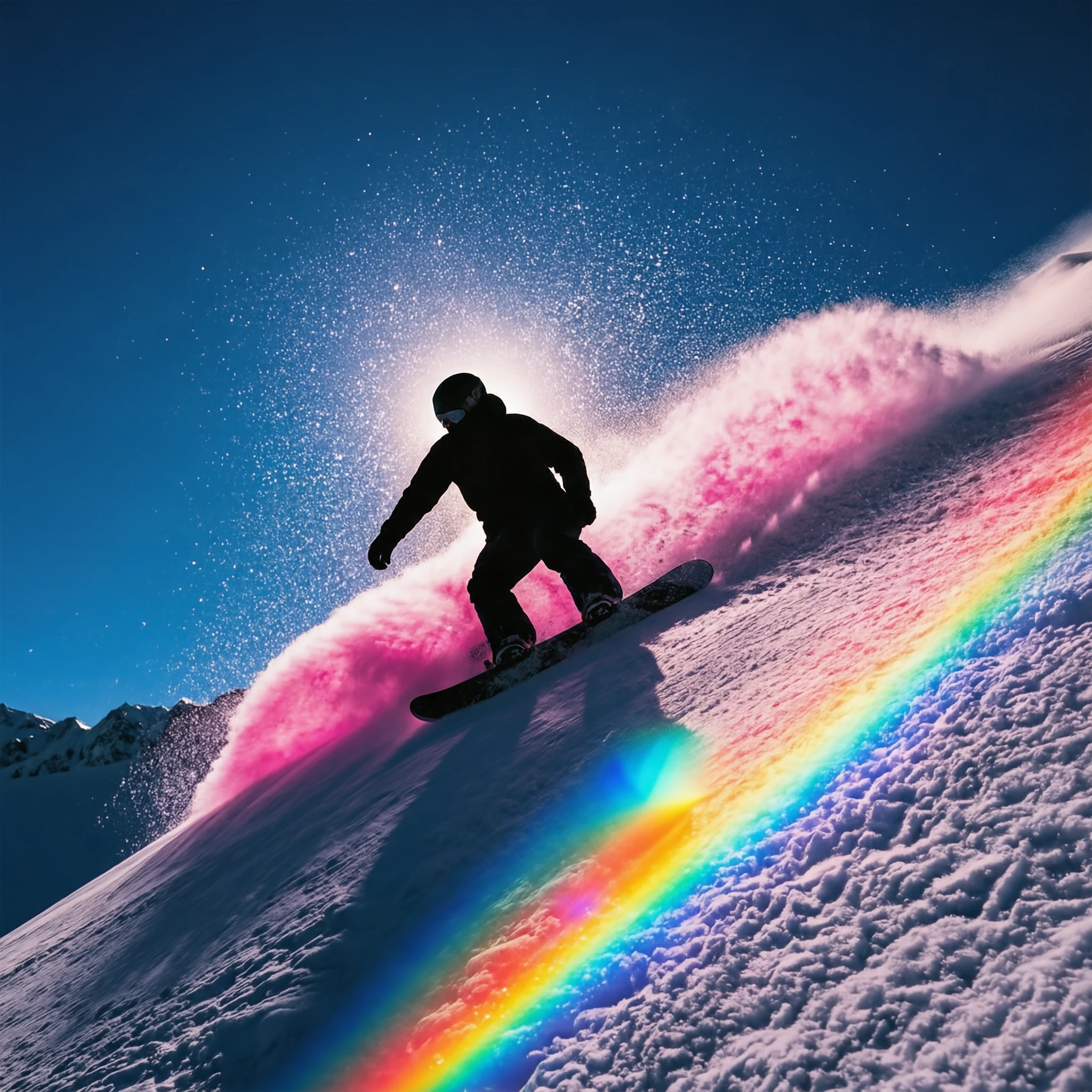
High-dynamic-range snowboarding photograph generated by SenseNova-U1.5 (Preview)
✏️ Image Editing Showcase
Click a prompt to expand the full text. Click an image to view it at its original
resolution.
Prompt
Input Image
Output Image
Reference-Image Style Editing
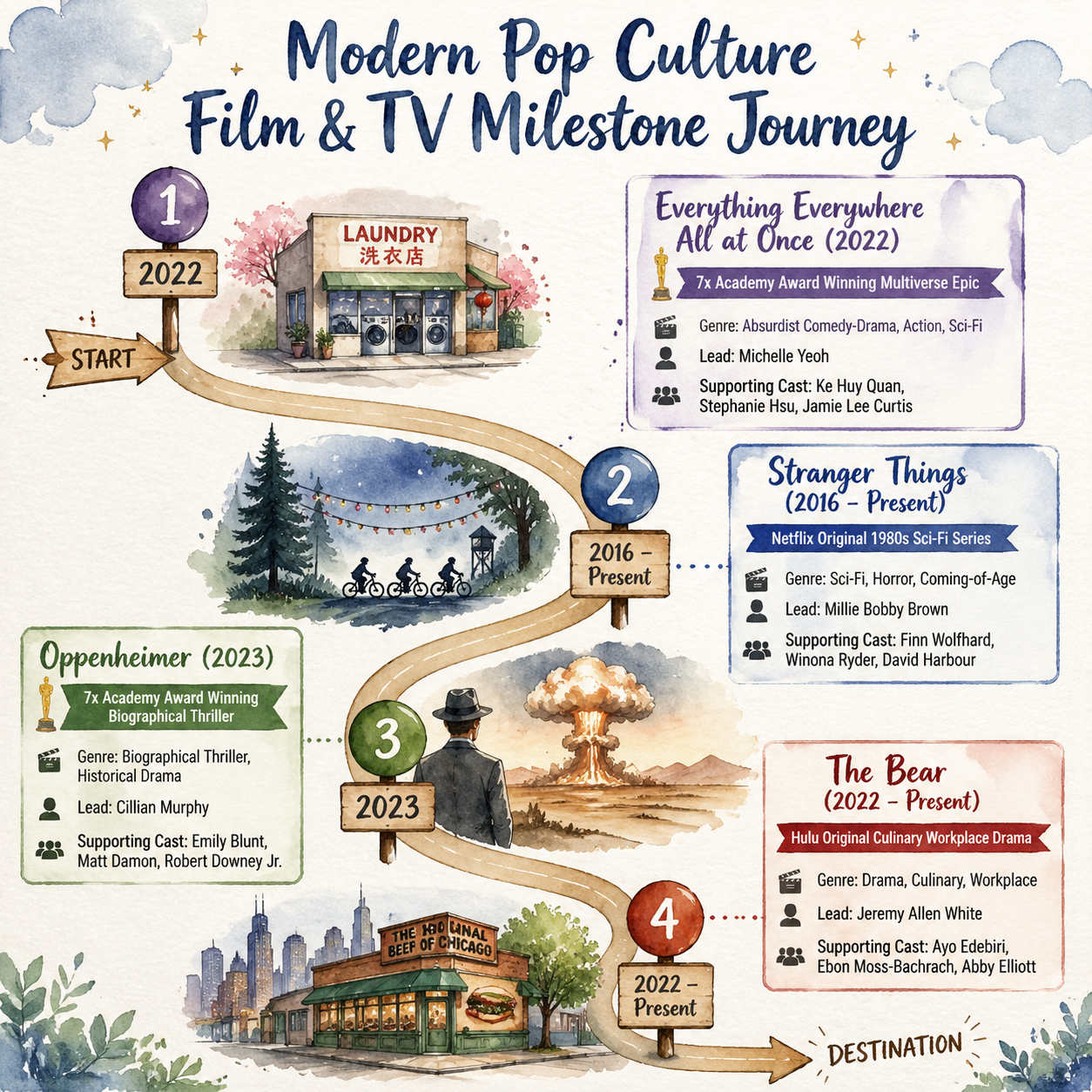
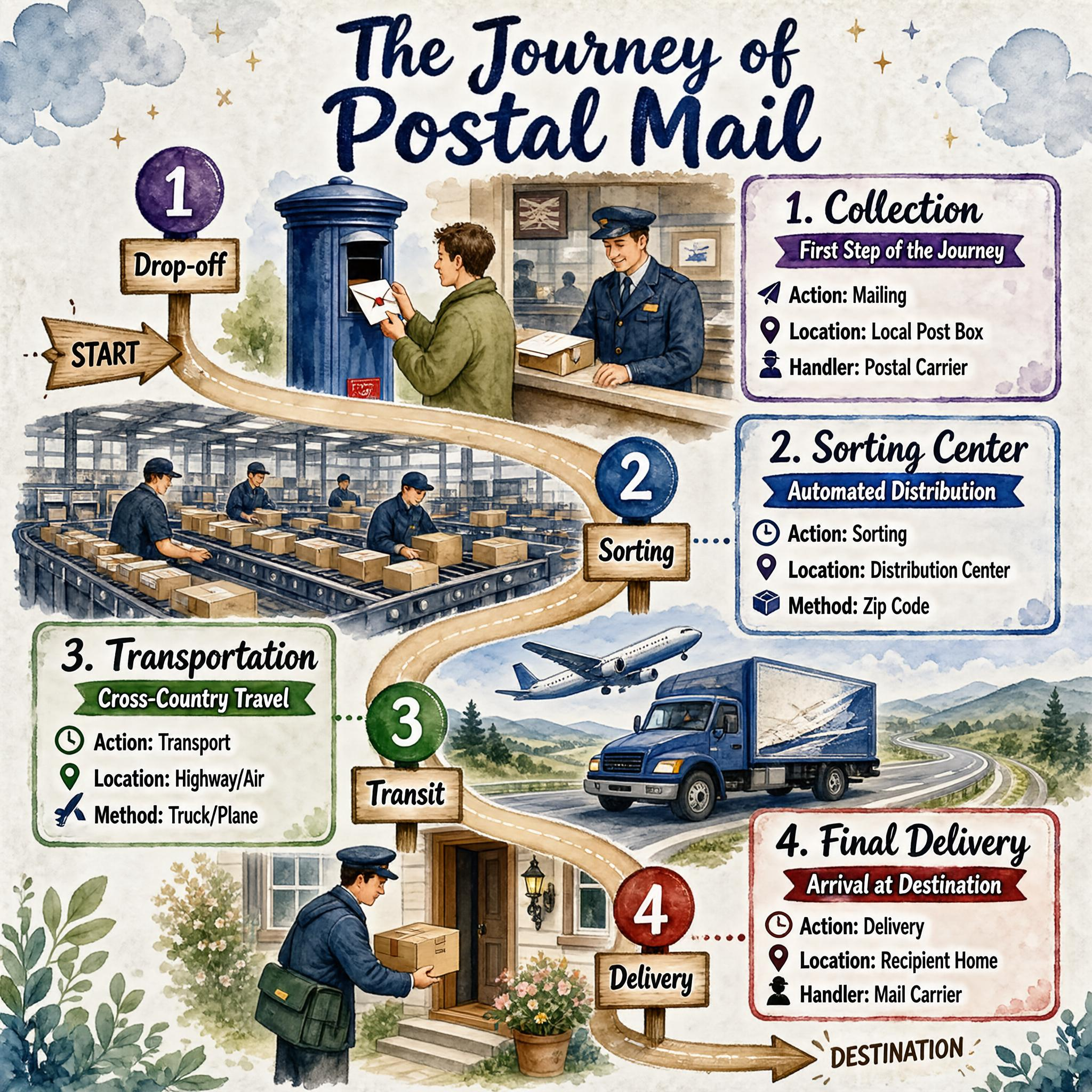
Create an infographic titled "The Journey of Postal Mail" using the watercolor illustration style of the reference image. The background should resemble textured paper with soft watercolor clouds, stars, and leafy plants in the corners.
[object Object]
[object Object]
Use a dark blue brush-script font for the main title "The Journey of Postal Mail" at the top center. Ensure text boxes have rounded corners, colored borders matching their respective milestone markers, and small icons next to the list items (e.g., a location pin, a clock, a person icon).
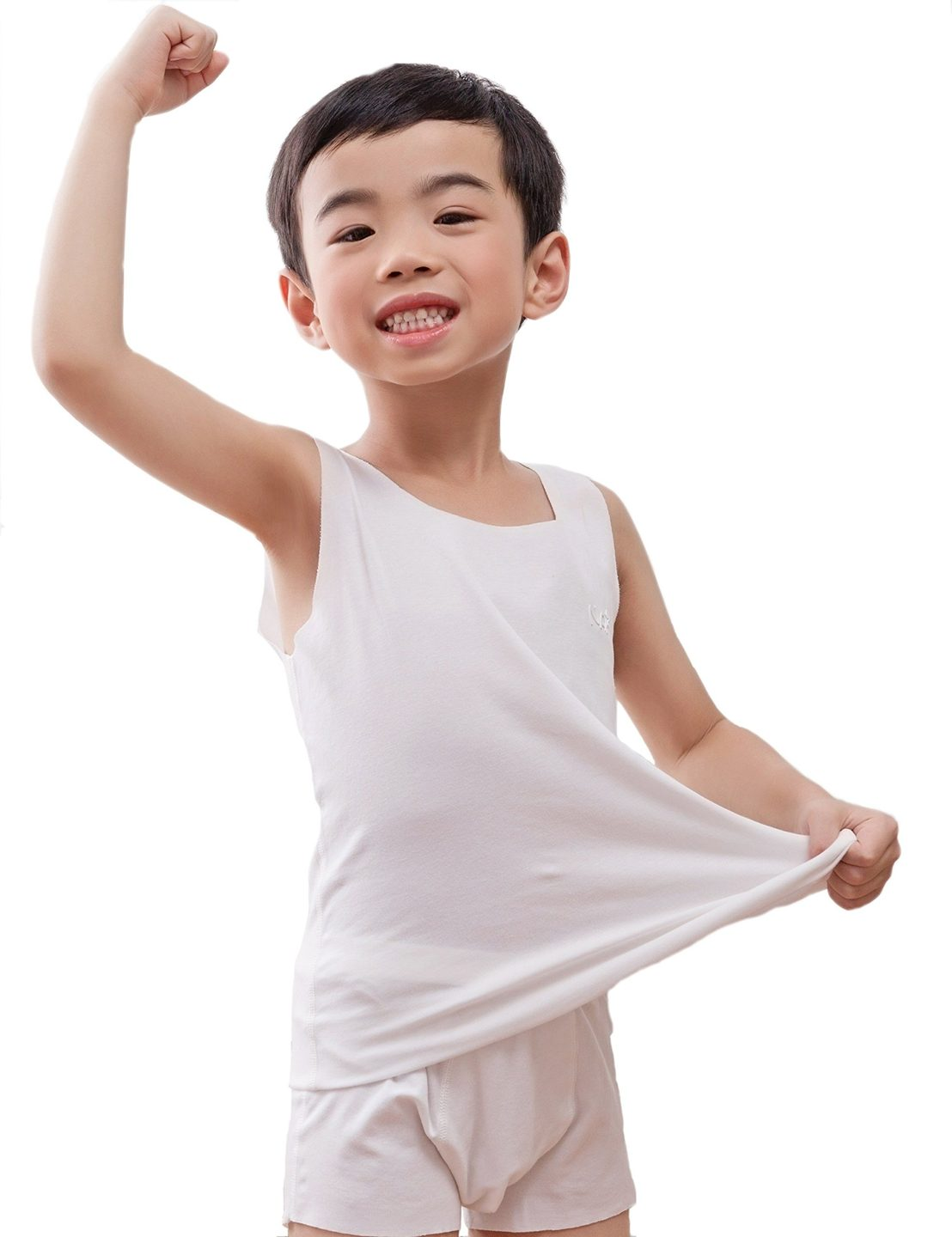
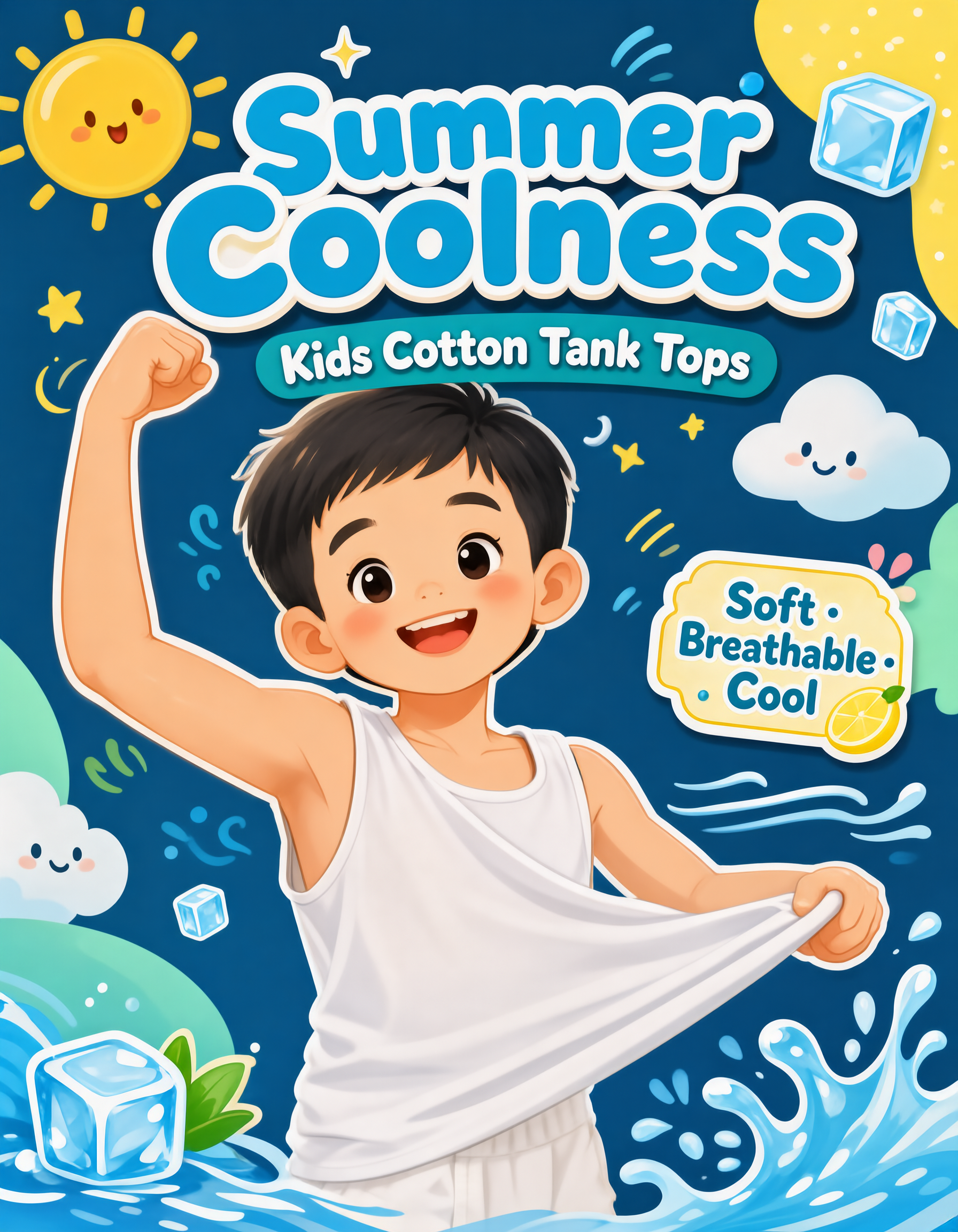
Use the provided photo as the main subject reference: keep the young boy’s identity, cheerful smile, short black hair, raised flexing arm pose, and white cotton tank top. Create a Xiaohongshu cover design promoting kids’ cool summer cotton tank tops.


[object Object]
[object Object]
[object Object]
Make the final image look like a polished Xiaohongshu product cover: cute, clean, colorful, eye-catching, and suitable for promoting children’s summer clothing. Preserve the boy’s friendly expression and natural proportions. Avoid changing him into an adult, avoid adding unrelated products, and keep all text clear and correctly spelled.
We aim to present SenseNova-U1.5 (Preview) with clear expectations. Its current limitations include:
Unintended text generation from short or underspecified prompts.
Errors in dense or lengthy text, especially for small characters and mixed Chinese-English content.
Incomplete adherence to complex layouts, including exact counts, alignment, and hierarchical structure.
Instability in small faces, hands, limbs, and fine-grained object details.
Drift in complex edits, particularly across broad, multi-turn, or multi-reference instructions.
To help users better reach the model’s current capability ceiling, we provide two optional open-source practices.
🧰 Best Practices [Strong Recommendation]
For tasks with a clear subject and few constraints, a direct natural-language
prompt is sufficient. The two paths below are mainly intended for tasks where
the design information is incomplete or where users want to re-create a mature
visual solution from a reference. They are optional workflows external to the
model and should not be conflated with the raw model's capabilities.
Path A: SenseNova Image PE Skill
Use this path when the input is only a short creative brief. The Skill turns
the brief into a compact Render JSON prompt while preserving required subjects,
visible copy, counts, layout constraints, and exclusions.
Installation
From the repository root, copy the Skill to the agent skills directory:
A Skill is a set of task instructions and references for an Agent, not a
standalone program. After installation, invoke
sensenova-u1-5-prompt-enhancement using your Agent's Skill mechanism and
submit the request below. The Agent follows SKILL.md and the material in
references/ to turn the brief into Render JSON. Invocation syntax varies by
Agent. $SKILL_DIR is only the shell variable used by the installation command
for the target directory.
text
1Convert the brief below into one compact Render JSON object. Save only the JSON
2object, without Markdown fences, to enhanced_prompt.json.
34Brief:
5Design a 3:4 portrait autumn lakeside wedding invitation with embossed paper
6and delicate botanical linework. Use only this copy: "OUR DAY / AUTUMN WEDDING
7/ 10.18 / LAKESIDE GARDEN".
Use the checked-in Render JSON to generate an image with SenseNova-U1.5:
When abstract style terms are not enough to describe a design target accurately,
a more direct approach is to first retrieve a reference image with a high degree
of design completeness, then use our Caption script to convert the visual
decisions in that reference into an editable prompt:
text
1Creative objective
2  └─► Retrieve and select a reference image
3      └─► SenseNova Caption Script
4          └─► Composition / hierarchy / palette / typography / materials / lighting / constraints
5              └─► Replace the theme, content, copy, subject, or local structure
6                  └─► Re-create or reinterpret with SenseNova-U1.5
The key to this path is not simply copying a reference image, but decomposing
why the design works into an executable description for the model. The Caption
script attempts to extract the layout grid, visual focus, typographic hierarchy,
color palette, materials, camera, lighting, and negative constraints. Users can
then preserve the design language while replacing the theme, copy, subject, or
local structure. When using external reference images, ensure that their source,
authorization, and use comply with the applicable licenses.
1pip install openai pillow
2exportOPENAI_API_KEY="your-api-key"34# Output a structured JSON prompt and a natural-language prompt5python src/sensenova_u1_5/caption/caption.py path/to/reference.jpg
67# Save the result for subsequent changes to the theme, copy, subject, or local structure8python src/sensenova_u1_5/caption/caption.py path/to/reference.jpg > result.json
The following example uses the Caption script to produce a structured
description, result.json, from the original
reference image. It then uses that description for image reconstruction and for
localized text and object edits.
Only a short creative brief is available, but a complete design plan should be filled in automatically
SenseNova Image PE Skill
An ideal composition or visual language has already been found and should be re-created, rethemed, or modified
Reference-image retrieval + Caption-to-Prompt
Editing PE
Editing PE is a prompt-preprocessing step for image editing and
reference-guided generation. It sends the ordered input image(s) together with
the original instruction to a multimodal prompt rewriter, which preserves the
user's language and core intent while making the request more explicit for the
image model. Depending on the task, it can clarify the edit target and location,
assign roles to multiple reference images, extract a reference's visual
language, specify exact text and layout, and state which subjects or regions
must remain unchanged. The rewritten prompt is then passed to SenseNova-U1.5 for image
generation; Editing PE does not modify pixels itself.
The standalone implementation is available at
src/sensenova_u1_5/edit/edit_pe.py.
To inspect the rewritten prompt without starting image generation:
The command prints the rewritten prompt to standard output. Multiple input
images can be listed in order before the original prompt.
In examples/editing/inference.py, Editing
PE is disabled by default. Enable it with --use-edit-pe and set
OPENAI_API_KEY. Use --print-edit-pe to inspect the original and rewritten
prompts, or --edit-pe-model to select the rewriter model. For multi-image
tasks, provide the images in the intended order and describe each image's role
in the original instruction.
The following example shows how a short style-reference request is expanded
into a detailed, model-facing instruction, and compares the outputs before and
after enhancement.
The upstream environment currently uses Python 3.11, PyTorch 2.8, and CUDA 12.8.
For other CUDA versions and optional FlashAttention configurations, see the
installation guide.
🖼️ Text-to-Image
bash
1python examples/t2i/inference.py \2 --model_path sensenova/SenseNova-U1.5-8B-MoT-Preview \3 --prompt "A cinematic mountain lake at sunrise, realistic photography."\4 --width 2048 --height 2048\5 --device_map auto \6 --output output.png
✏️ Image Editing
bash
1python examples/editing/inference.py \2 --model_path sensenova/SenseNova-U1.5-8B-MoT-Preview \3 --image input.png \4 --prompt "Change the jacket to cobalt blue. Preserve the face, pose, background, lighting, and framing."\5 --output edited.png
To use Image PE to generate a more detailed model-facing editing prompt:
The reference configuration for SenseNova-U1.5 is cfg_scale=4.0,
timestep_shift=3.0, and num_steps=50.
Training
The SenseNova-U1.5 generation pre-training code is available in the
training directory. After configuring the model,
tokenizer, and data paths, launch the provided pixel-head PT recipe with:
If this project is helpful for your research, please consider star ⭐ and citation 📝 :
bibtex
1@article{sensenova2026sensenovau1,
2  title   = {SenseNova-U1: Unifying Multimodal Understanding and Generation with NEO-unify Architecture},
3  author  = {Diao, Haiwen and Wu, Penghao and Deng, Hanming and Wang, Jiahao and Bai, Shihao and Wu, Silei and Fan, Weichen and Ye, Wenjie and Tong, Wenwen and Fan, Xiangyu and others},
4  journal = {arXiv preprint arXiv:2605.12500},
5  year    = {2026}
6}