


Views
No views yet
gguf-connector; simply execute the command below in console/terminalggc h6GGUF file(s) available. Select which one to use:
- higgs-audio-3b-q5_1.gguf
- higgs-audio-3b-q6_k.gguf
- higgs-audio-3b-q8_0.gguf
Enter your choice (1 to 3): _
gguf file in your current directory to interact with; nothing else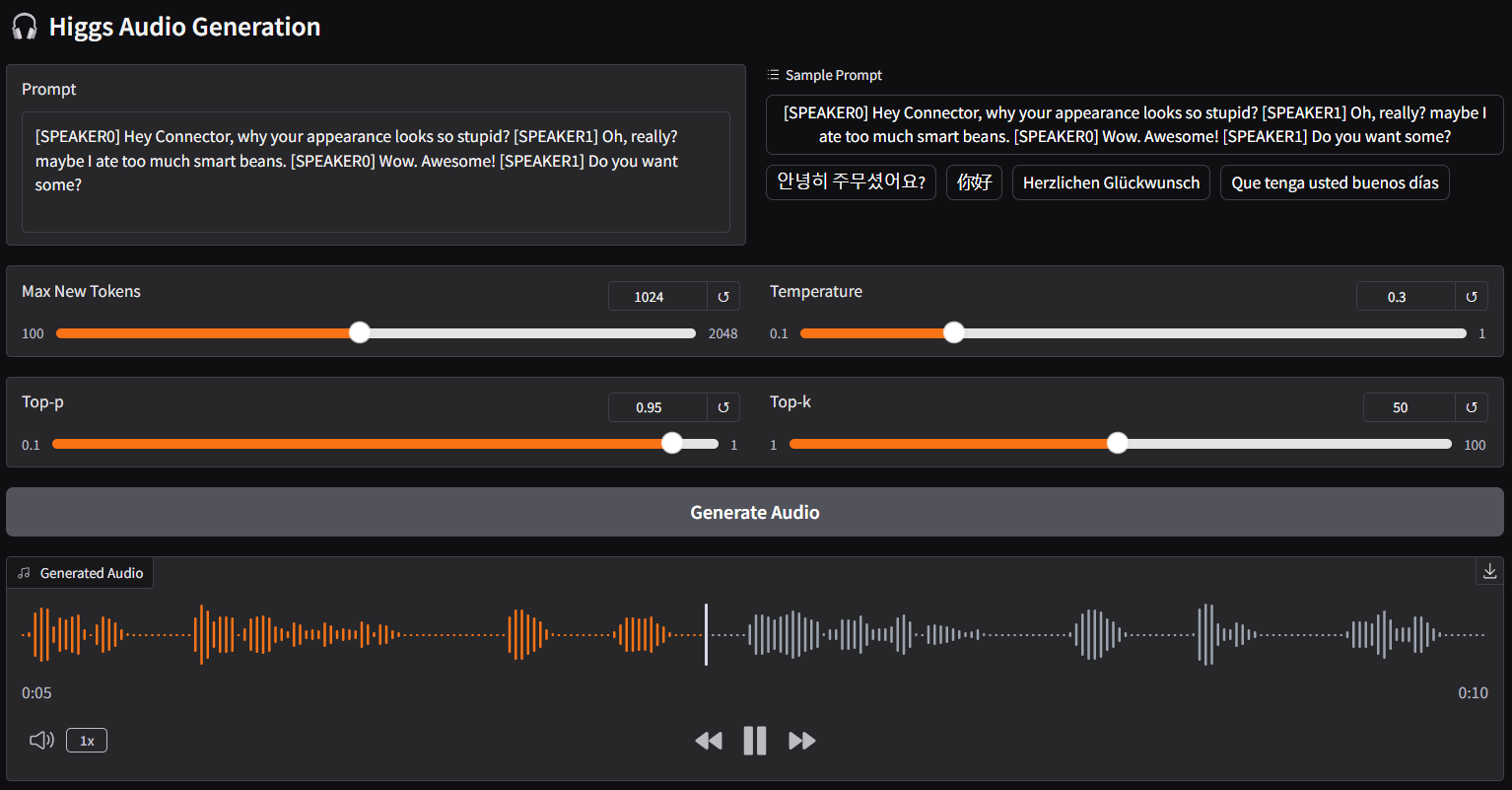
| Prompt | Audio Sample |
|---|---|
[SPEAKER0] Hey Connector, why your appearance looks so stupid?[SPEAKER1] Oh, really? maybe I ate too much smart beans.[SPEAKER0] Wow. Awesome![SPEAKER1] Do you want some? | 🎧 audio-1-english |
안녕히 주무셨어요? | 🎧 audio-2-korean |
你好 | 🎧 audio-3-chinese |
Herzlichen Glückwunsch | 🎧 audio-4-german |
Que tenga usted buenos días | 🎧 audio-5-spanish |
こんにちは | 🎧 audio-6-japanese |
ggc h2ggc h6, for ggc h2, you don't need gguf files; model file(s) will be pulled to local cache automatically during the first launch; then opt to run it entirely offline; i.e., from local URL: http://127.0.0.1:7860 with lazy webui