I've been experimenting with a new quantization approach that selectively elevates the precision of key layers beyond what the default IMatrix configuration provides.
In my testing, standard IMatrix quantization underperforms at lower bit depths, especially with Mixture of Experts (MoE) models. To address this, I'm using the --tensor-type option in llama.cpp to manually "bump" important layers to higher precision. You can see the implementation here:
👉 Layer bumping with llama.cpp
While this does increase model file size, it significantly improves precision for a given quantization level.
I'd love your feedback—have you tried this? How does it perform for you?
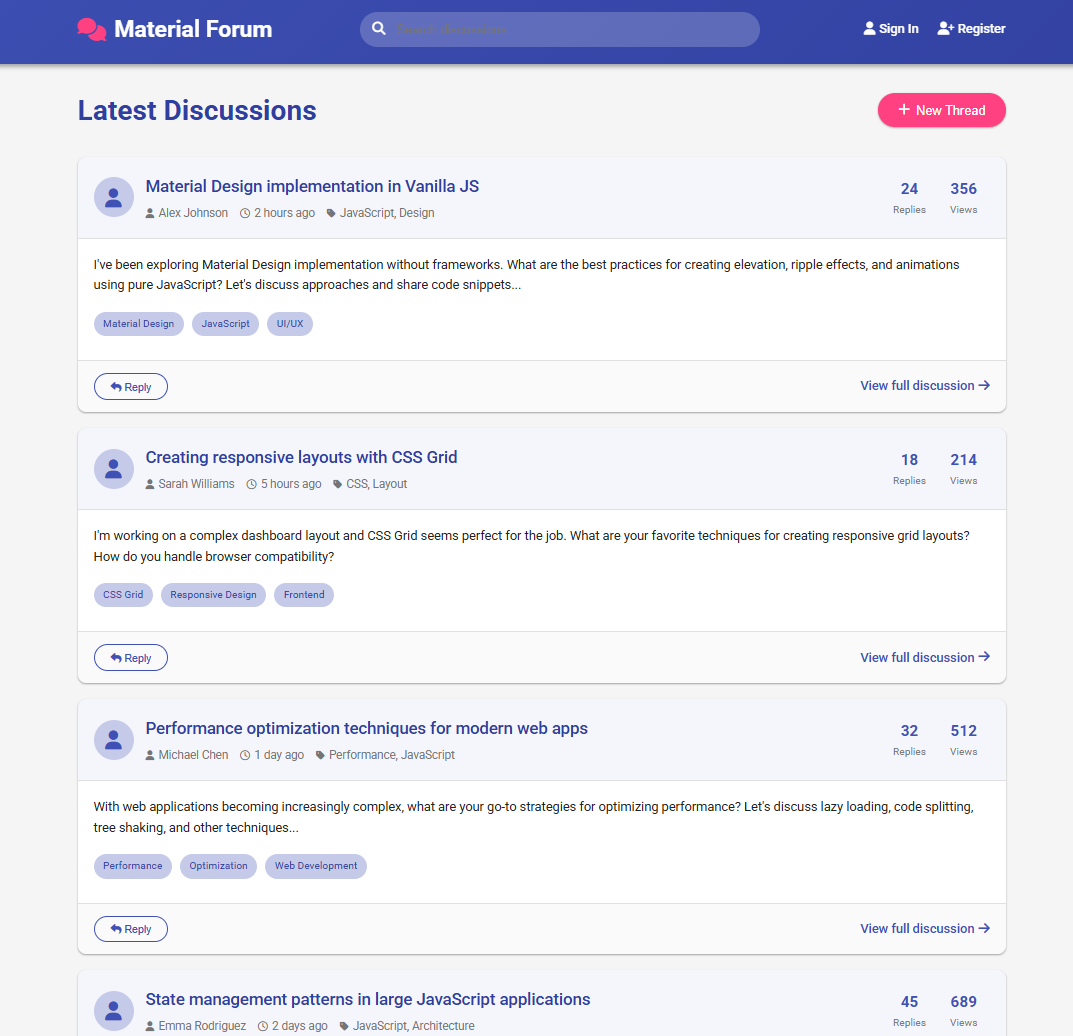
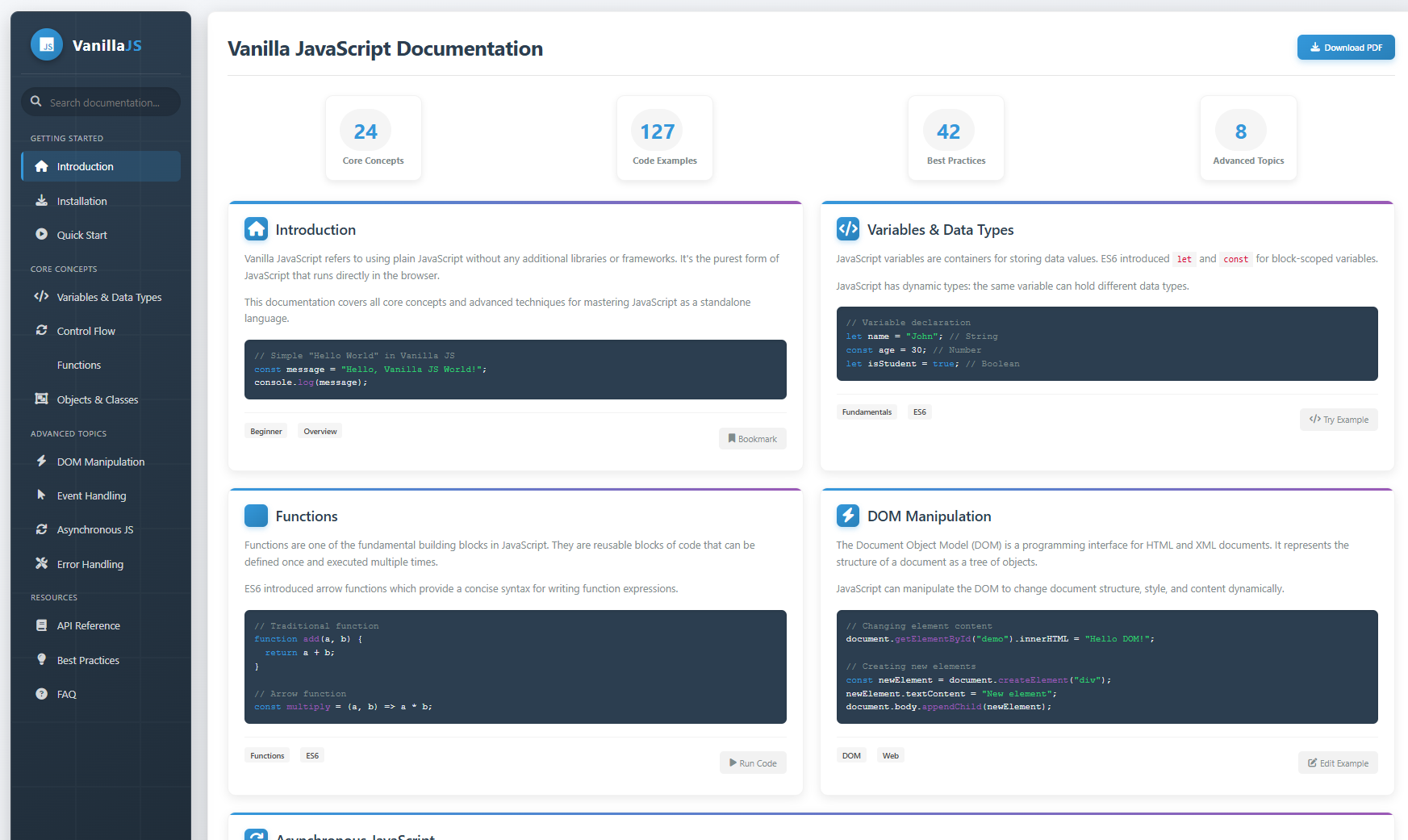
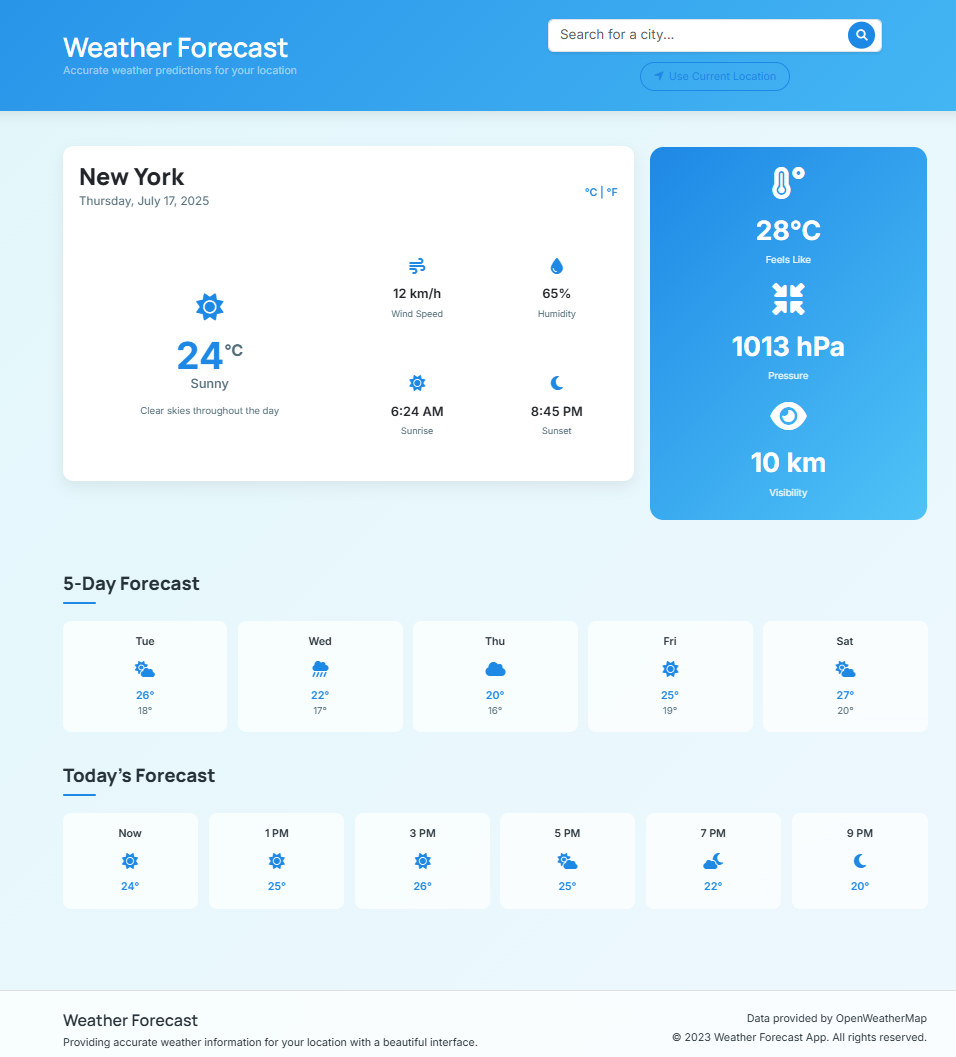
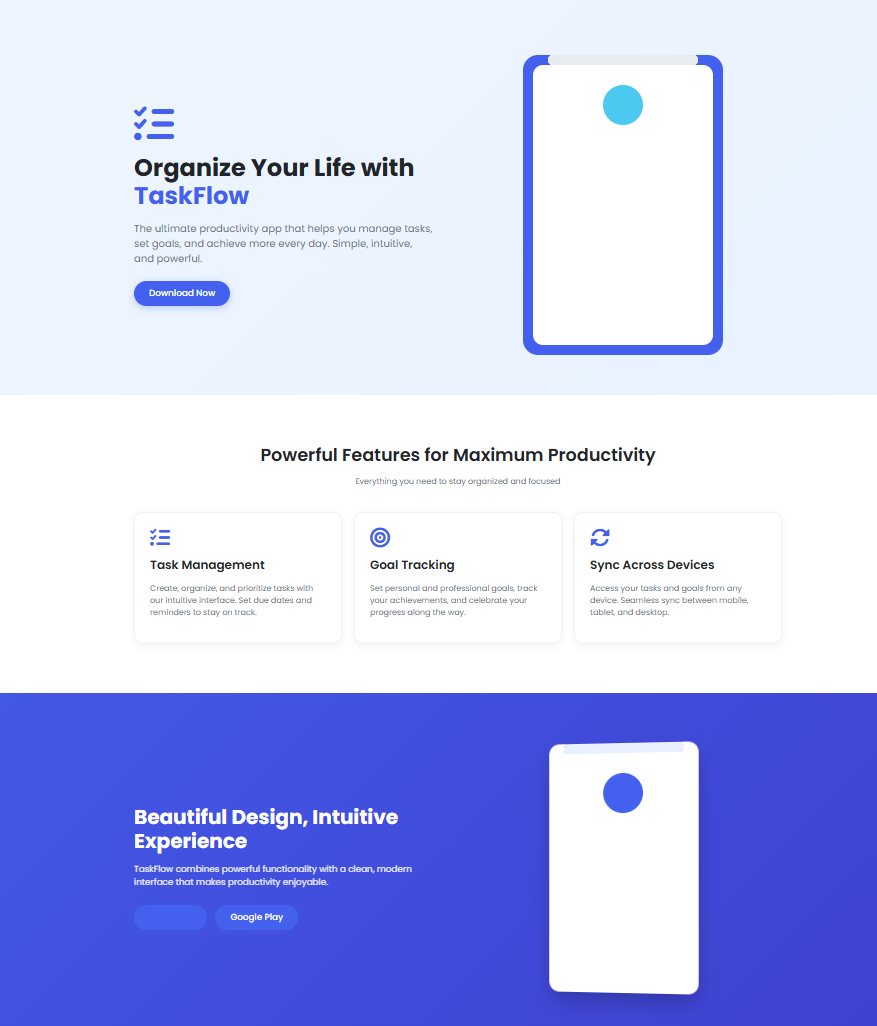
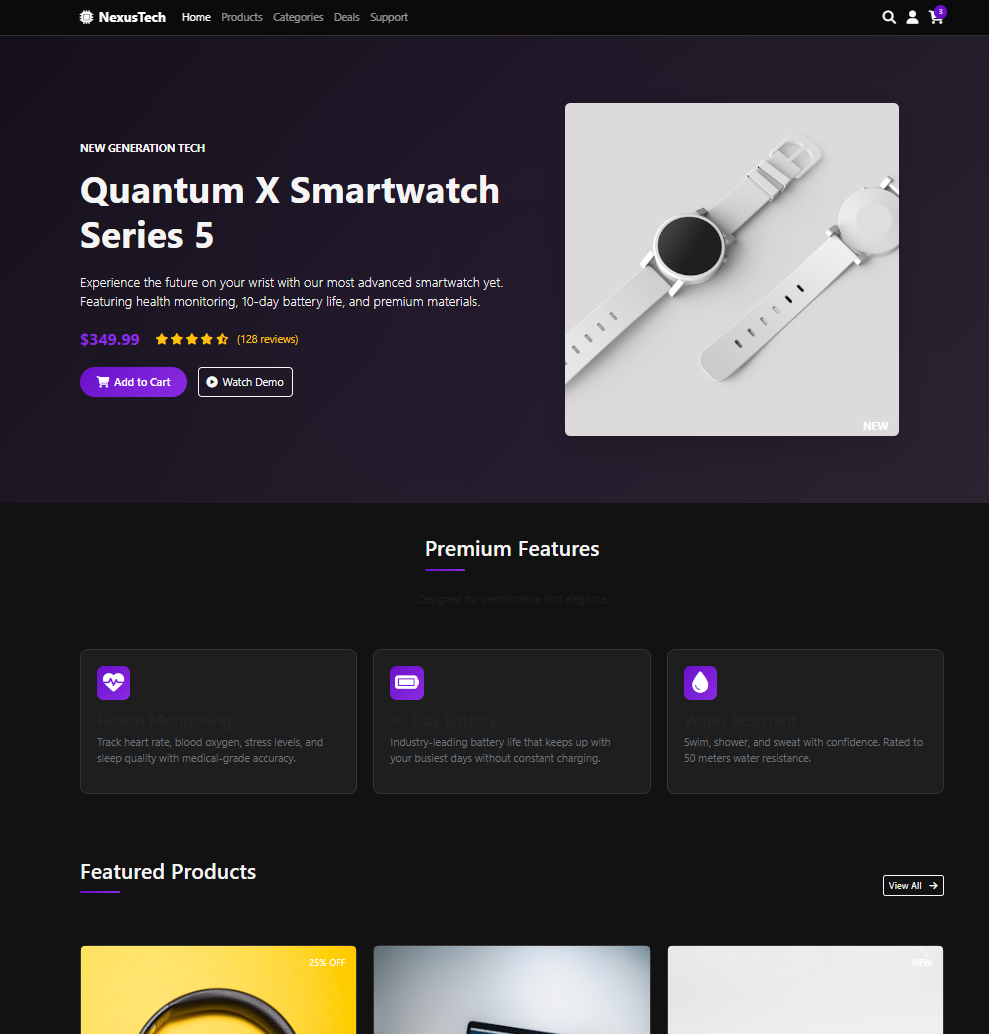
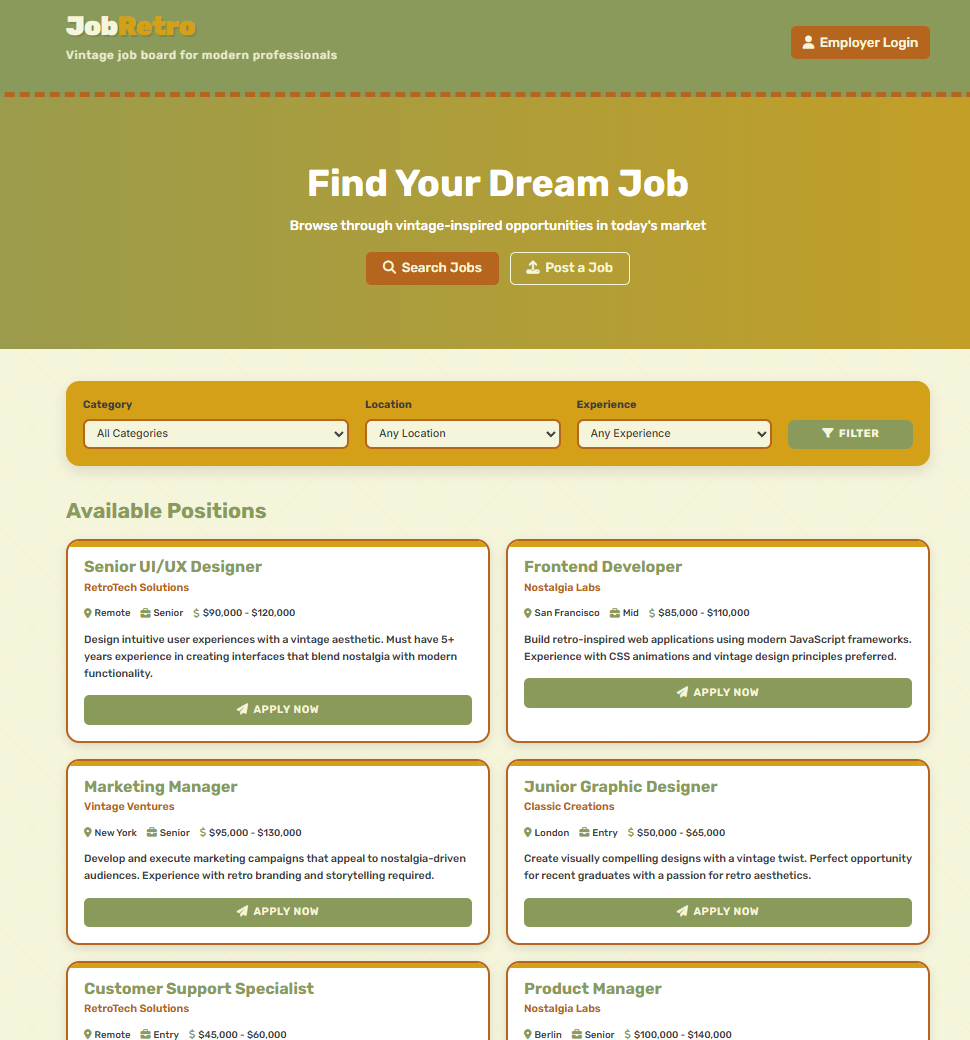
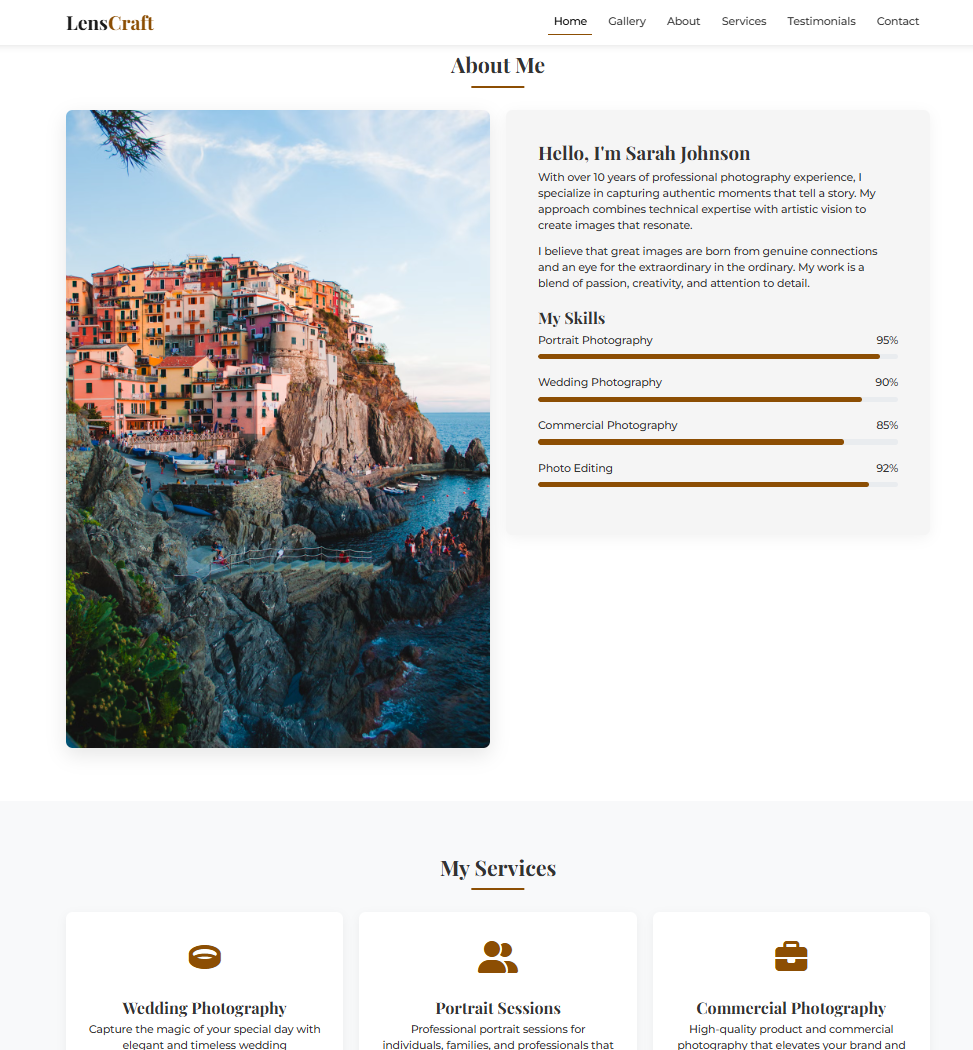
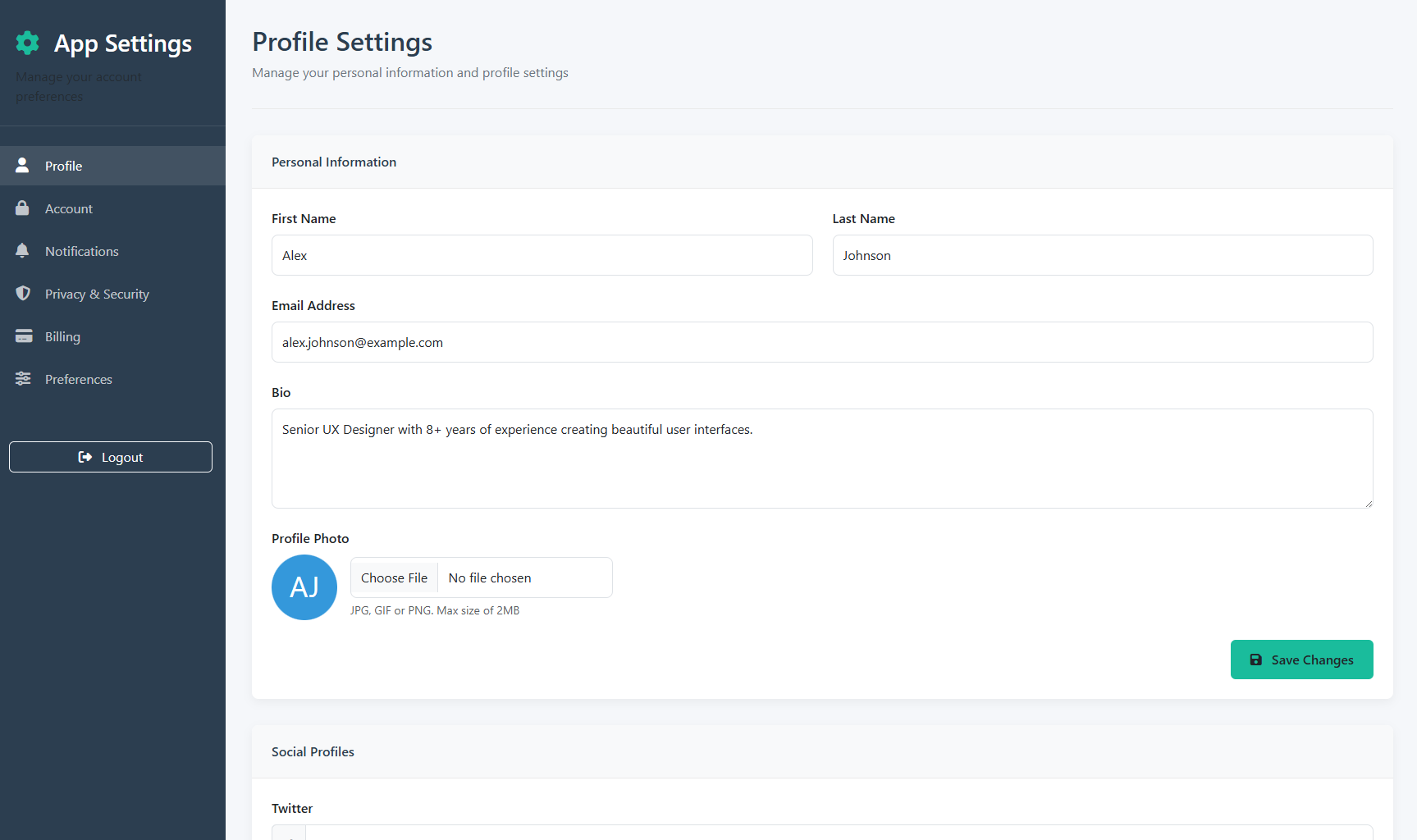
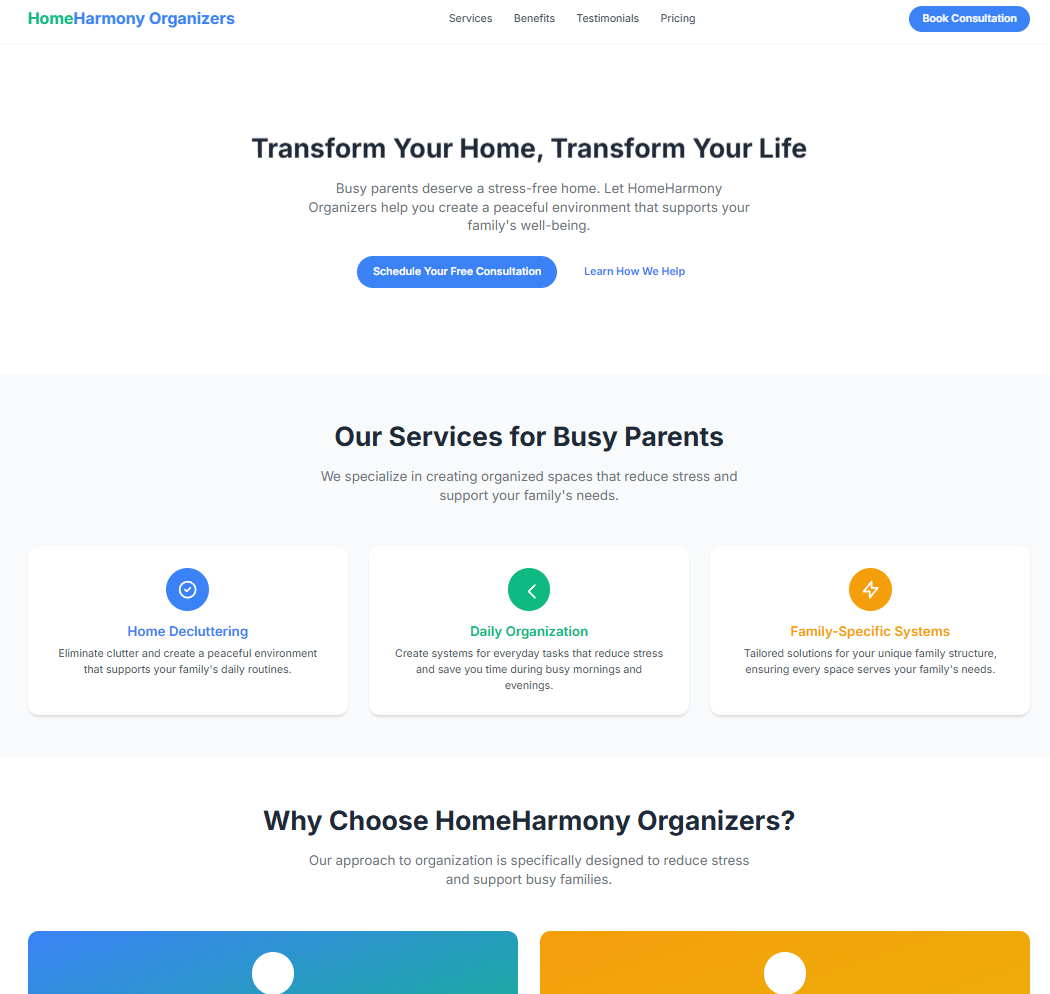
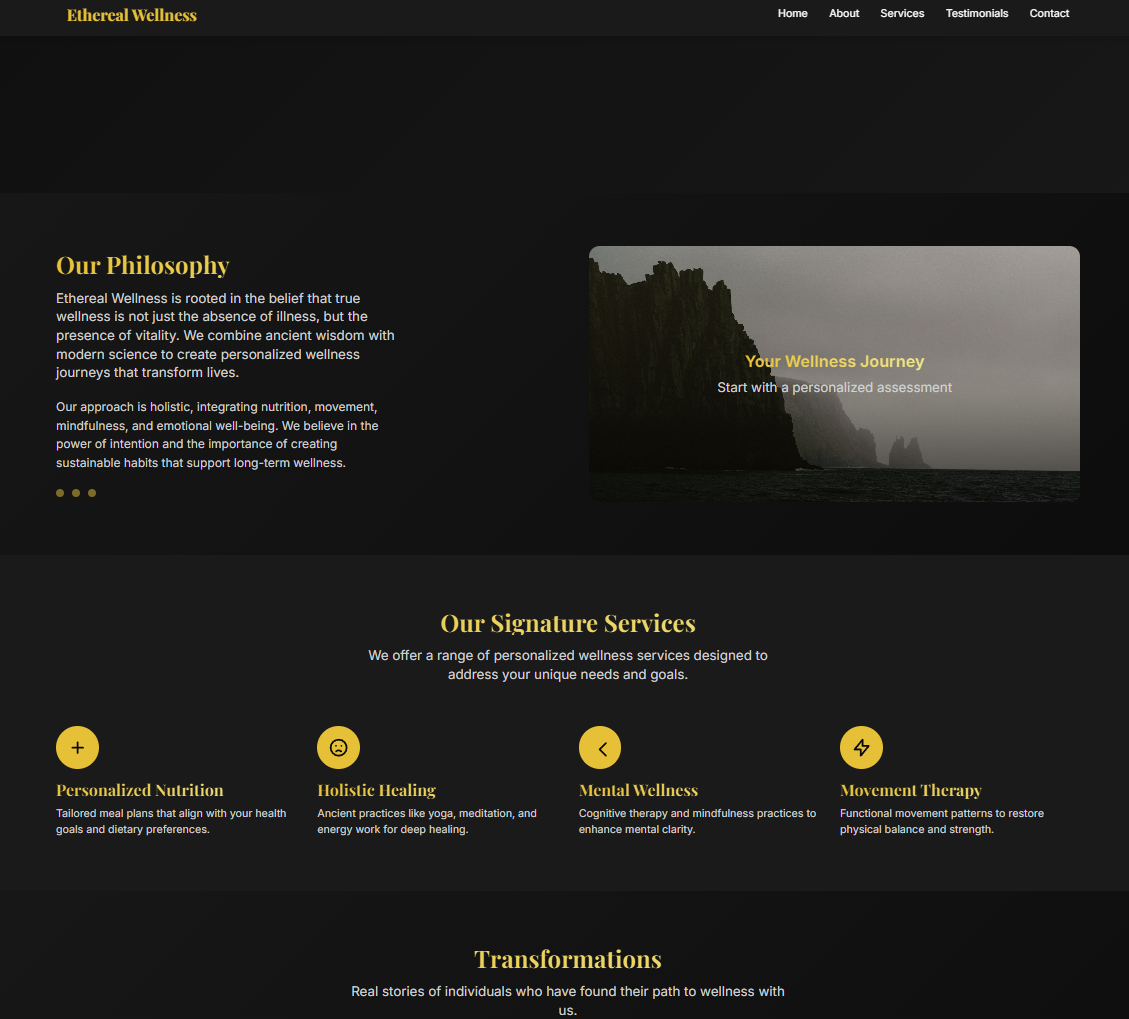
Tesslate's hybrid reasoning UI generation model built on Qwen3-8B architecture. Trained to systematically plan, architect, and implement complete user interfaces across modern development stacks.
UIGEN-X-8B implements hybrid reasoning from the Qwen3 family - combining systematic planning with direct implementation. The model follows a structured thinking process:
Problem Analysis — Understanding requirements and constraints
Architecture Planning — Component structure and technology decisions
Design System Definition — Color schemes, typography, and styling approach
Implementation Strategy — Step-by-step code generation with reasoning
This hybrid approach enables both thoughtful planning and efficient code generation, making it suitable for complex UI development tasks.
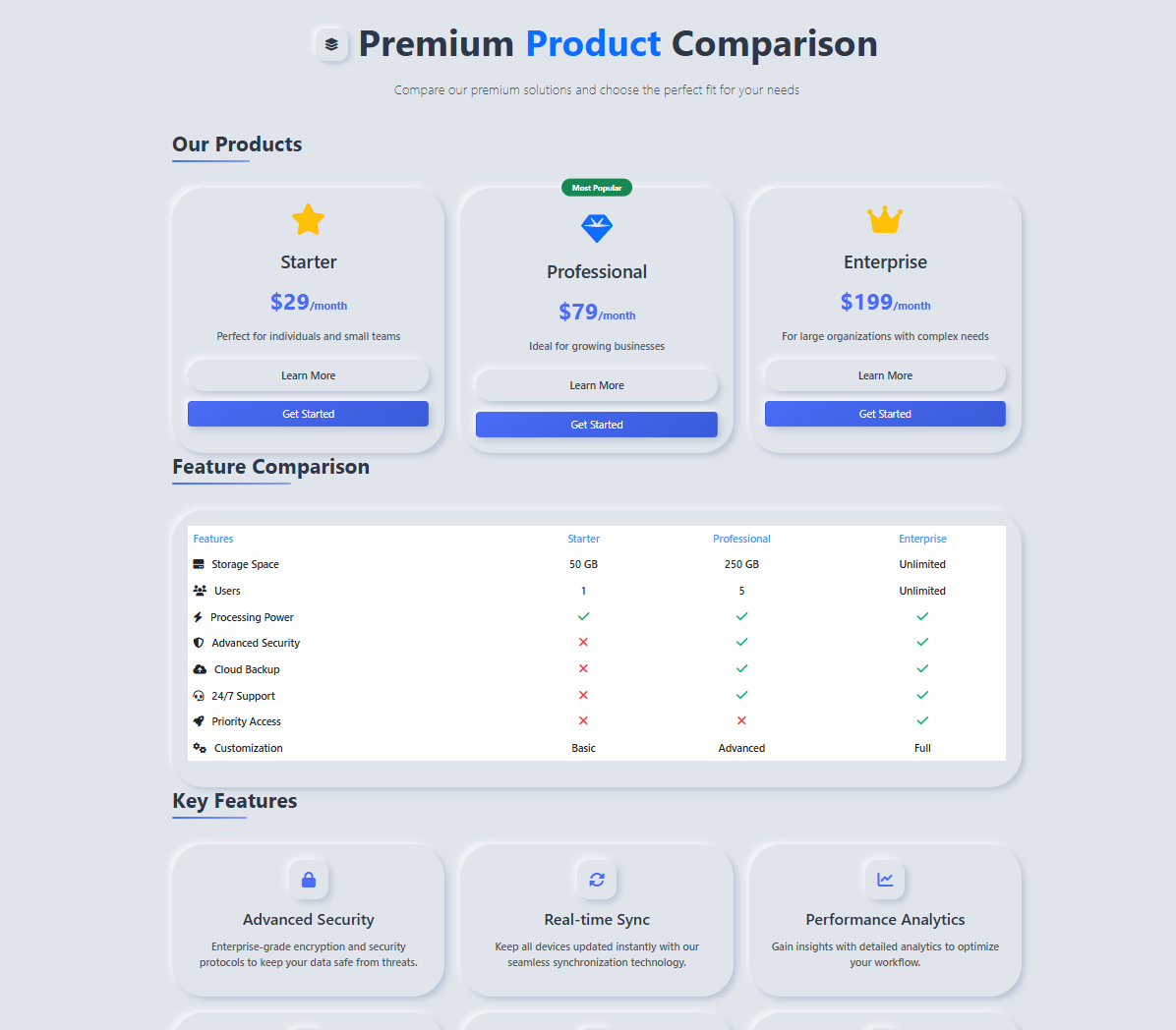
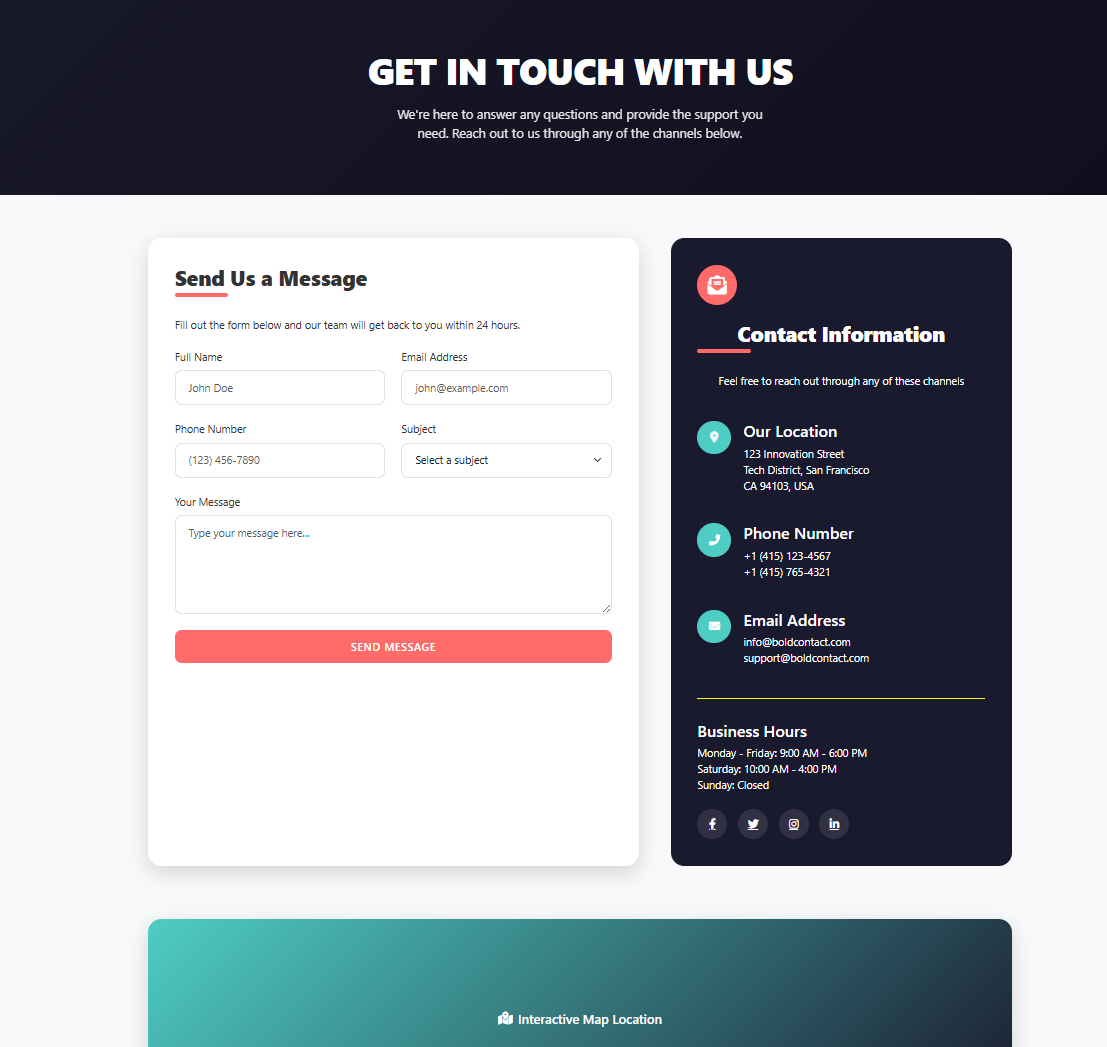
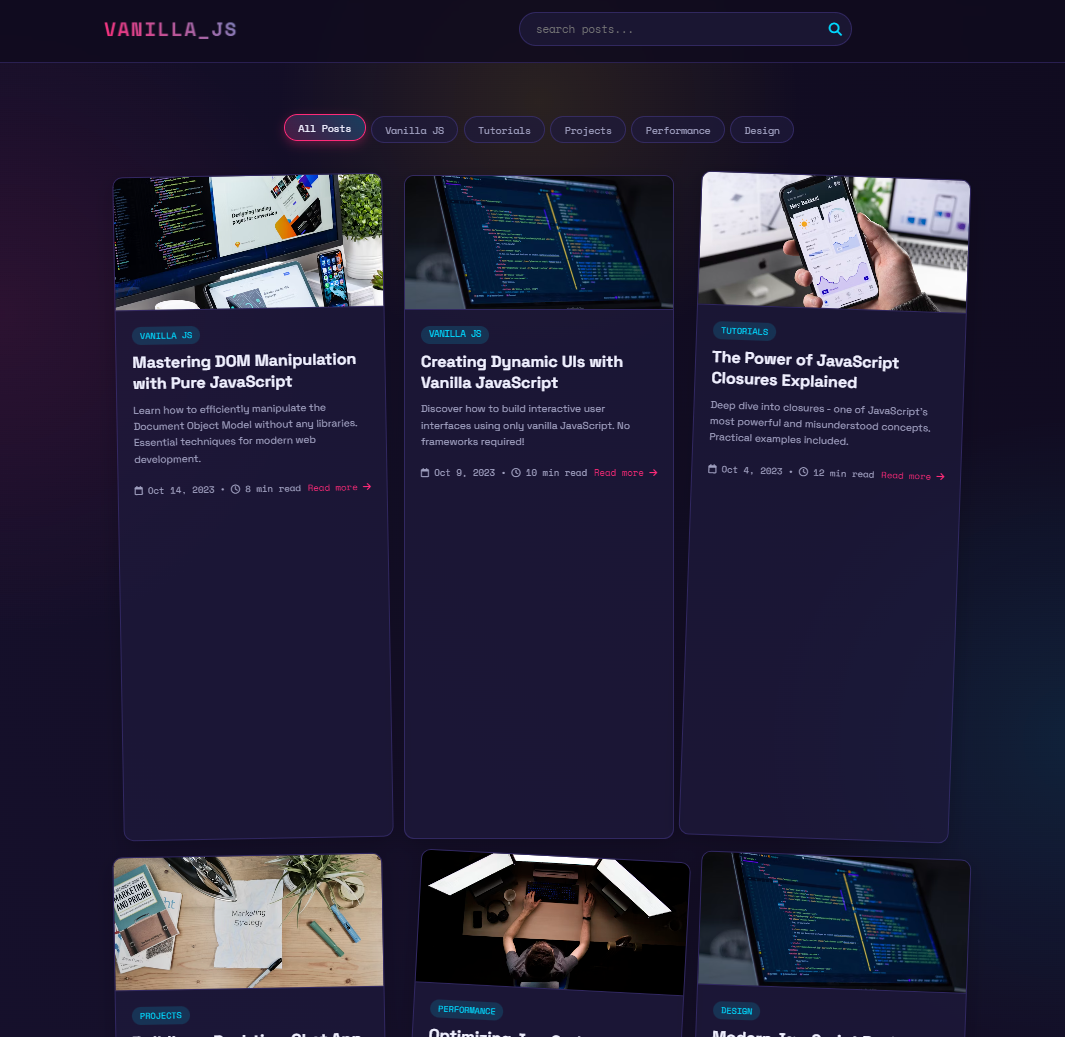
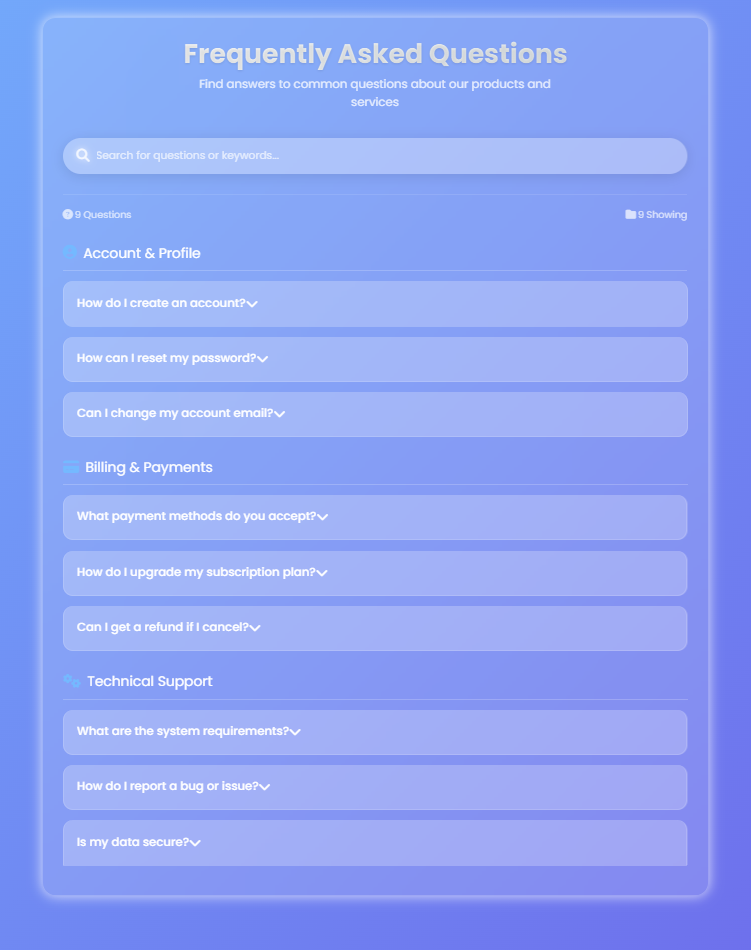
Complete Technology Coverage
UIGEN-X-8B supports 26 major categories spanning frameworks and libraries across 7 platforms:
Web Frameworks
React: Next.js, Remix, Gatsby, Create React App, Vite
Vue: Nuxt.js, Quasar, Gridsome
Angular: Angular CLI, Ionic Angular
Svelte: SvelteKit, Astro
Modern: Solid.js, Qwik, Alpine.js
Static: Astro, 11ty, Jekyll, Hugo
Styling Systems
Utility-First: Tailwind CSS, UnoCSS, Windi CSS
CSS-in-JS: Styled Components, Emotion, Stitches
Component Systems: Material-UI, Chakra UI, Mantine
Traditional: Bootstrap, Bulma, Foundation
Design Systems: Carbon Design, IBM Design Language
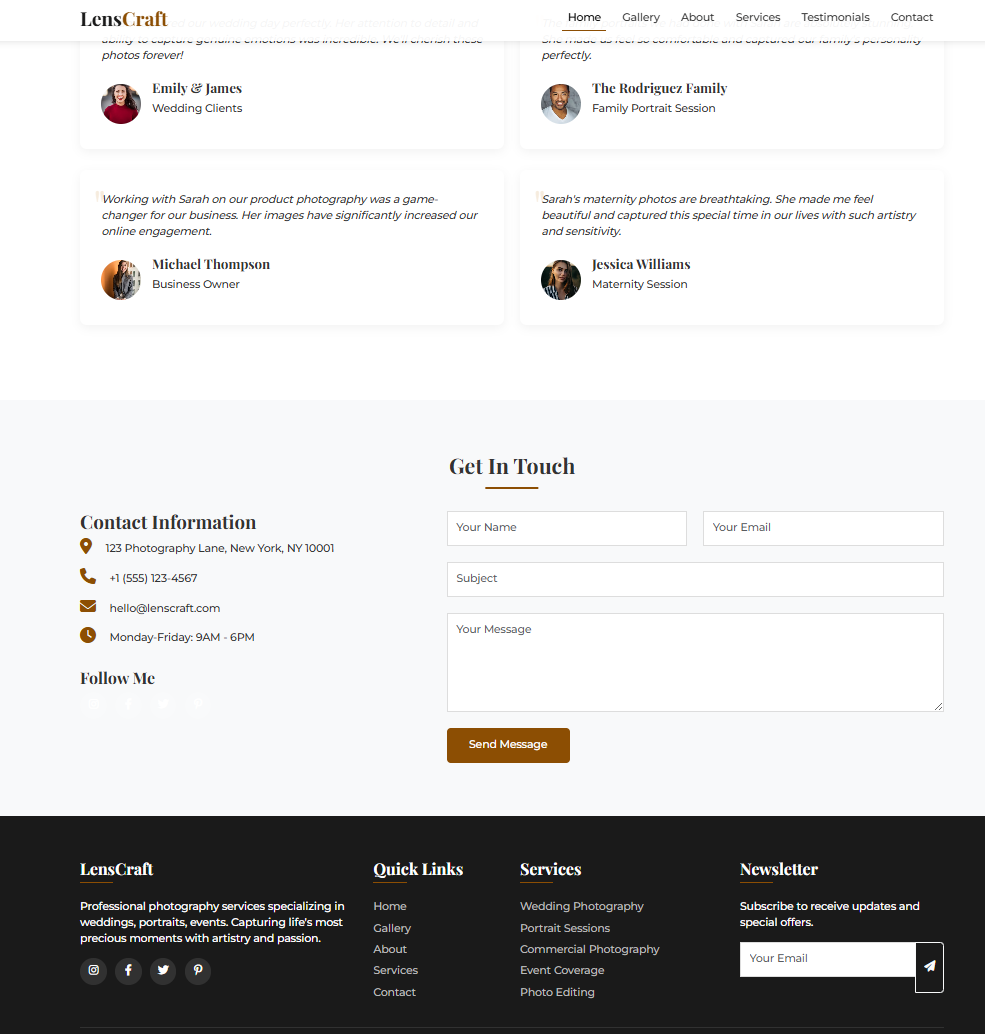
Create a navigation bar using React + Tailwind CSS with logo, menu items, and mobile hamburger menu
Complex Application:
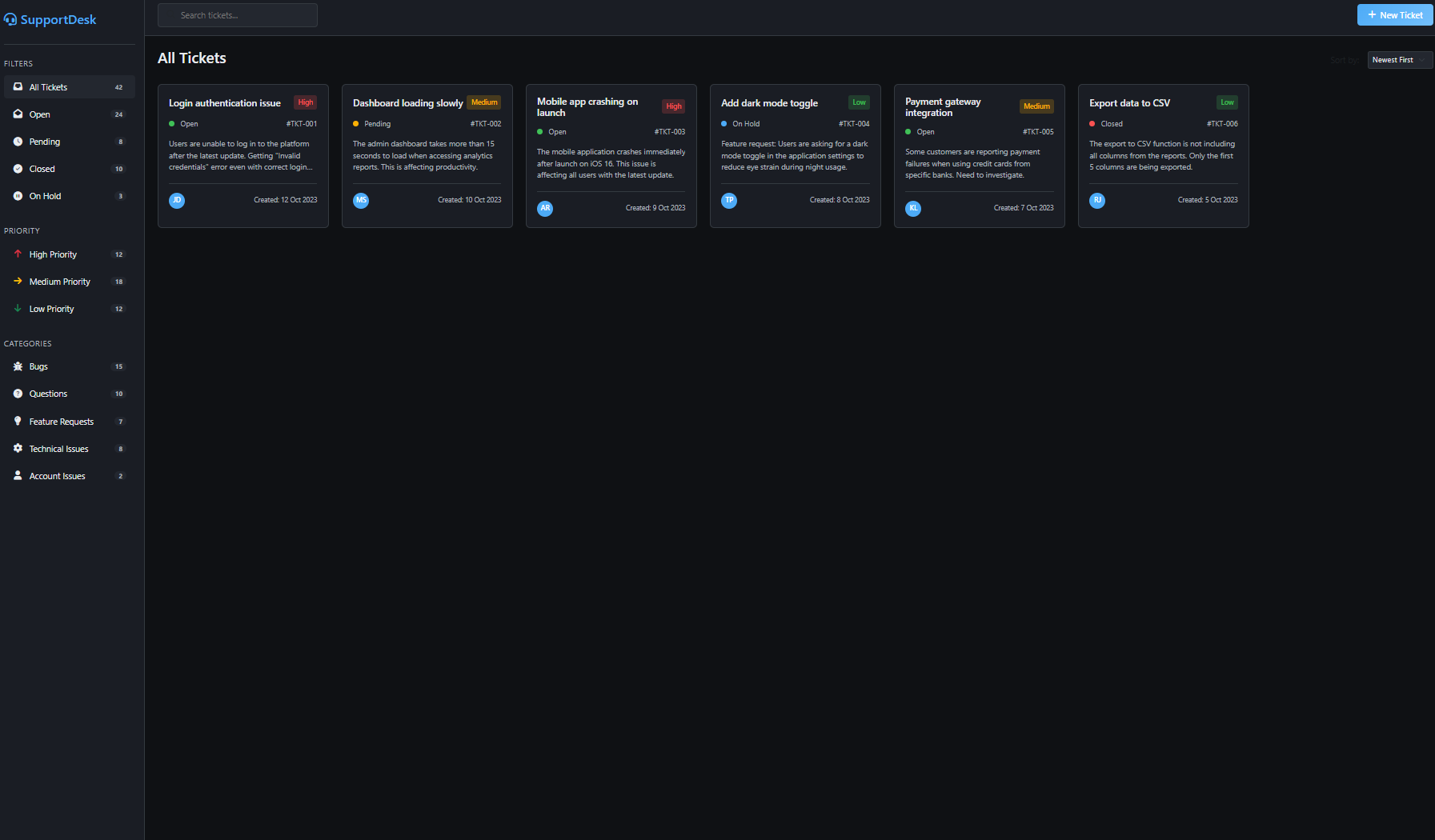
Build a complete e-commerce dashboard using Next.js + TypeScript + Tailwind CSS + shadcn/ui with:
- Product management (CRUD operations)
- Order tracking with status updates
- Customer analytics with charts
- Responsive design for mobile/desktop
- Dark mode toggle
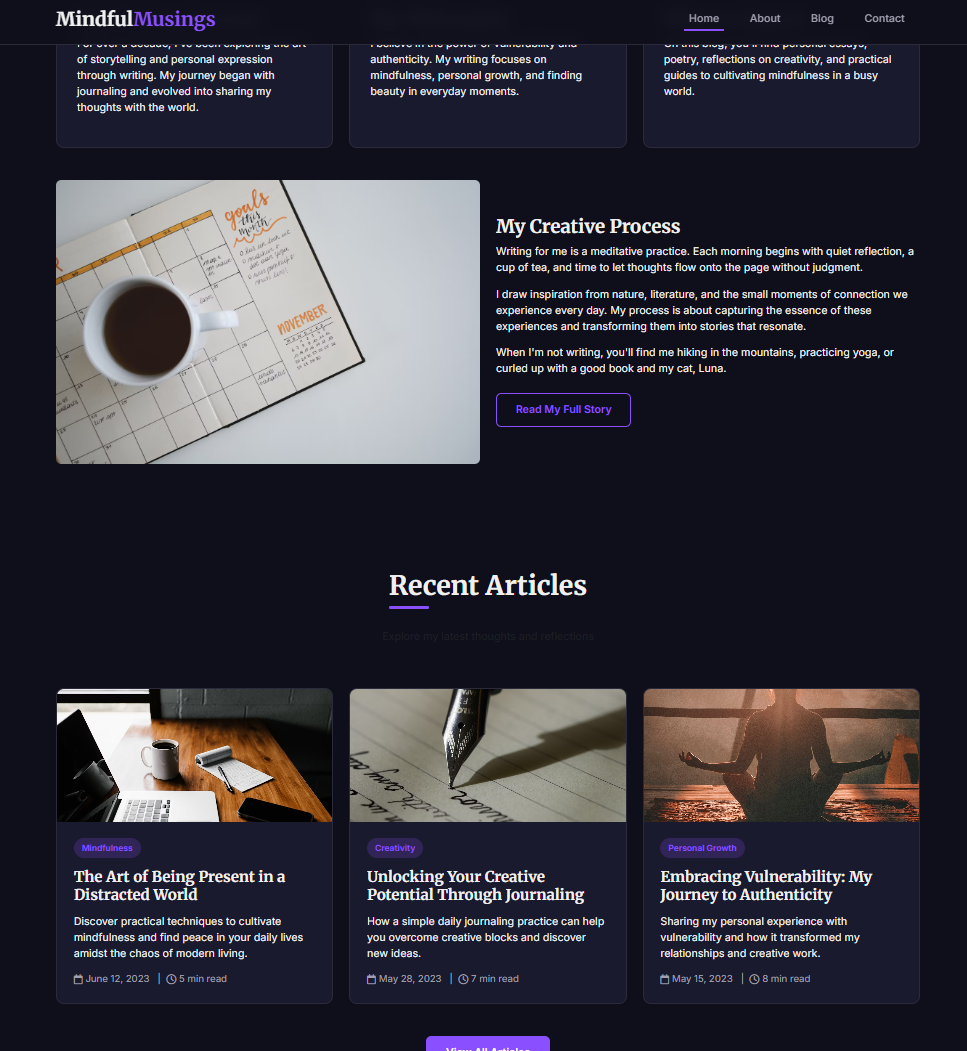
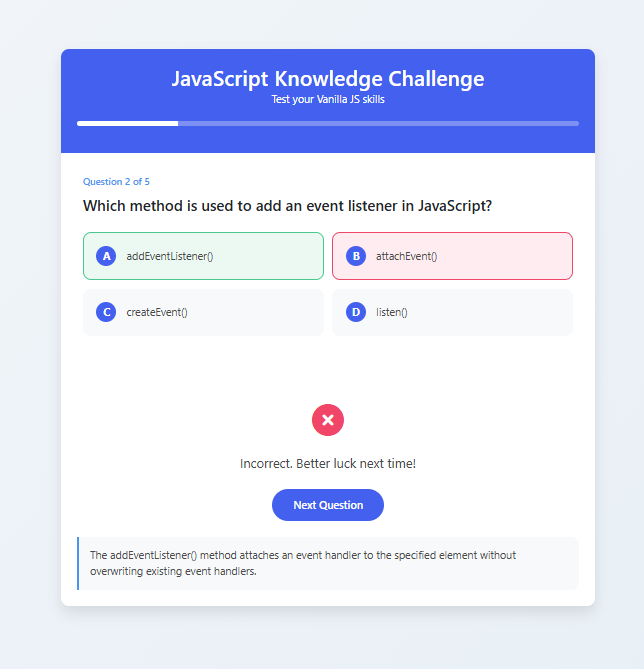
Style: Use a clean, modern glassmorphism aesthetic
Framework-Specific:
Design an Angular Material admin panel with:
- Sidenav with expandable menu items
- Data tables with sorting and filtering
- Form validation with reactive forms
- Charts using ng2-charts
- SCSS custom theming
Advanced Prompt Techniques
Multi-Page Applications:
Create a complete SaaS application using Vue 3 + Nuxt 3 + Tailwind CSS + Pinia:

Pages needed:
1. Landing page with hero, features, pricing
2. Dashboard with metrics and quick actions
3. Settings page with user preferences
4. Billing page with subscription management

Include: Navigation between pages, state management, responsive design
Style: Professional, modern with subtle animations
Style Mixing:
Build a portfolio website using Svelte + SvelteKit + Tailwind CSS combining:
- Minimalist layout principles
- Cyberpunk color scheme (neon accents)
- Smooth animations for page transitions
- Typography-driven content sections
Tool Calling & Agentic Usage
UIGEN-X-8B supports function calling for dynamic asset integration and enhanced development workflows.
Image Integration with Unsplash
Register tools for dynamic image fetching:
json
1{2"type":"function",3"function":{4"name":"fetch_unsplash_image",5"description":"Fetch high-quality images from Unsplash for UI mockups",6"parameters":{7"type":"object",8"properties":{9"query":{10"type":"string",11"description":"Search term for image (e.g., 'modern office', 'technology', 'nature')"12},13"orientation":{14"type":"string",15"enum":["landscape","portrait","squarish"],16"description":"Image orientation"17},18"size":{19"type":"string",20"enum":["small","regular","full"],21"description":"Image size"22}23},24"required":["query"]25}26}27}
Content Generation Tools
json
1{2"type":"function",3"function":{4"name":"generate_content",5"description":"Generate realistic content for UI components",6"parameters":{7"type":"object",8"properties":{9"type":{10"type":"string",11"enum":["user_profiles","product_data","blog_posts","testimonials"],12"description":"Type of content to generate"13},14"count":{15"type":"integer",16"description":"Number of items to generate"17},18"theme":{19"type":"string",20"description":"Content theme or industry"21}22},23"required":["type","count"]24}25}26}
Complete Agentic Workflow Example
python
1# 1. Plan the application2response = model.chat([3{"role":"user","content":"Plan a complete travel booking website using React + Next.js + Tailwind CSS + shadcn/ui"}4], tools=[fetch_unsplash_image, generate_content])56# 2. The model will reason through the requirements and call tools:7# - fetch_unsplash_image(query="travel destinations", orientation="landscape") 8# - generate_content(type="destinations", count=10, theme="popular travel")9# - fetch_unsplash_image(query="hotel rooms", orientation="landscape")1011# 3. Generate complete implementation with real assets12final_response = model.chat([13{"role":"user","content":"Now implement the complete website with the fetched images and content"}14])
Tool Integration Patterns
Dynamic Asset Loading:
Fetch relevant images during UI generation
Generate realistic content for components
Create cohesive color palettes from images
Optimize assets for web performance
Multi-Step Development:
Plan application architecture
Generate individual components
Integrate components into pages
Apply consistent styling and theming
Test responsive behavior
Content-Aware Design:
Adapt layouts based on content types
Optimize typography for readability
Create responsive image galleries
Generate accessible alt text
Inference Configuration
Optimal Parameters
python
1{2"temperature":0.6,# Balanced creativity and consistency (make it lower if quantized!!!!)3"top_p":0.9,# Nucleus sampling for quality4"top_k":40,# Vocabulary restriction5"max_tokens":25000,# Full component generation6"repetition_penalty":1.1,# Avoid repetitive patterns7}
Use Cases & Applications
Rapid Prototyping
Quick mockups for client presentations
A/B testing different design approaches
Concept validation with interactive prototypes
Production Development
Component library creation
Design system implementation
Template and boilerplate generation
Educational & Learning
Teaching modern web development
Framework comparison and evaluation
Best practices demonstration
Enterprise Solutions
Dashboard and admin panel generation
Internal tool development
Legacy system modernization
Technical Requirements
Hardware
GPU: 8GB+ VRAM recommended (RTX 3080/4070 or equivalent)
RAM: 16GB system memory minimum
Storage: 20GB for model weights and cache
Software
Python: 3.8+ with transformers, torch, unsloth
Node.js: For running generated JavaScript/TypeScript code
Browser: Modern browser for testing generated UIs
Integration
Compatible with HuggingFace transformers
Supports GGML/GGUF quantization
Works with text-generation-webui
API-ready for production deployment
Limitations & Considerations
Token Usage: Reasoning process increases token consumption
Complex Logic: Focuses on UI structure rather than business logic
Built with hybrid reasoning capabilities from Qwen3, UIGEN-X-8B represents a comprehensive approach to AI-driven UI development across the entire modern web development ecosystem.
🚀 If you find these models useful
Help me test my AI-Powered Quantum Network Monitor Assistant with quantum-ready security checks:
The full Open Source Code for the Quantum Network Monitor Service available at my github repos ( repos with NetworkMonitor in the name) : Source Code Quantum Network Monitor. You will also find the code I use to quantize the models if you want to do it yourself GGUFModelBuilder
💬 How to test:
Choose an AI assistant type:
TurboLLM (GPT-4.1-mini)
HugLLM (Hugginface Open-source models)
TestLLM (Experimental CPU-only)
What I’m Testing
I’m pushing the limits of small open-source models for AI network monitoring, specifically:
Function calling against live network services
How small can a model go while still handling:
Automated Nmap security scans
Quantum-readiness checks
Network Monitoring tasks
🟡 TestLLM – Current experimental model (llama.cpp on 2 CPU threads on huggingface docker space):
✅ Zero-configuration setup
⏳ 30s load time (slow inference but no API costs) . No token limited as the cost is low.
🔧 Help wanted! If you’re into edge-device AI, let’s collaborate!
Other Assistants
🟢 TurboLLM – Uses gpt-4.1-mini :
**It performs very well but unfortunatly OpenAI charges per token. For this reason tokens usage is limited.
Create custom cmd processors to run .net code on Quantum Network Monitor Agents
Real-time network diagnostics and monitoring
Security Audits
Penetration testing (Nmap/Metasploit)
🔵 HugLLM – Latest Open-source models:
🌐 Runs on Hugging Face Inference API. Performs pretty well using the lastest models hosted on Novita.
💡 Example commands you could test:
"Give me info on my websites SSL certificate"
"Check if my server is using quantum safe encyption for communication"
"Run a comprehensive security audit on my server"
'"Create a cmd processor to .. (what ever you want)" Note you need to install a Quantum Network Monitor Agent to run the .net code on. This is a very flexible and powerful feature. Use with caution!
Final Word
I fund the servers used to create these model files, run the Quantum Network Monitor service, and pay for inference from Novita and OpenAI—all out of my own pocket. All the code behind the model creation and the Quantum Network Monitor project is open source. Feel free to use whatever you find helpful.
If you appreciate the work, please consider buying me a coffee ☕. Your support helps cover service costs and allows me to raise token limits for everyone.
I'm also open to job opportunities or sponsorship.