


Views
No views yet
[!CAUTION] Breaking:
There have been many small changes stacked over time since the initial versions of this script, it won't work as is because of that, but it serves as a base to be improved and worked on.
[!TIP] AetherArchitectural Community:
Now at AetherArchitectural/GGUF-Quantization-Script.Credits:
Made with love by @Aetherarchio/@FantasiaFoundry/@Lewdiculous with the generous contributions by @SolidSnacke and @Virt-io.
If this proves useful for you, feel free to credit and share the repository and authors.
[!NOTE] Linux support (experimental):
There's an experimental script for Linux,gguf-imat-lossless-for-BF16-linux.py[context].
While I personally can't attest for it, it's worth trying and you can report how well it worked, or not, in your case.
Improvements are very welcome!
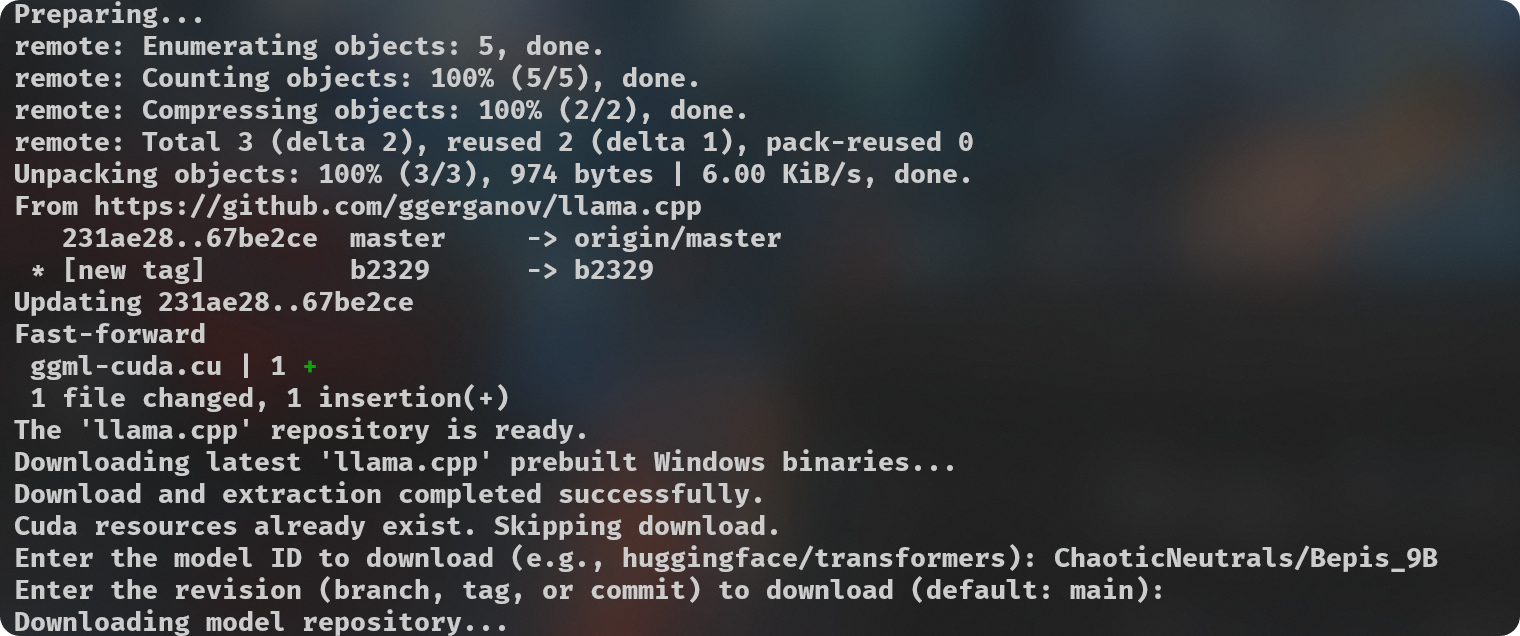
gguf-imat.py - I recommend using the specific "for-FP16" or "for-BF16" scripts) to generate various GGUF-IQ-Imatrix quantizations from a Hugging Face author/model input, for Windows and NVIDIA hardware.-ngl (number of GPU layers) amount, you can do so at line 124. This is only relevant during the --imatrix data generation. If you don't have enough VRAM you can decrease the -ngl amount or set it to 0 to only use your System RAM instead for all layers, this will make the imatrix data generation take longer, so it's a good idea to find the number that gives your own machine the best results.imatrix.txt is expected to be located inside the imatrix folder. I have already included a file that is considered a good starting option, this discussion is where it came from. If you have suggestions or other imatrix data to recommend, please do so.quantization_options in line 138.[!NOTE]
Models downloaded to be used for quantization might stay cached atC:\Users\{{User}}\.cache\huggingface\hub. You can delete these files manually if needed after you're done with your quantizations, you can do it directly from your Terminal if you prefer with thermdir "C:\Users\{{User}}\.cache\huggingface\hub"command. You can put it into another script or alias it to a convenient command if you prefer.
pip install huggingface_hubpython .\gguf-imat-lossless-for-BF16.pymodels\{model-name}-GGUF folder.