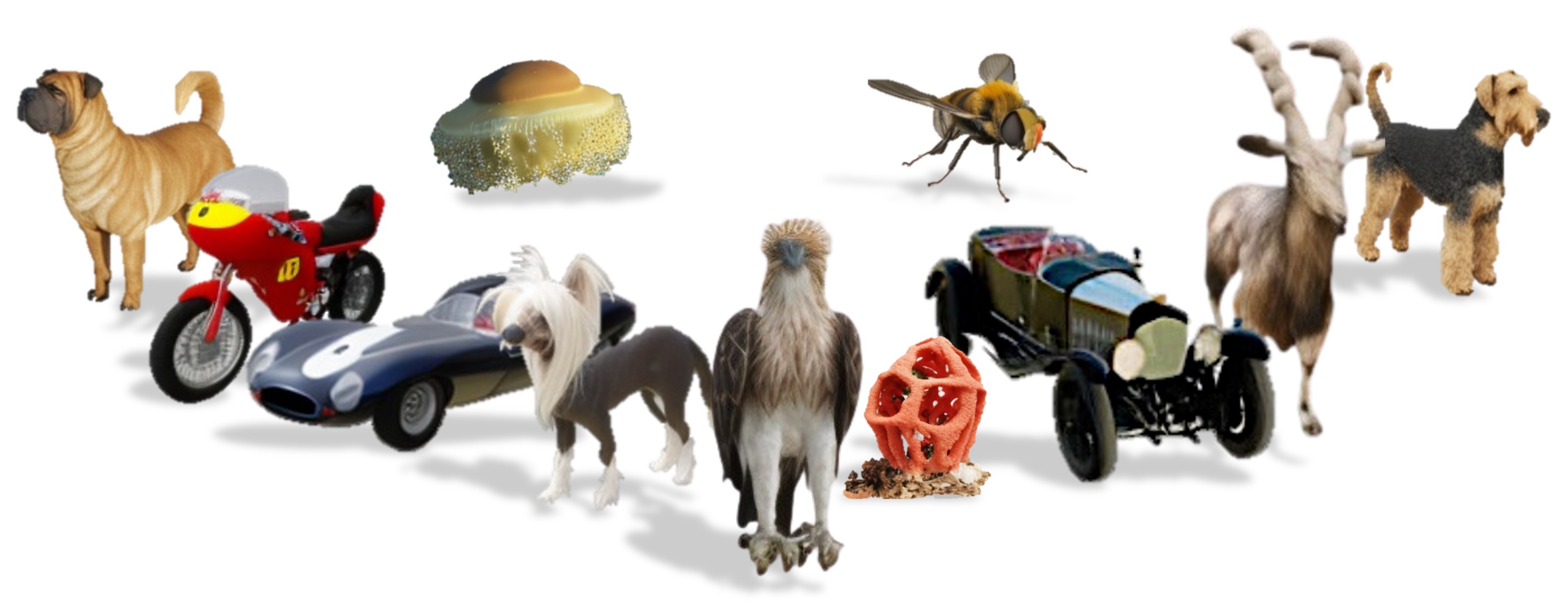
Text-to-3D generation approaches have advanced significantly by leveraging pretrained 2D diffusion priors, producing high-quality and 3D-consistent outputs. However, they often fail to produce out-of-domain (OOD) or rare concepts, yielding inconsistent or inaccurate results. To this end, we propose MV-RAG, a novel text-to-3D pipeline that first retrieves relevant 2D images from a large in-the-wild 2D database and then conditions a multiview diffusion model on these images to synthesize consistent and accurate multiview outputs. Training such a retrieval-conditioned model is achieved via a novel hybrid strategy bridging structured multiview data and diverse 2D image collections. This involves training on multiview data using augmented conditioning views that simulate retrieval variance for view-specific reconstruction, alongside training on sets of retrieved real-world 2D images using a distinctive held-out view prediction objective: the model predicts the held-out view from the other views to infer 3D consistency from 2D data. To facilitate a rigorous OOD evaluation, we introduce a new collection of challenging OOD prompts. Experiments against state-of-the-art text-to-3D, image-to-3D, and personalization baselines show that our approach significantly improves 3D consistency, photorealism, and text adherence for OOD/rare concepts, while maintaining competitive performance on standard benchmarks.
Overview
MV-RAG is a text-to-3D generation method that retrieves 2D reference images to guide a multiview diffusion model. By conditioning on both text and multiple real-world 2D images, MV-RAG improves realism and consistency for rare/out-of-distribution or newly emerging objects.
Installation
We recommend creating a fresh conda environment to run MV-RAG:
bash
1# Clone the repository2git clone https://github.com/yosefdayani/MV-RAG.git
3cd MV-RAG
45# Create new environment6conda create -n mvrag python=3.9 -y
7conda activate mvrag
89# Install PyTorch (adjust CUDA version as needed)10# Example: CUDA 12.4, PyTorch 2.5.111conda installpytorch==2.5.1 torchvision==0.20.1 torchaudio==2.5.1 pytorch-cuda=12.4 -c pytorch -c nvidia
1213# Install other dependencies14pip install -r requirements.txt
1# Make sure git-lfs is installed (https://git-lfs.com)2git lfs install34git clone https://huggingface.co/yosepyossi/mvrag
Then the model weights should appear as MV-RAG/mvrag/...
Usage Example
You could prompt the model on your retrieved local images by:
bash
1python main.py \2--prompt "Cadillac 341 automobile car"\3--retriever simple \4--folder_path "assets/Cadillac 341 automobile car"\5--seed 0\6--k 4\7--azimuth_start 45# or 0 for front view
To see all command options run
python main.py --help
Acknowledgement
This repository is based on MVDream and adapted from MVDream Diffusers. We would like to thank the authors of these works for publicly releasing their code.