


Views
No views yet
diffusers format.
It can be used in combination with Stable Diffusion, such as runwayml/stable-diffusion-v1-5.
diffusers and related packages:$ pip install diffusers transformers accelerate1import numpy as np
2
3ada_palette = np.asarray([
4 [0, 0, 0],
5 [120, 120, 120],
6 [180, 120, 120],
7 [6, 230, 230],
8 [80, 50, 50],
9 [4, 200, 3],
10 [120, 120, 80],
11 [140, 140, 140],
12 [204, 5, 255],
13 [230, 230, 230],
14 [4, 250, 7],
15 [224, 5, 255],
16 [235, 255, 7],
17 [150, 5, 61],
18 [120, 120, 70],
19 [8, 255, 51],
20 [255, 6, 82],
21 [143, 255, 140],
22 [204, 255, 4],
23 [255, 51, 7],
24 [204, 70, 3],
25 [0, 102, 200],
26 [61, 230, 250],
27 [255, 6, 51],
28 [11, 102, 255],
29 [255, 7, 71],
30 [255, 9, 224],
31 [9, 7, 230],
32 [220, 220, 220],
33 [255, 9, 92],
34 [112, 9, 255],
35 [8, 255, 214],
36 [7, 255, 224],
37 [255, 184, 6],
38 [10, 255, 71],
39 [255, 41, 10],
40 [7, 255, 255],
41 [224, 255, 8],
42 [102, 8, 255],
43 [255, 61, 6],
44 [255, 194, 7],
45 [255, 122, 8],
46 [0, 255, 20],
47 [255, 8, 41],
48 [255, 5, 153],
49 [6, 51, 255],
50 [235, 12, 255],
51 [160, 150, 20],
52 [0, 163, 255],
53 [140, 140, 140],
54 [250, 10, 15],
55 [20, 255, 0],
56 [31, 255, 0],
57 [255, 31, 0],
58 [255, 224, 0],
59 [153, 255, 0],
60 [0, 0, 255],
61 [255, 71, 0],
62 [0, 235, 255],
63 [0, 173, 255],
64 [31, 0, 255],
65 [11, 200, 200],
66 [255, 82, 0],
67 [0, 255, 245],
68 [0, 61, 255],
69 [0, 255, 112],
70 [0, 255, 133],
71 [255, 0, 0],
72 [255, 163, 0],
73 [255, 102, 0],
74 [194, 255, 0],
75 [0, 143, 255],
76 [51, 255, 0],
77 [0, 82, 255],
78 [0, 255, 41],
79 [0, 255, 173],
80 [10, 0, 255],
81 [173, 255, 0],
82 [0, 255, 153],
83 [255, 92, 0],
84 [255, 0, 255],
85 [255, 0, 245],
86 [255, 0, 102],
87 [255, 173, 0],
88 [255, 0, 20],
89 [255, 184, 184],
90 [0, 31, 255],
91 [0, 255, 61],
92 [0, 71, 255],
93 [255, 0, 204],
94 [0, 255, 194],
95 [0, 255, 82],
96 [0, 10, 255],
97 [0, 112, 255],
98 [51, 0, 255],
99 [0, 194, 255],
100 [0, 122, 255],
101 [0, 255, 163],
102 [255, 153, 0],
103 [0, 255, 10],
104 [255, 112, 0],
105 [143, 255, 0],
106 [82, 0, 255],
107 [163, 255, 0],
108 [255, 235, 0],
109 [8, 184, 170],
110 [133, 0, 255],
111 [0, 255, 92],
112 [184, 0, 255],
113 [255, 0, 31],
114 [0, 184, 255],
115 [0, 214, 255],
116 [255, 0, 112],
117 [92, 255, 0],
118 [0, 224, 255],
119 [112, 224, 255],
120 [70, 184, 160],
121 [163, 0, 255],
122 [153, 0, 255],
123 [71, 255, 0],
124 [255, 0, 163],
125 [255, 204, 0],
126 [255, 0, 143],
127 [0, 255, 235],
128 [133, 255, 0],
129 [255, 0, 235],
130 [245, 0, 255],
131 [255, 0, 122],
132 [255, 245, 0],
133 [10, 190, 212],
134 [214, 255, 0],
135 [0, 204, 255],
136 [20, 0, 255],
137 [255, 255, 0],
138 [0, 153, 255],
139 [0, 41, 255],
140 [0, 255, 204],
141 [41, 0, 255],
142 [41, 255, 0],
143 [173, 0, 255],
144 [0, 245, 255],
145 [71, 0, 255],
146 [122, 0, 255],
147 [0, 255, 184],
148 [0, 92, 255],
149 [184, 255, 0],
150 [0, 133, 255],
151 [255, 214, 0],
152 [25, 194, 194],
153 [102, 255, 0],
154 [92, 0, 255],
155 ])1import torch
2import os
3from huggingface_hub import HfApi
4from pathlib import Path
5from diffusers.utils import load_image
6from PIL import Image
7import numpy as np
8from transformers import AutoImageProcessor, UperNetForSemanticSegmentation
9
10from diffusers import (
11 ControlNetModel,
12 StableDiffusionControlNetPipeline,
13 UniPCMultistepScheduler,
14)
15
16image_processor = AutoImageProcessor.from_pretrained("openmmlab/upernet-convnext-small")
17image_segmentor = UperNetForSemanticSegmentation.from_pretrained("openmmlab/upernet-convnext-small")
18
19checkpoint = "lllyasviel/control_v11p_sd15_seg"
20
21image = load_image(
22 "https://huggingface.co/lllyasviel/control_v11p_sd15_seg/resolve/main/images/input.png"
23)
24
25prompt = "old house in stormy weather with rain and wind"
26
27pixel_values = image_processor(image, return_tensors="pt").pixel_values
28with torch.no_grad():
29 outputs = image_segmentor(pixel_values)
30seg = image_processor.post_process_semantic_segmentation(outputs, target_sizes=[image.size[::-1]])[0]
31color_seg = np.zeros((seg.shape[0], seg.shape[1], 3), dtype=np.uint8) # height, width, 3
32for label, color in enumerate(ada_palette):
33 color_seg[seg == label, :] = color
34color_seg = color_seg.astype(np.uint8)
35control_image = Image.fromarray(color_seg)
36
37control_image.save("./images/control.png")
38
39controlnet = ControlNetModel.from_pretrained(checkpoint, torch_dtype=torch.float16)
40pipe = StableDiffusionControlNetPipeline.from_pretrained(
41 "runwayml/stable-diffusion-v1-5", controlnet=controlnet, torch_dtype=torch.float16
42)
43
44pipe.scheduler = UniPCMultistepScheduler.from_config(pipe.scheduler.config)
45pipe.enable_model_cpu_offload()
46
47generator = torch.manual_seed(0)
48image = pipe(prompt, num_inference_steps=30, generator=generator, image=control_image).images[0]
49
50image.save('images/image_out.png')
51


| Model Name | Control Image Overview | Condition Image | Control Image Example | Generated Image Example |
|---|---|---|---|---|
| lllyasviel/control_v11p_sd15_canny | Trained with canny edge detection | A monochrome image with white edges on a black background. | 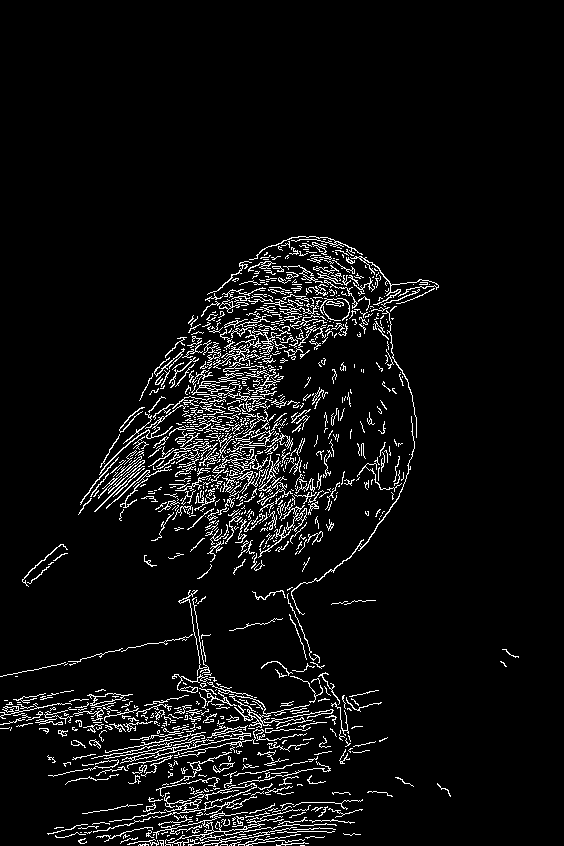 | 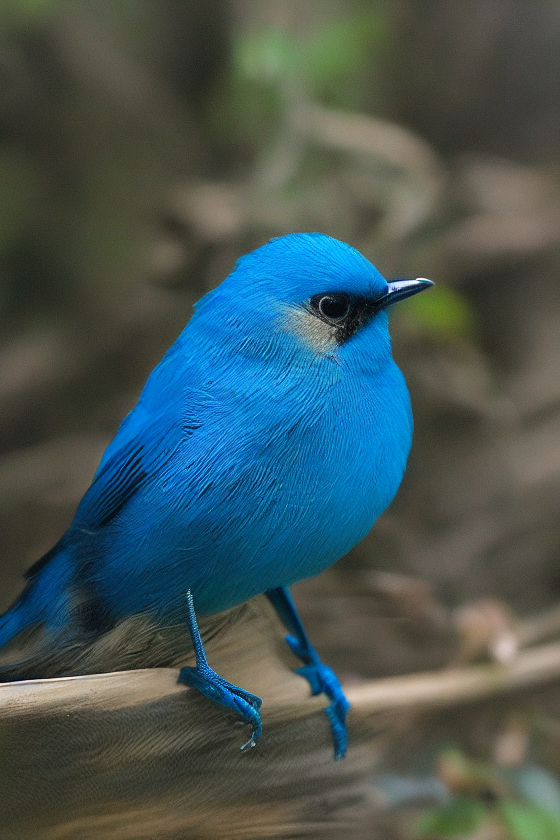 |
| lllyasviel/control_v11e_sd15_ip2p | Trained with pixel to pixel instruction | No condition . |  | 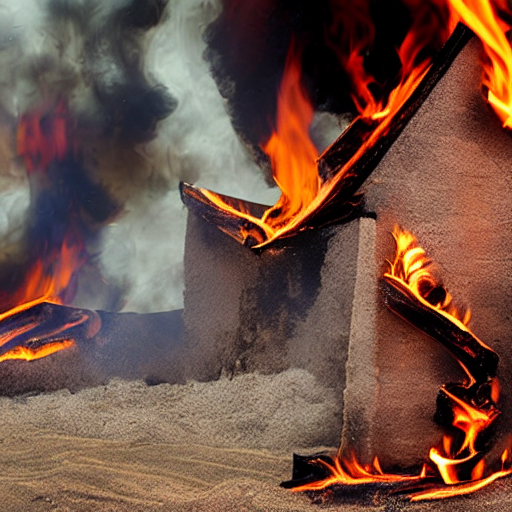 |
| lllyasviel/control_v11p_sd15_inpaint | Trained with image inpainting | No condition. |  | 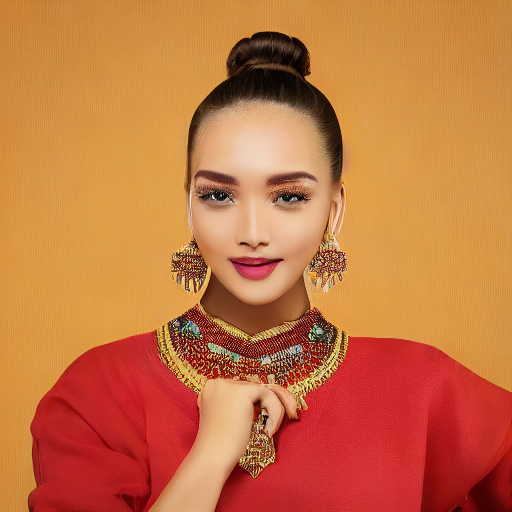 |
| lllyasviel/control_v11p_sd15_mlsd | Trained with multi-level line segment detection | An image with annotated line segments. | 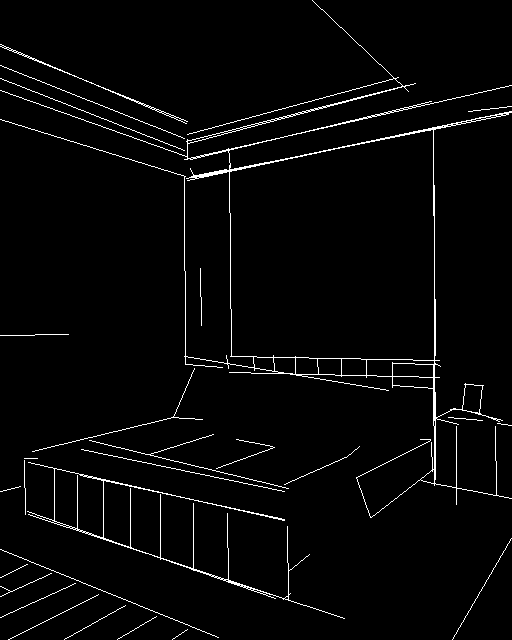 | 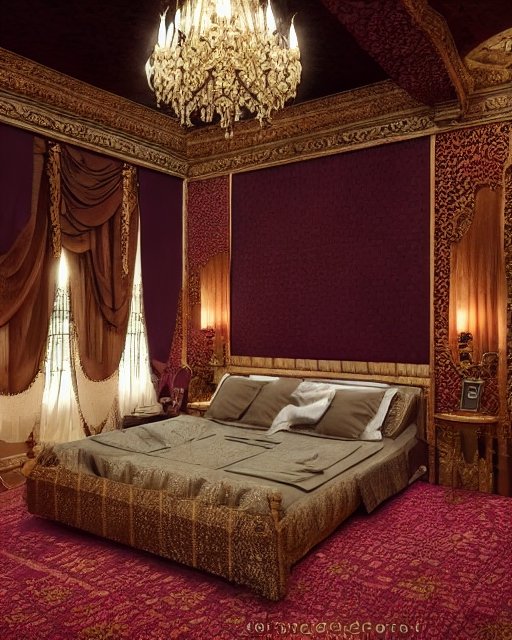 |
| lllyasviel/control_v11f1p_sd15_depth | Trained with depth estimation | An image with depth information, usually represented as a grayscale image. | 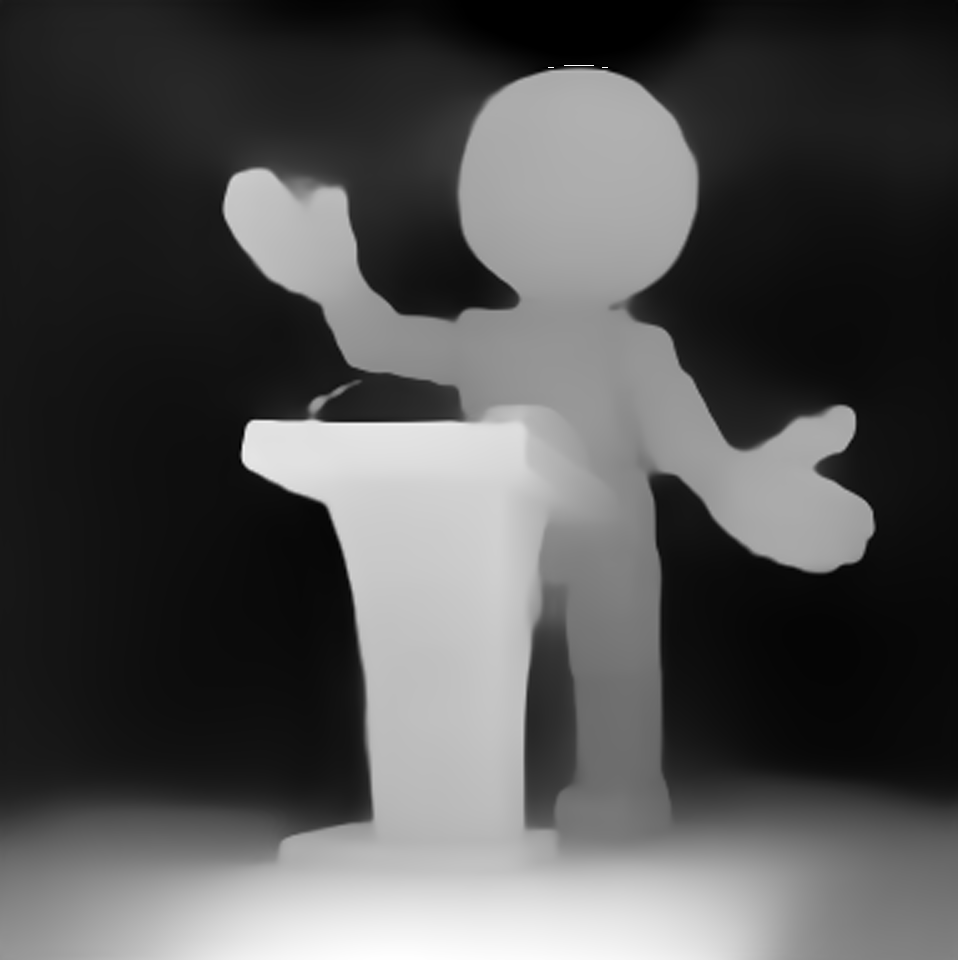 | 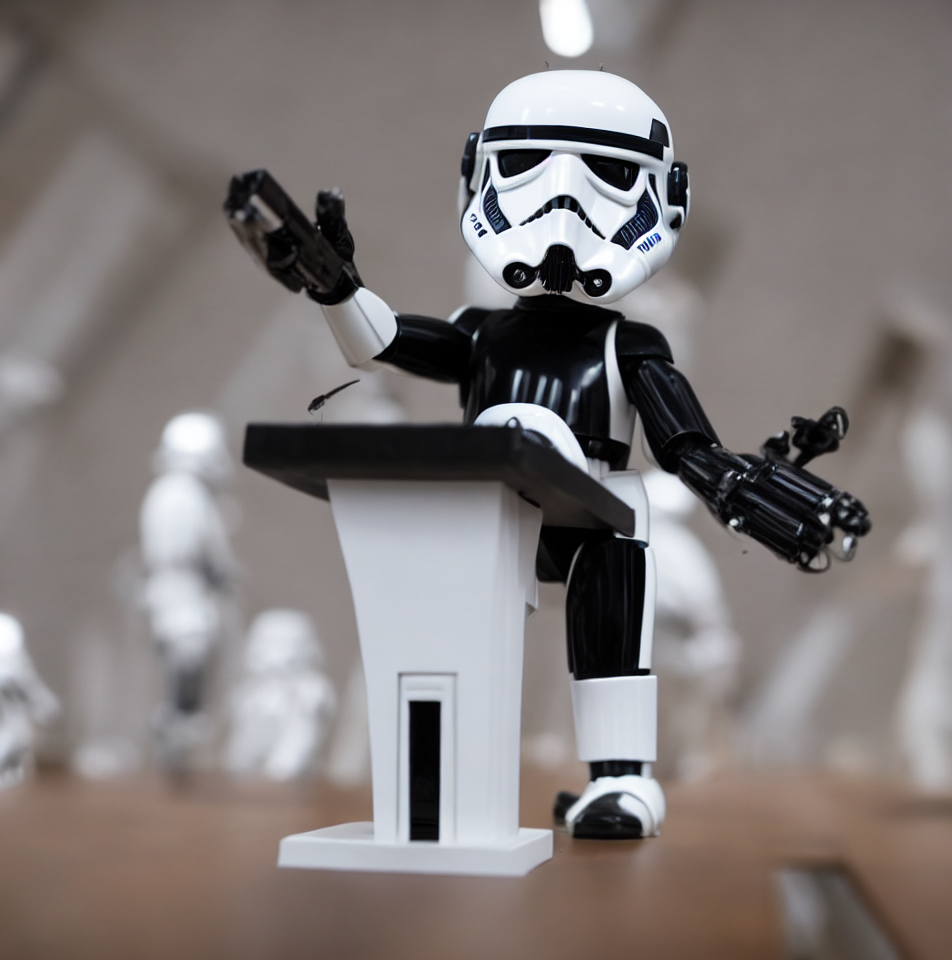 |
| lllyasviel/control_v11p_sd15_normalbae | Trained with surface normal estimation | An image with surface normal information, usually represented as a color-coded image. | 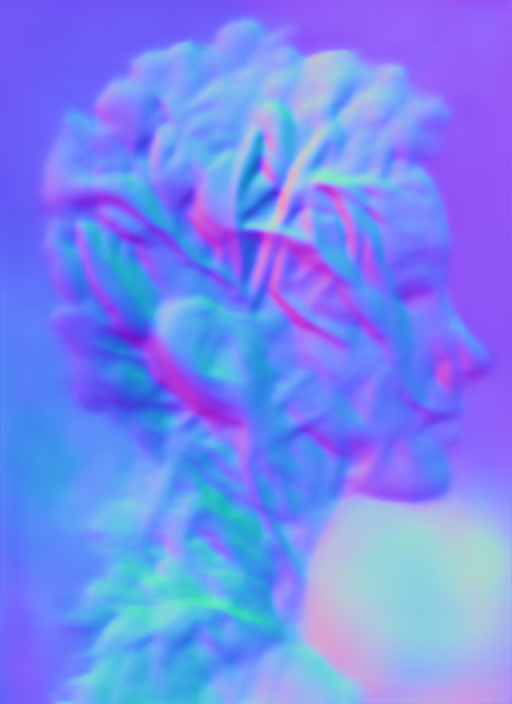 | 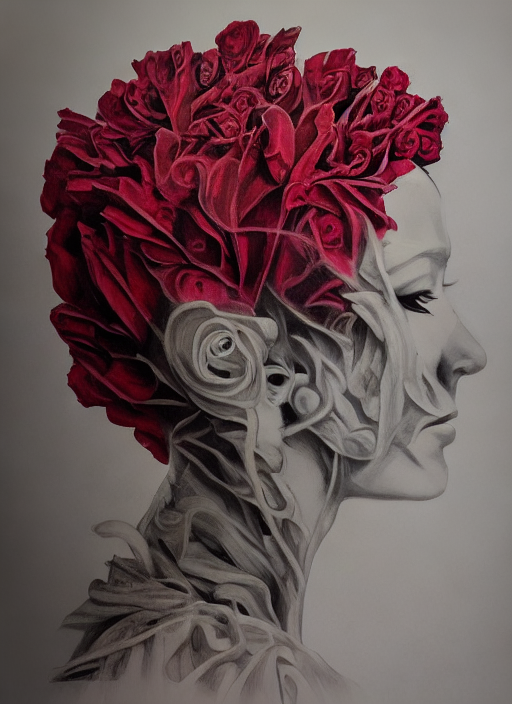 |
| lllyasviel/control_v11p_sd15_seg | Trained with image segmentation | An image with segmented regions, usually represented as a color-coded image. | 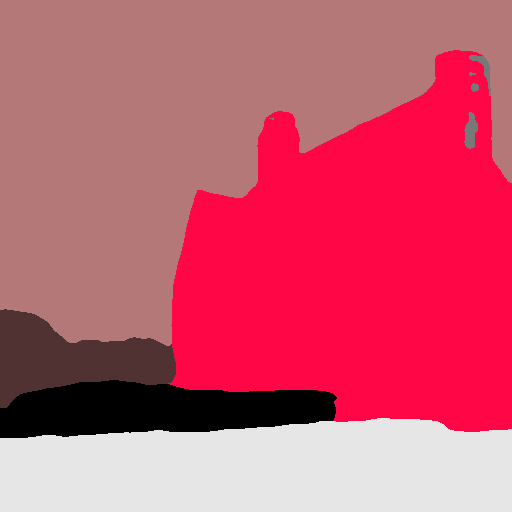 | 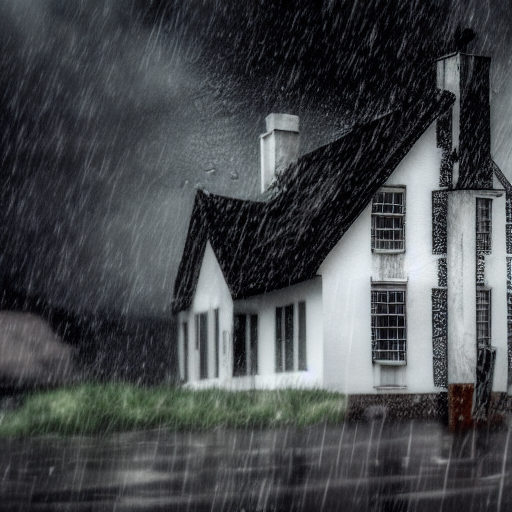 |
| lllyasviel/control_v11p_sd15_lineart | Trained with line art generation | An image with line art, usually black lines on a white background. | 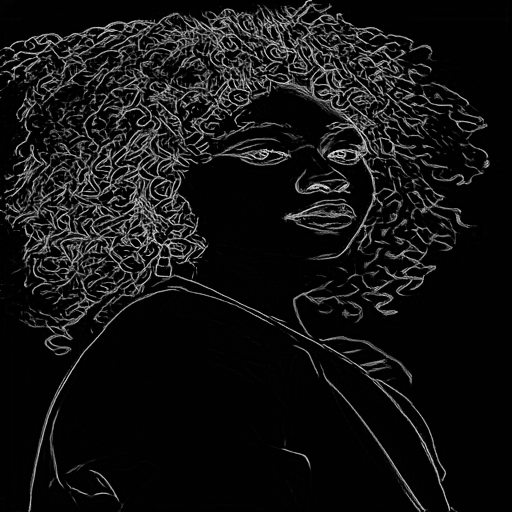 | 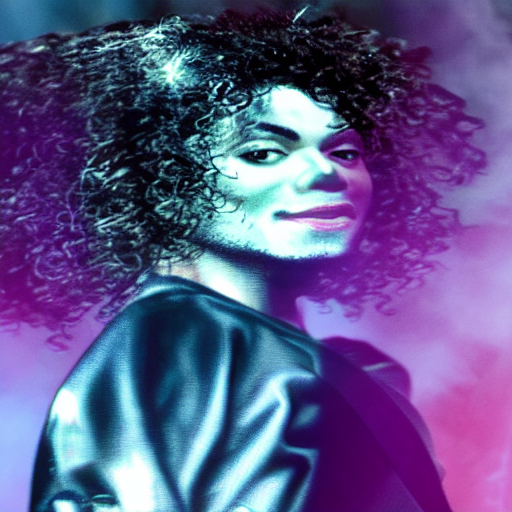 |
| lllyasviel/control_v11p_sd15s2_lineart_anime | Trained with anime line art generation | An image with anime-style line art. | 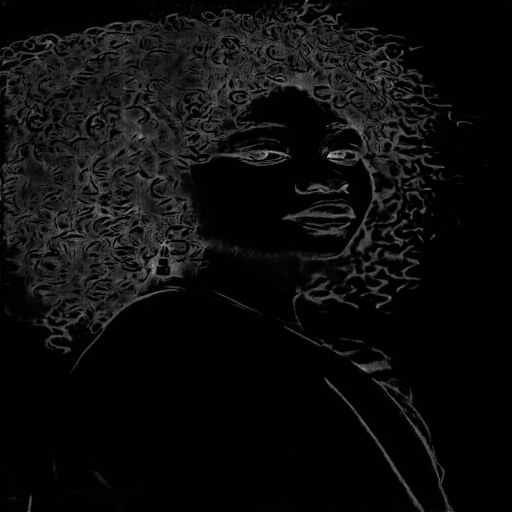 | 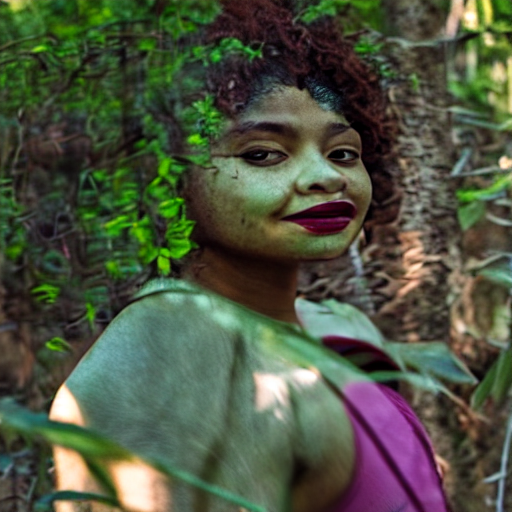 |
| lllyasviel/control_v11p_sd15_openpose | Trained with human pose estimation | An image with human poses, usually represented as a set of keypoints or skeletons. | 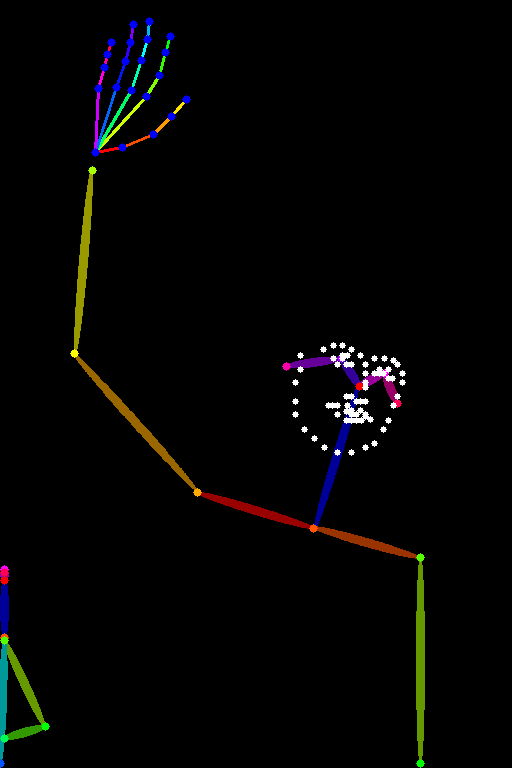 | 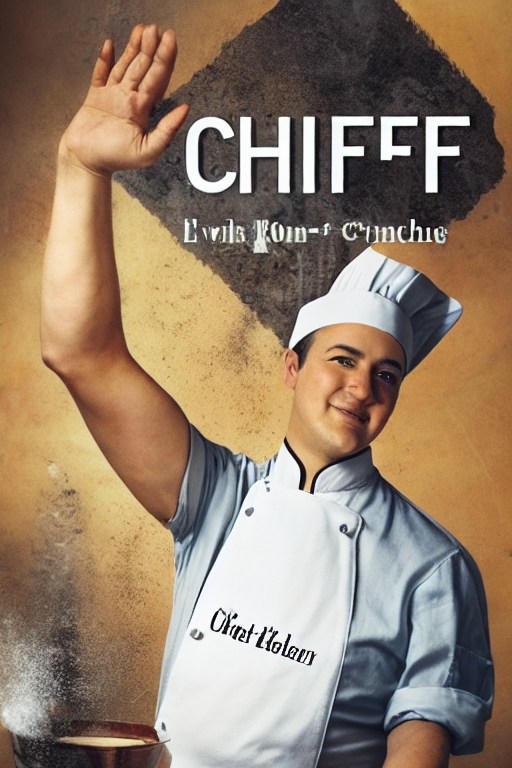 |
| lllyasviel/control_v11p_sd15_scribble | Trained with scribble-based image generation | An image with scribbles, usually random or user-drawn strokes. | 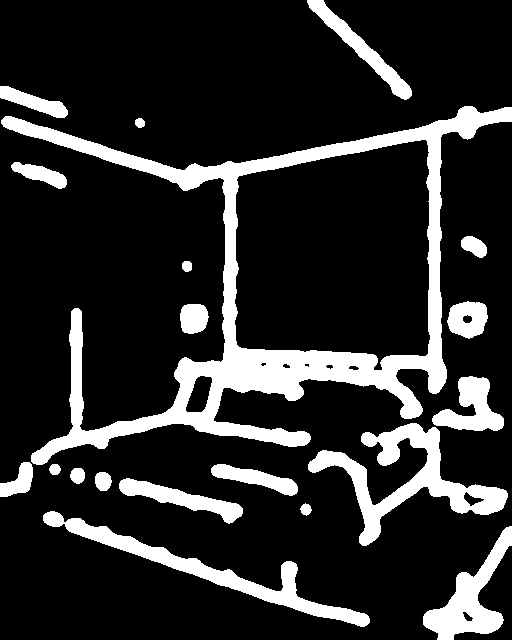 | 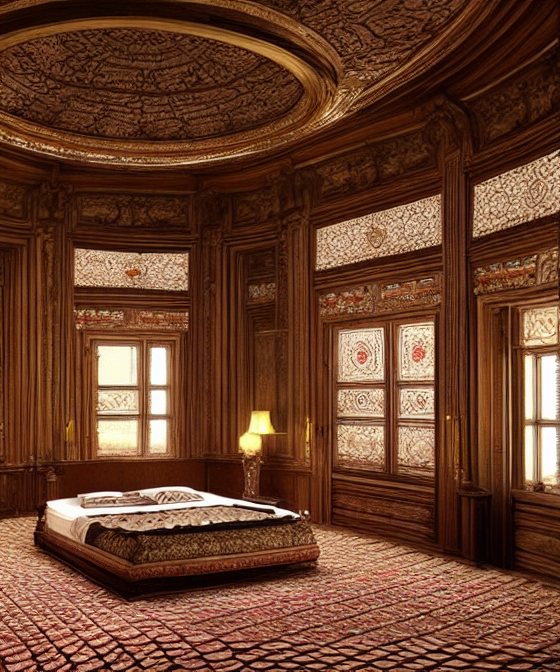 |
| lllyasviel/control_v11p_sd15_softedge | Trained with soft edge image generation | An image with soft edges, usually to create a more painterly or artistic effect. | 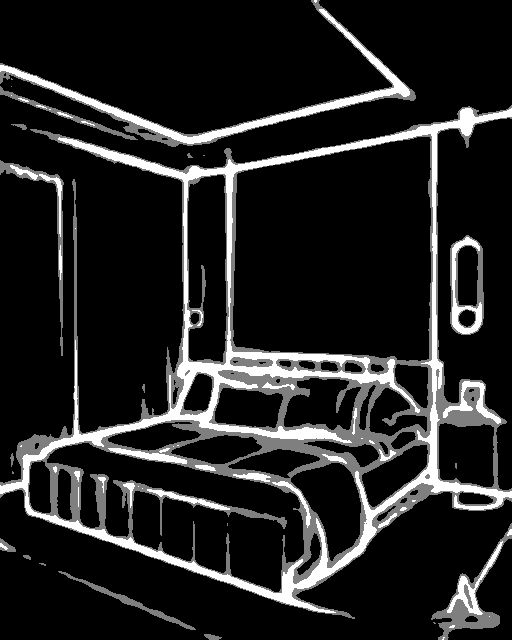 | 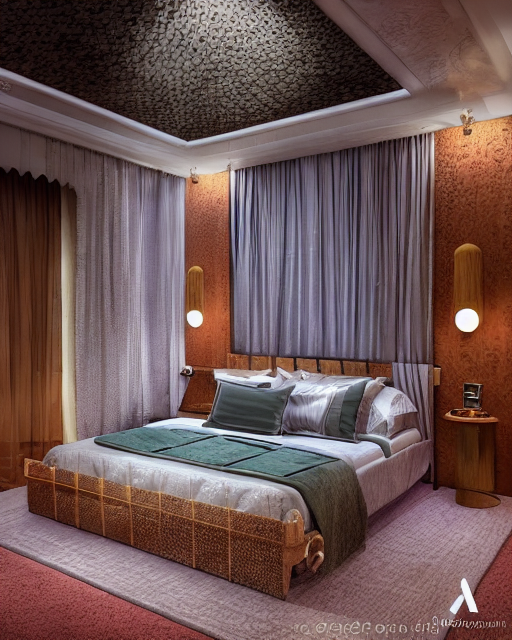 |
| lllyasviel/control_v11e_sd15_shuffle | Trained with image shuffling | An image with shuffled patches or regions. | 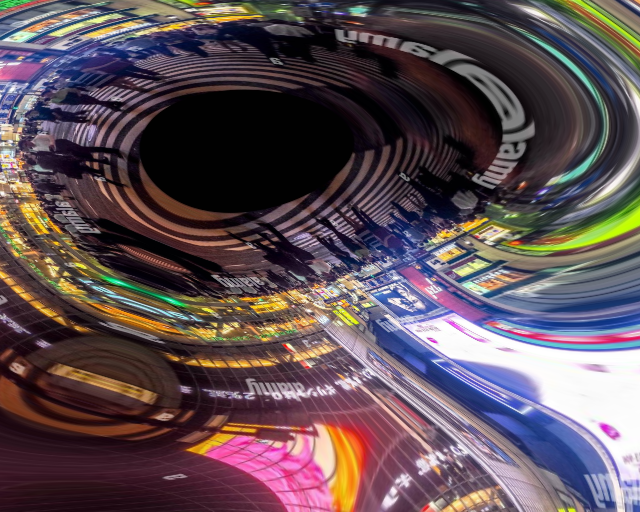 | 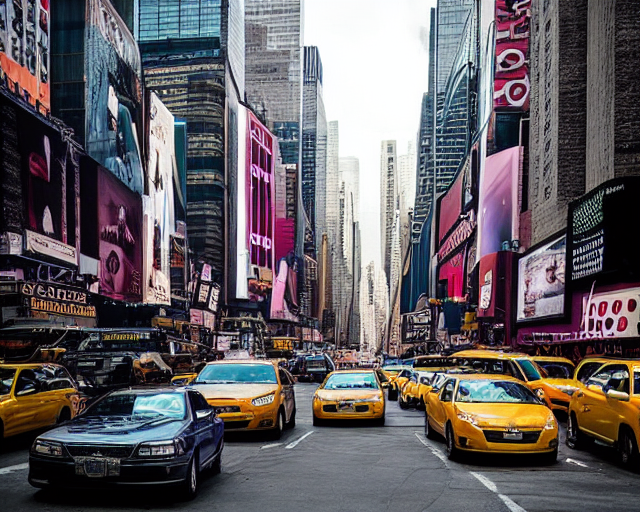 |
| lllyasviel/control_v11f1e_sd15_tile | Trained with image tiling | A blurry image or part of an image . |  | 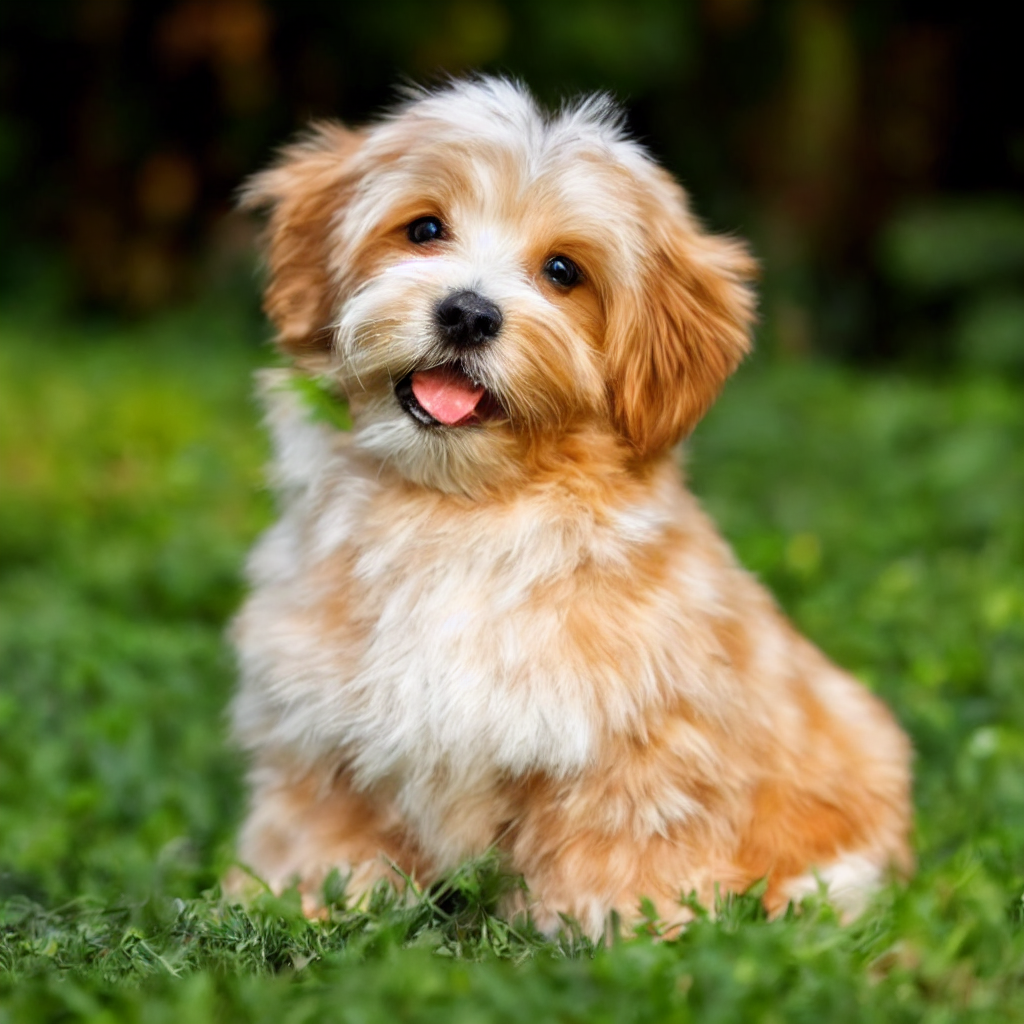 |