Views
No views yet

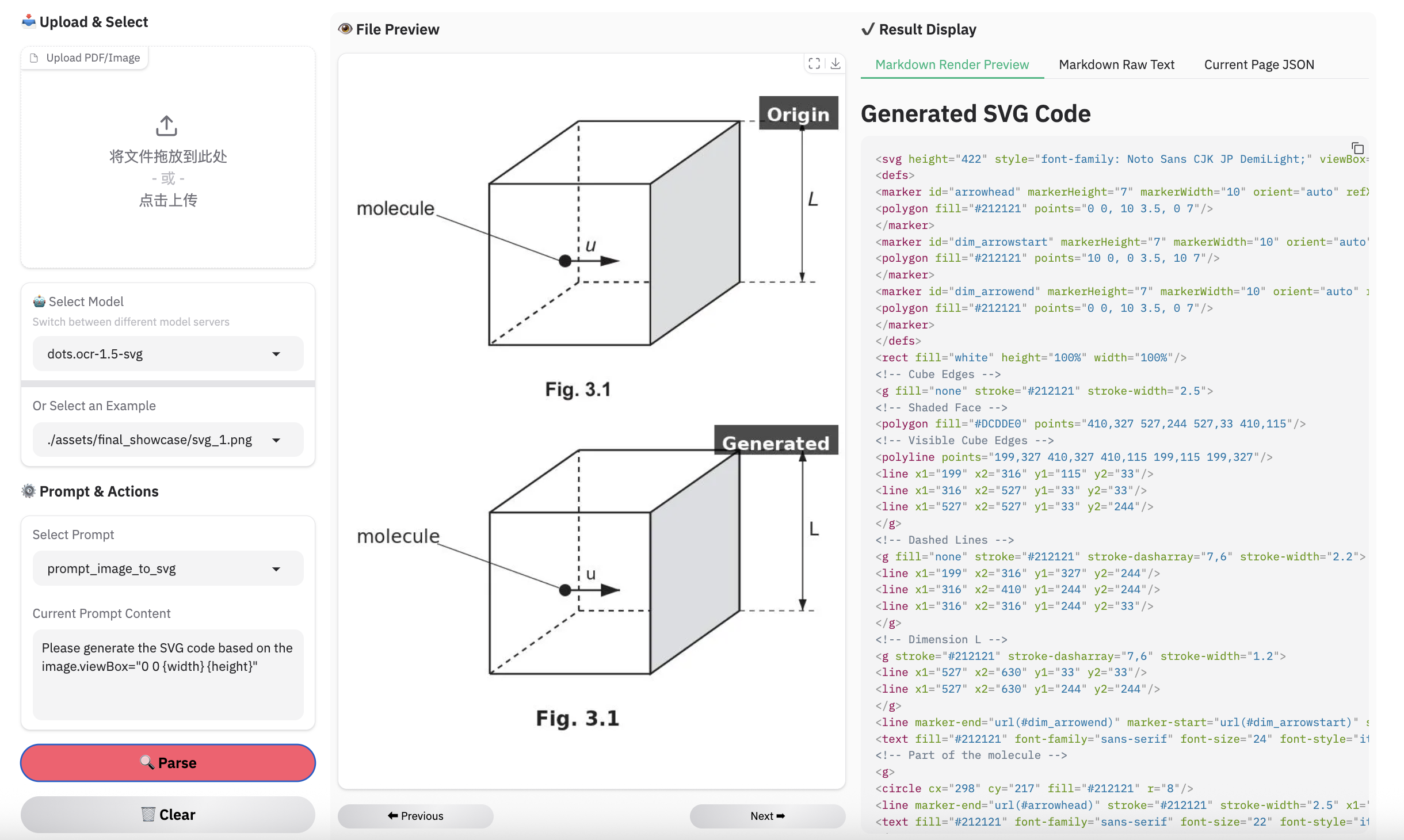
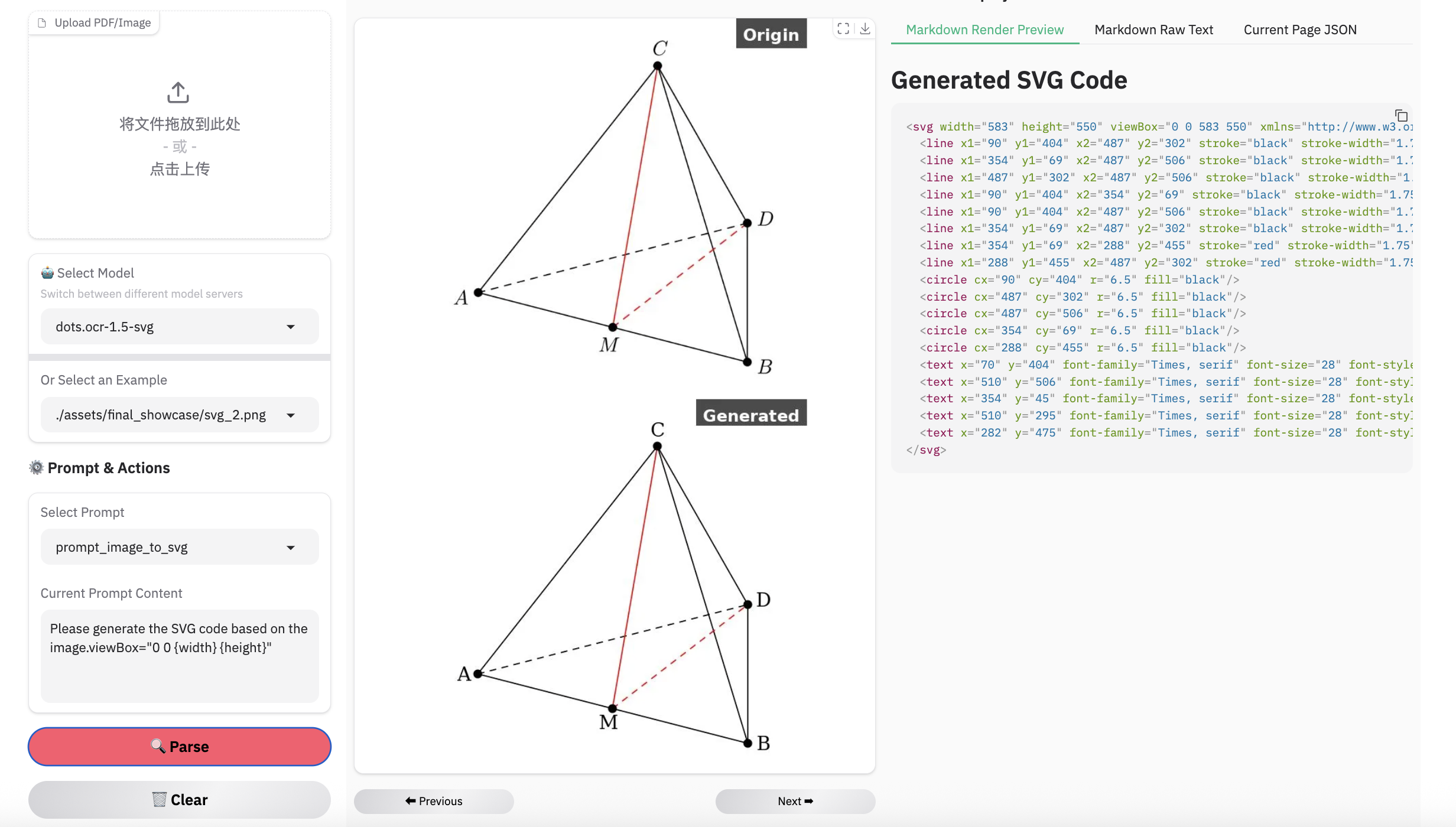
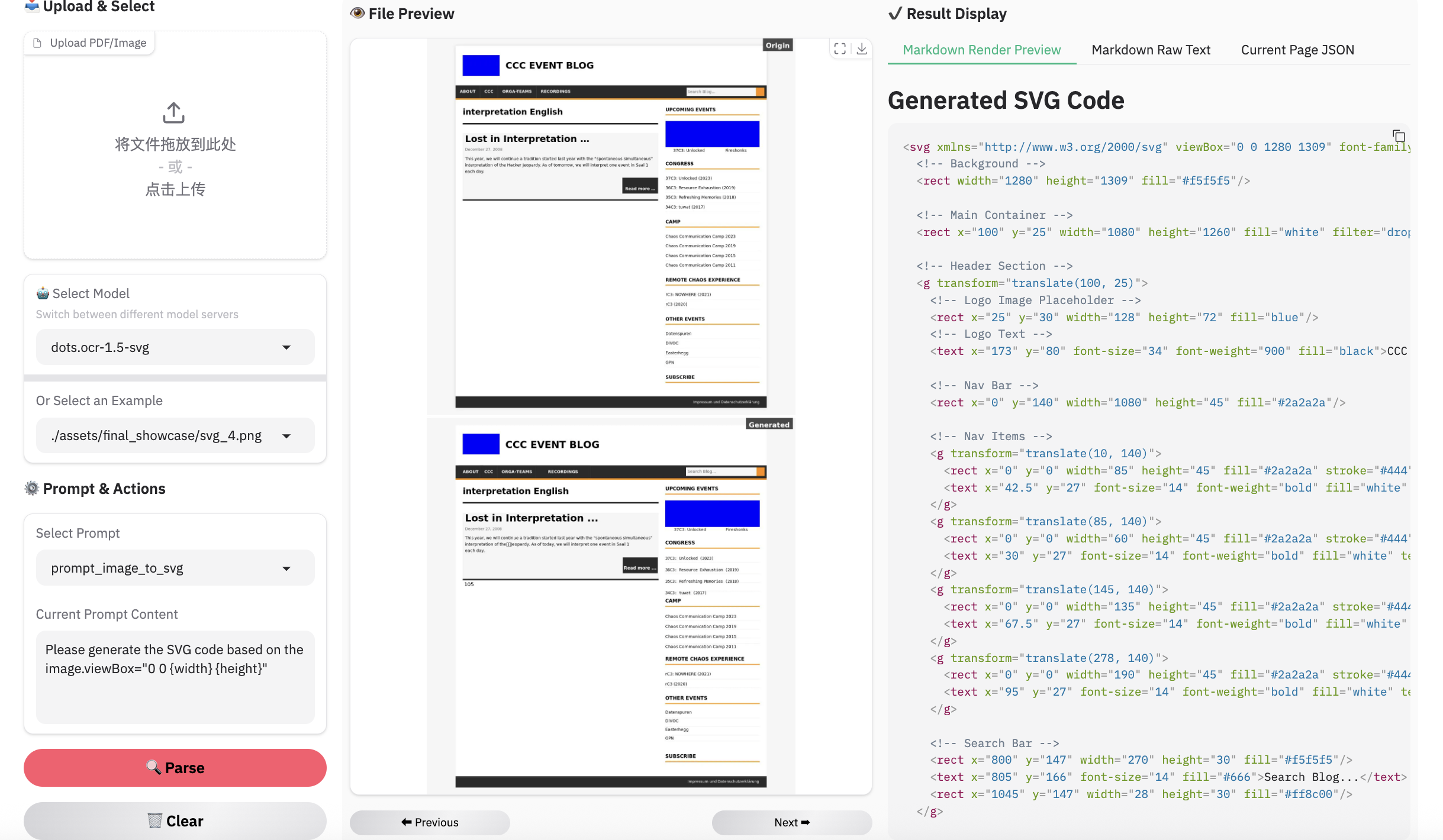
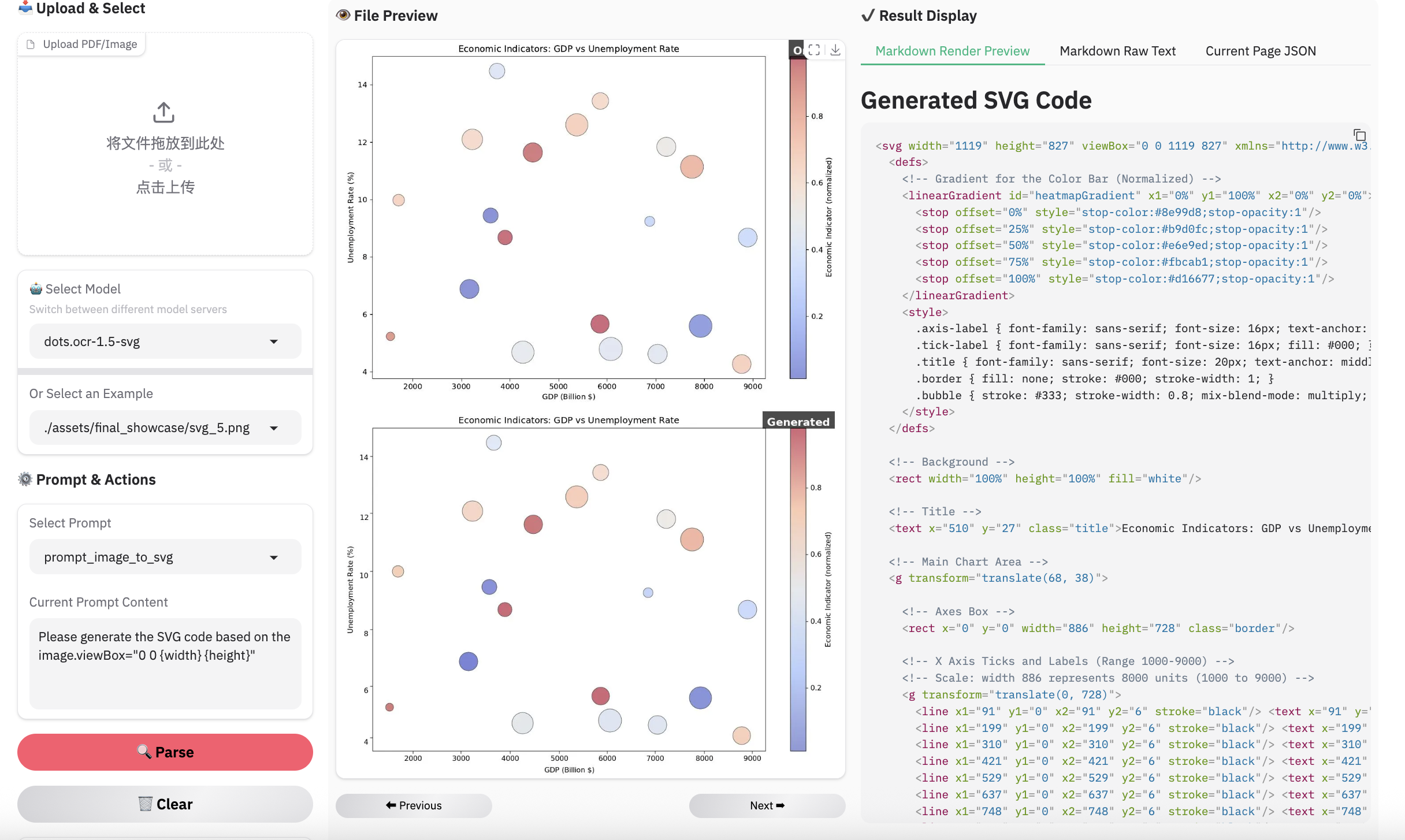
| Methods | Unisvg | Chartmimic | Design2Code | Genexam | SciGen | ChemDraw | ||
|---|---|---|---|---|---|---|---|---|
| Low-Level | High-Level | Score | ||||||
| OCRVerse | 0.632 | 0.852 | 0.763 | 0.799 | - | - | - | 0.881 |
| Gemini 3 Pro | 0.563 | 0.850 | 0.735 | 0.788 | 0.760 | 0.756 | 0.783 | 0.839 |
| dots.ocr-1.5 | 0.850 | 0.923 | 0.894 | 0.772 | 0.801 | 0.664 | 0.660 | 0.790 |
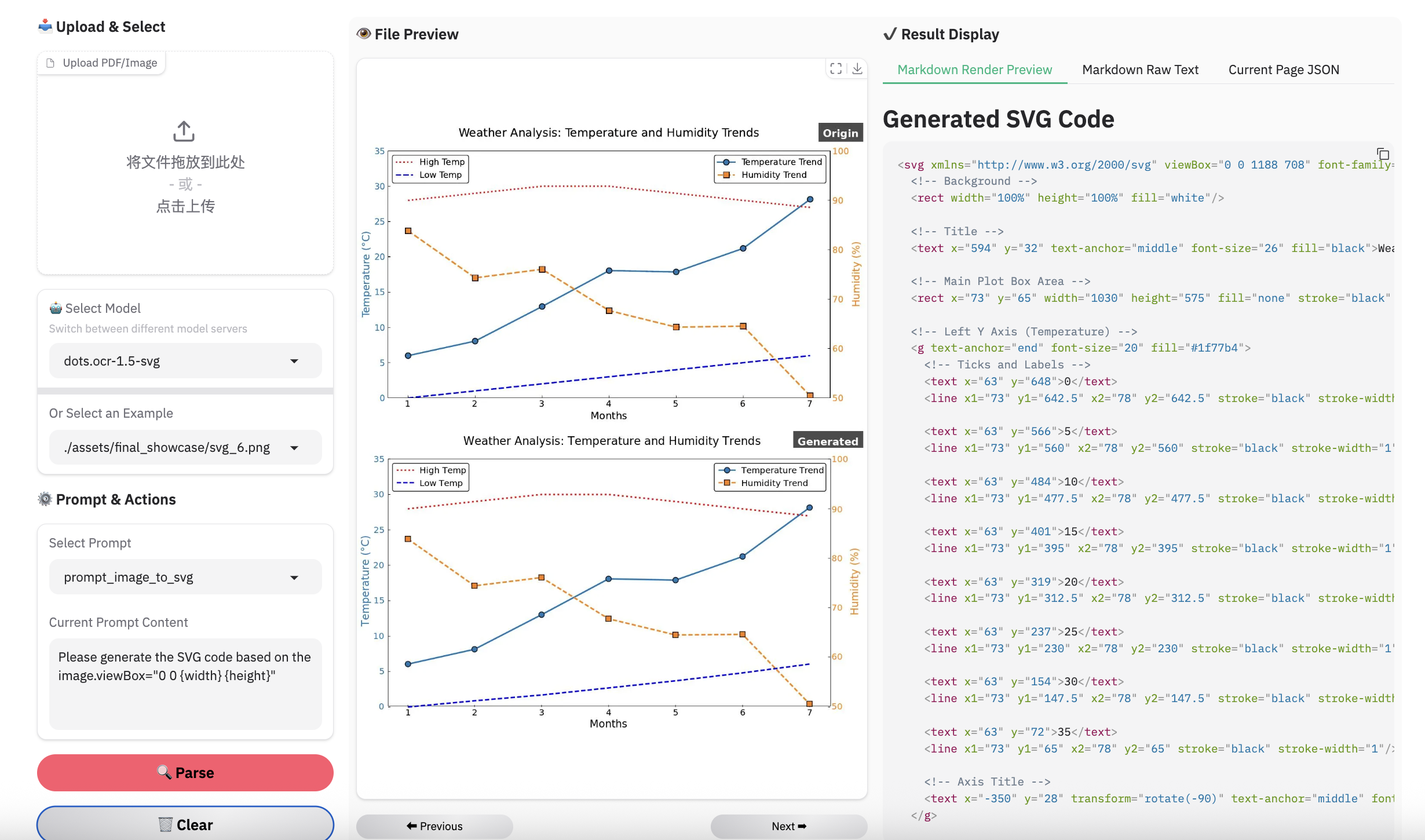
| dots.ocr-1.5-svg | 0.860 | 0.931 | 0.902 | 0.905 | 0.834 | 0.8 | 0.797 | 0.901 |
Note:
- We use the ISVGEN metric from UniSVG to evaluate the parsing result. For benchmarks that do not natively support image parsing, we use the original images as input, and calculate the ISVGEN score between the rendered output and the original image.
- OCRVerse results are derived from various code formats (e.g., SVG, Python), whereas results for Gemini 3 Pro and dots.ocr-1.5 are based specifically on SVG code.
- Due to the capacity constraints of a 3B-parameter VLM, dots.ocr-1.5 may not excel in all tasks yet like svg. To complement this, we are simultaneously releasing dots.ocr-1.5-svg. We plan to further address these limitations in future updates.
1conda create -n dots_ocr python=3.12
2conda activate dots_ocr
3
4git clone https://github.com/rednote-hilab/dots.ocr.git
5cd dots.ocr
6
7# Install pytorch, see https://pytorch.org/get-started/previous-versions/ for your cuda version
8pip install torch==2.7.0 torchvision==0.22.0 torchaudio==2.7.0 --index-url https://download.pytorch.org/whl/cu128
9pip install -e .1git clone https://github.com/rednote-hilab/dots.ocr.git
2cd dots.ocr
3pip install -e .💡Note: Please use a directory name without periods (e.g.,DotsOCR_1_5instead ofdots.ocr-1.5) for the model save path. This is a temporary workaround pending our integration with Transformers.
python3 tools/download_model.py1# launch vllm server
2## dots.ocr-1.5-svg
3CUDA_VISIBLE_DEVICES=0 vllm serve rednote-hilab/dots.ocr-1.5-svg --tensor-parallel-size 1 --gpu-memory-utilization 0.9 --chat-template-content-format string --served-model-name model --trust-remote-code
4
5# vllm api demo
6## image parsing with svg code
7python3 ./demo/demo_vllm_svg.py --prompt_mode prompt_image_to_svg
8