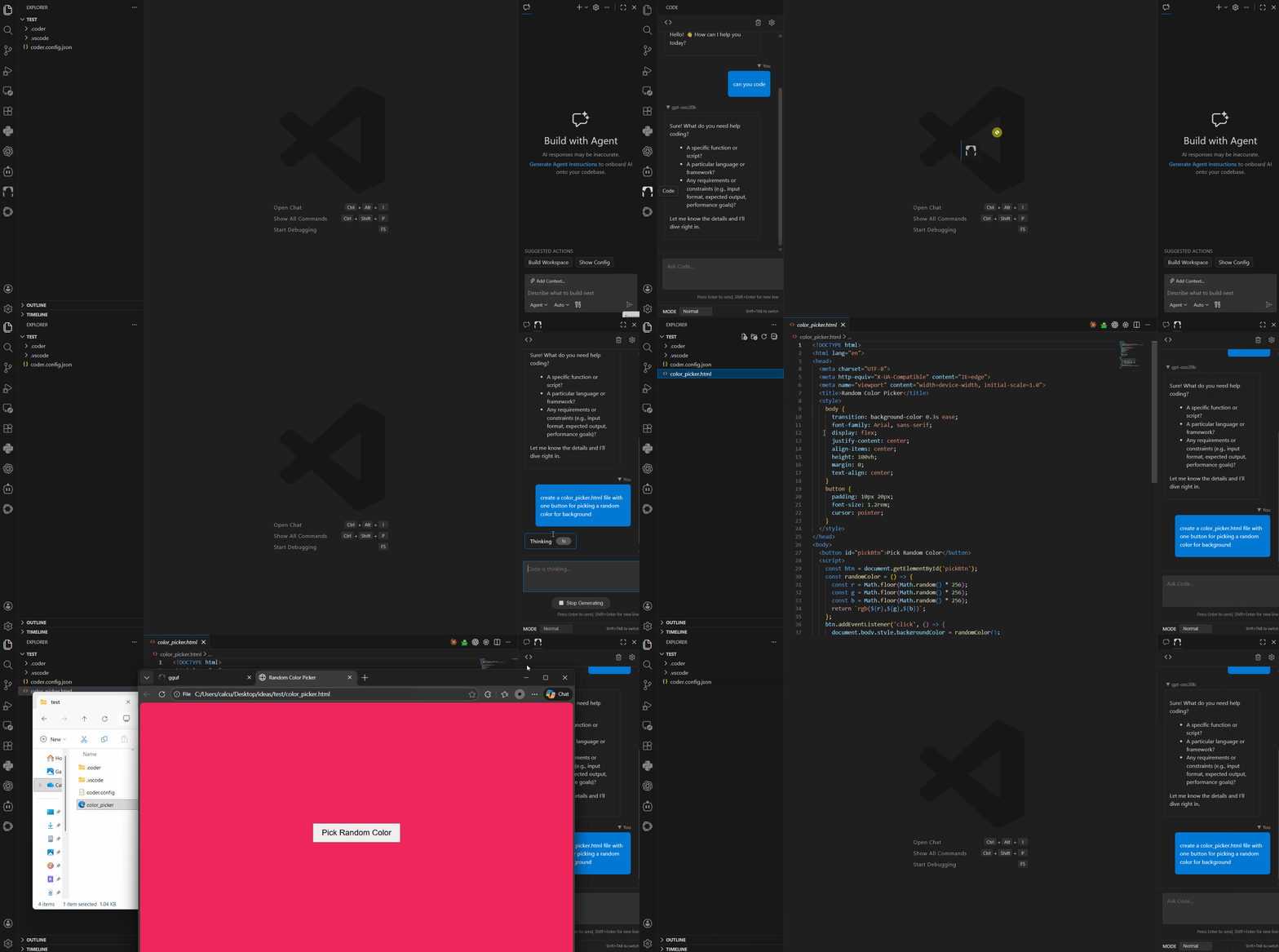
Monster coding agent lives in your IDE - moving beyond a CLI bridge to a fully native IDE AI assistant.
Shipped to vscode marketplace (currently unpublished; download it (.vsix) from
open-vsx and
code --install-extension gguf.gguf-code-x.x.x.vsix) or it's compatible IDEs, i.e., cursor, windsurf, antigravity, etc.,
marketplaces
-
Installation: Install the extension from the VS Code Marketplace or via .vsix.
-
Configuration: Ensure you have a coder.config.json in your project root (see example below, can be any OpenAI compatible API or local/self-hosted API).
lmstudio (localhost) example:
1{
2  "coder": {
3    "providers": [
4      {
5        "name": "lmstudio",
6        "models": [
7          "openai/gpt-oss-20b"
8        ],
9        "baseUrl": "http://localhost:1234/v1"
10      }
11    ]
12  }
13}
ollama (localhost) example:
1{
2  "coder": {
3    "providers": [
4      {
5        "name": "ollama",
6        "models": [
7          "gpt-oss:20b"
8        ],
9        "baseUrl": "http://localhost:11434/v1"
10      }
11    ]
12  }
13}
fetch from any api provider, see example below:
1{
2  "coder": {
3      "providers": [
4        {
5          "name": "openrouter",
6          "baseUrl": "https://openrouter.ai/api/v1",
7          "apiKey": "your-api-key",
8          "models": ["anthropic/claude-4.5-sonnet"]
9        }
10      ]
11  }
12}
-
Launch: Click the "Code" monster icon in the Activity Bar (left sidebar) to open the chat.
This extension has migrated from a thin client (CLI bridge) to a thick client architecture:
1npm install
2
3# Build both Webview and Extension
4npm run build
5
6# Watch mode (rebuilds on change)
7
8# Terminal 1:
9npm run watch:webview
10
11# Terminal 2:
12npm run watch