FaceSwap is a flow designed to seamlessly swap faces between two images. This project is built on top of ComfyUI, a modular and flexible interface that enables easy integration and customization of AI workflows. FaceSwap utilizes models to detect key facial landmarks, map them to the target face, and generate a realistic face swap by considering aspects like lighting, expression, and pose. This flow is designed to provide an easy-to-use interface through ComfyUI, allowing users to swap faces effortlessly with minimal setup.
foduucom/FaceSwap
Requirements
To run FaceSwap, you'll need to install ComfyUI and set up a few dependencies. Follow the steps below for installation and setup.
Prerequisites
Python 3.9 or higher (Ensure Python 3.9+ is installed on your machine)
NVIDIA GPU (Recommended for faster processing, though CPU can also be used)
Step-by-Step Installation
Clone the ComfyUI Repository
Start by cloning the main ComfyUI repository:
Install Dependencies
Install all the required dependencies for ComfyUI:
pip install -r requirements.txt
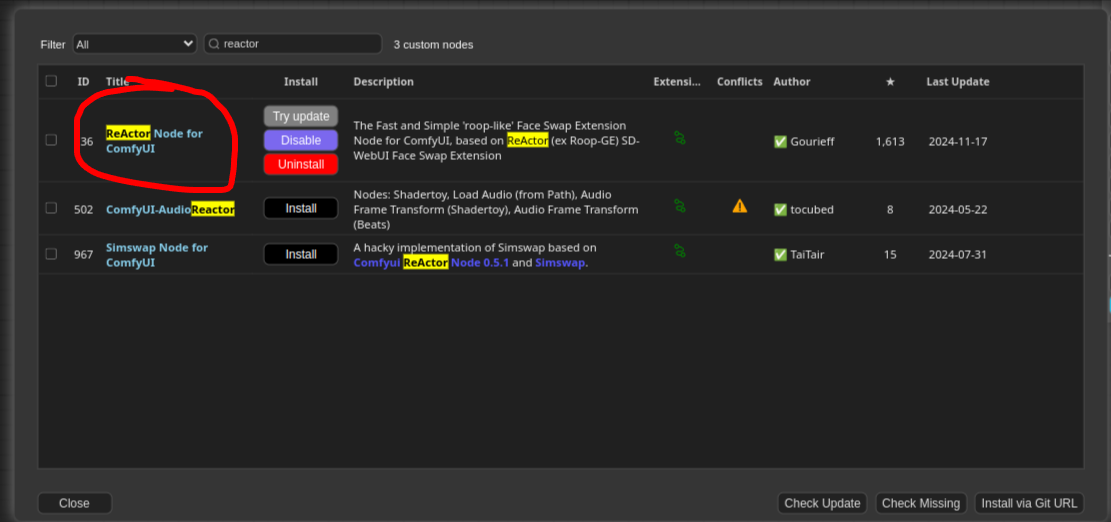
Install ComfyUI-Manager
To manage custom nodes, you'll need to install ComfyUI-Manager. Run the following commands inside the ComfyUI/custom_nodes directory:
How to use
Once ComfyUI is running, open the browser window (default: http://127.0.0.1:8188), and follow these steps:
Click on the Load button in the menu bar and select the workflow.json file from this repo you just cloned.
Upload the Workflow.json to start the face-swapping process.
Provide Input Images
Source Image: The image containing the face you want to swap.
Target Image: The image where the face will be swapped into.
Click Queue Prompt to initiate the face-swapping process. The AI model will process the images and generate the output.
or you can use by python script provided in this repository:
bash
1python3 FaceSwap.py
23#Remember change the input paths in script here :4#prompt["1"]["inputs"]["image"] = "//put your input image"5#prompt["2"]["inputs"]["image"] = "//put your source face image"6
Troubleshooting
ComfyUI Not Running: Ensure that all dependencies are installed correctly and that you’re using Python 3.9 or higher. If issues persist, check the ComfyUI GitHub repository for troubleshooting guides.
Missing Models: Ensure you’ve downloaded the required models (sam_vit_h_4b8939.pth and groundingdino_swint_ogc.pth) and placed them in the correct directories (ComfyUI/models/sams/ and ComfyUI/models/grounding-dino/).
Slow Performance:
Using a GPU is highly recommended for better performance. If you’re using a CPU, the processing time may be longer.
Compute Infrastructure
Hardware
NVIDIA GeForce RTX 3060 card
Model Card Contact
For inquiries and contributions, please contact us at info@foduu.com.
bibtex
1@ModelCard{
2  author    = {Nehul Agrawal and
3               Priyal Mehta},
4  title     = {FaceSwap - AI-Powered Face Swap / Headshot Generator},
5  year      = {2024}
6}