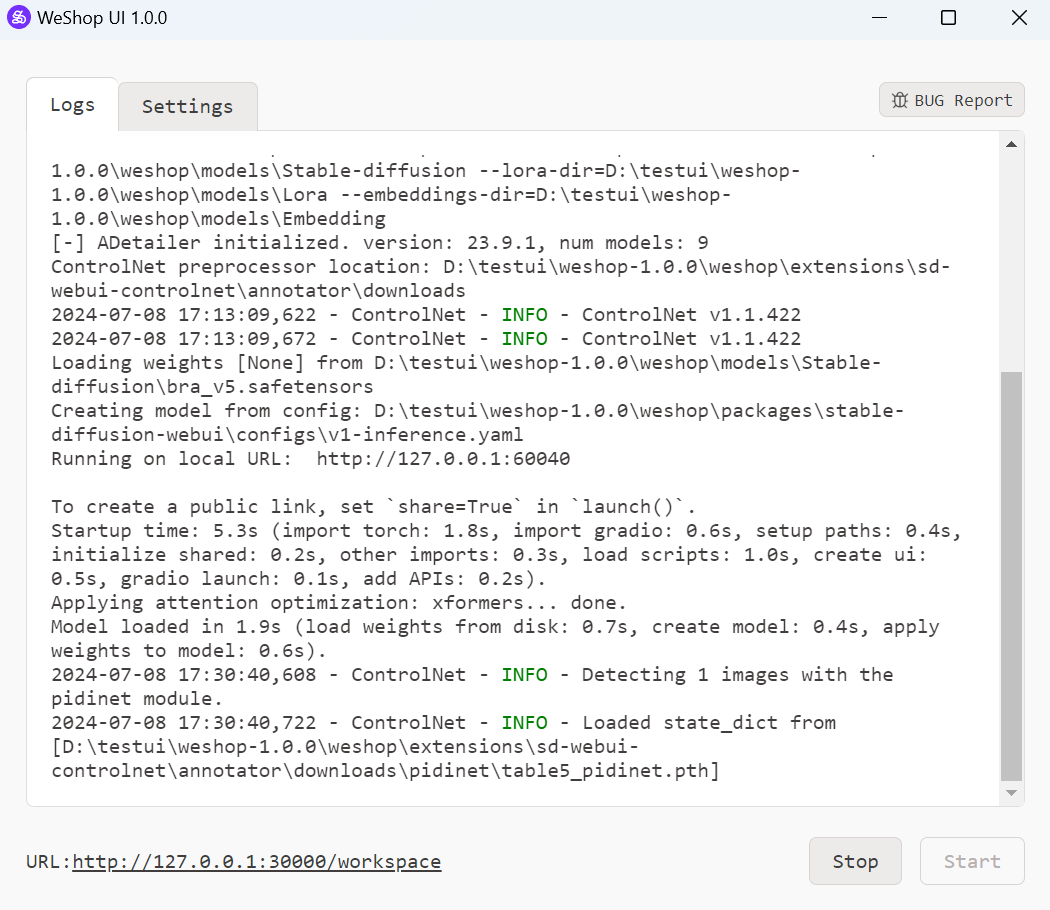
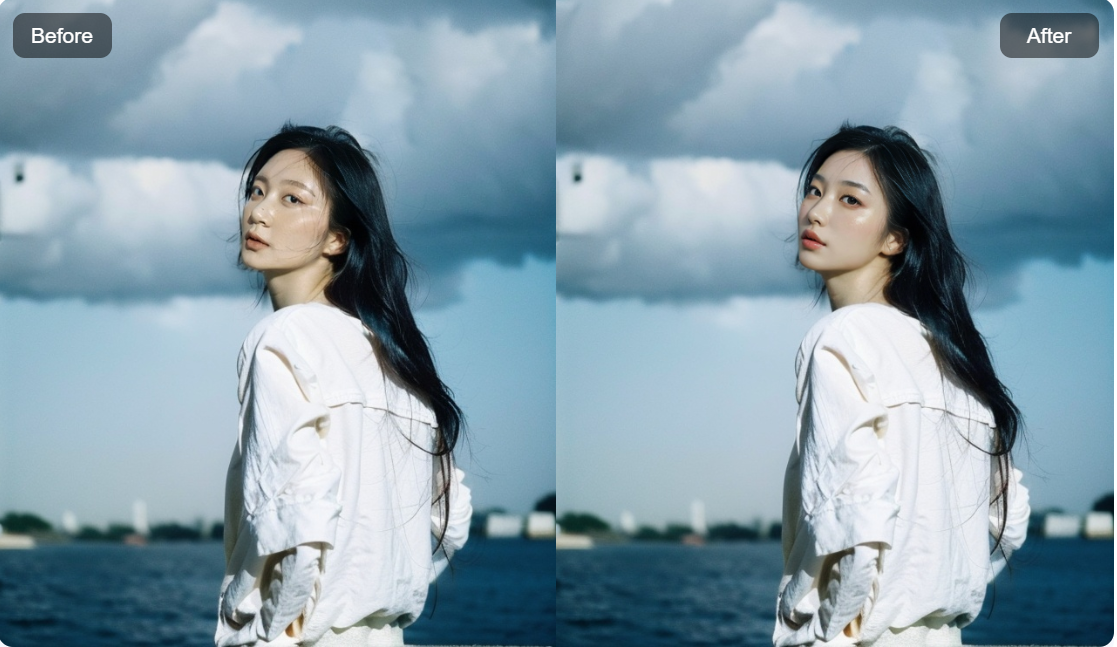
Welcome to Weshop_UI_1.0.0! This software is an open-source solution derived from WeShop.AI, which specialize in generating images using AI. We've extracted some business/professional functionalities, removed proprietary elements, and are gradually releasing parts of our services to the public. Our goal is to foster innovation and collaboration in AI-powered image creation while maintaining our core business offerings. WeShop UI features multi-task management, and a simple and user-friendly interface, perfect for beginners.
Introduction
Weshop_UI_1.0.0 is an open-source solution that brings some functionalities of weshop.ai to your local operation. Weshop_UI_1.0.0 leverages Stable Diffusion Webui as its core inference engine, enabling you to deploy WeShop.AI functionalities locally and generate high-quality AI images without internet or cloud reliance.
News
2024.07 We officially launched WeShop UI
Open-source Plan
Currently, we've open sourced web and Electron frontend, changes made for Automatic1111 Stable Diffusion Webui. Our plan regarding key functionalities is listed below:
More functions to come and feel free to leave you feedbacks!
Features
Seamlessly integrated SD WebUI functionalities, supporting SDXL model and SDXL's Controlnet
Enable shared graphics card utilization for enhanced performance
Harness the power of robust task management functionalities
Unlock batch task execution, interrupt capabilities, and execute single tasks on a large scale for unparalleled efficiency
How to use WeShop AI Locally
alt text
Click the "Start" button on the bottom right to launch the tool. Depending on the computer's specification, it takes some time to launch.
alt text
alt text
This website will pop up after the software is launched. Select the type of task desired to be executed. Currently, functionalities include text-to-image (txt2img) and image-to-image (img2img).
alt text
Select desired parameters for image generations.
alt text
alt text
Further refine generations by selecting desired ControlNet and AfterDetailer parameters. Click the "Generate" button on bottom right to start generation process.
alt text
Resulting images will shortly be displayed after generation process is finished. Click "Edit again" button on the top right to adjust parameters or generate again.
alt text
For any bugs encountered, click the "BUG Report" button, then bug info will be sent. Alternatively, you can send feedback from our Github page https://github.com/weshopai/WeShop-UI
Requirements
Windows 7 or above system
8GB VRAM Nvidia GPU
16GB RAM
Download
You can download WeShop UI 1.0.0 from the following sources: