


Views
No views yet
| Model Name | Control Image Overview | Control Image Example | Generated Image Example |
|---|---|---|---|
| TencentARC/t2iadapter_color_sd14v1 Trained with spatial color palette | A image with 8x8 color palette. |  | 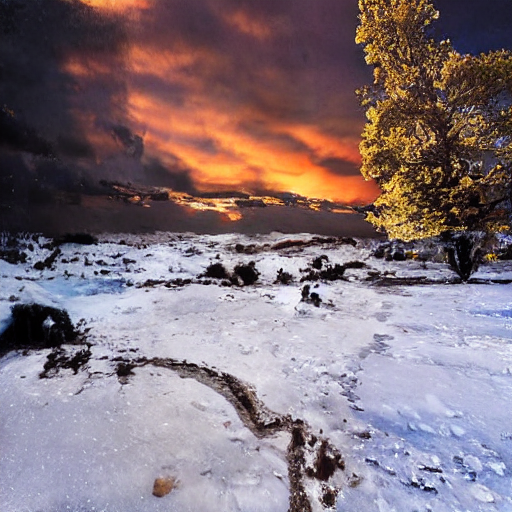 |
| TencentARC/t2iadapter_canny_sd14v1 Trained with canny edge detection | A monochrome image with white edges on a black background. | 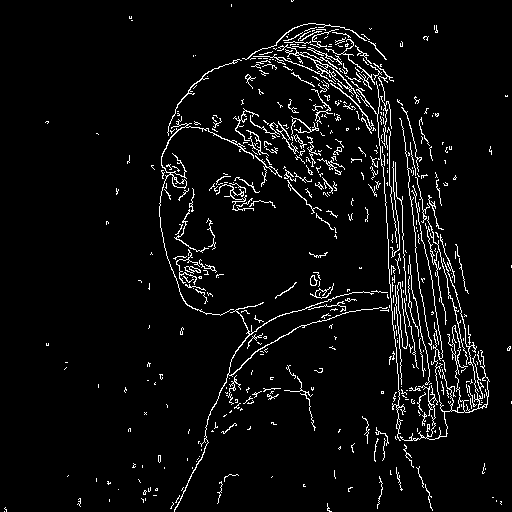 | 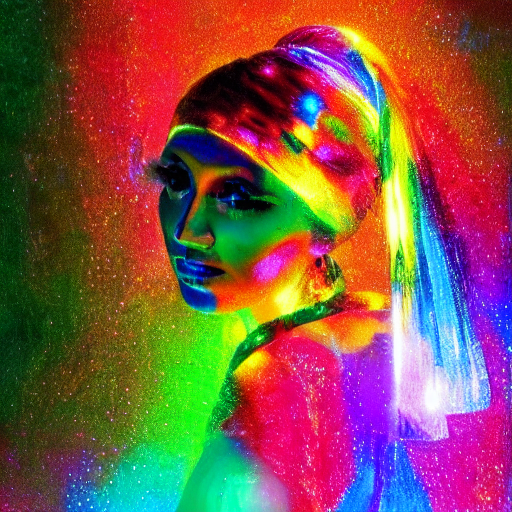 |
| TencentARC/t2iadapter_sketch_sd14v1 Trained with PidiNet edge detection | A hand-drawn monochrome image with white outlines on a black background. | 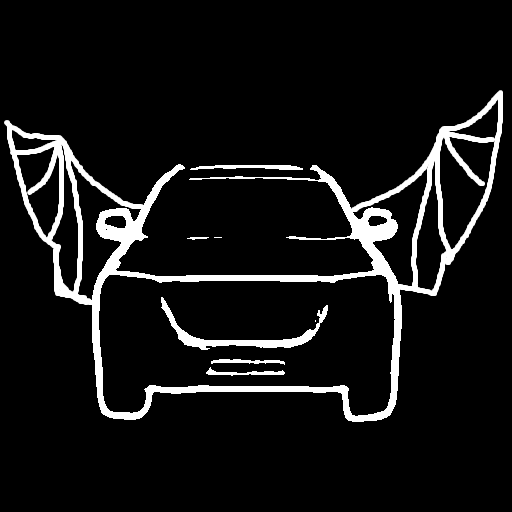 | 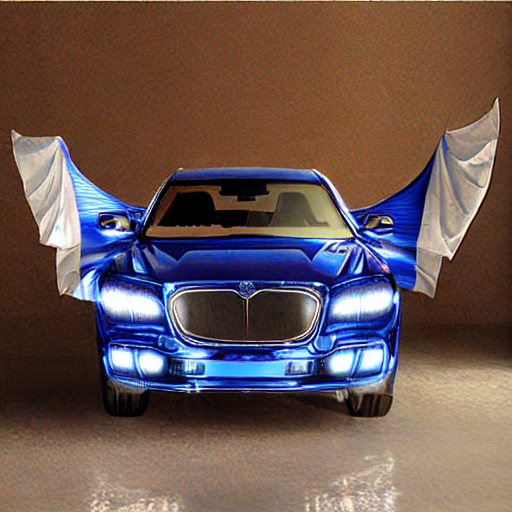 |
| TencentARC/t2iadapter_depth_sd14v1 Trained with Midas depth estimation | A grayscale image with black representing deep areas and white representing shallow areas. | 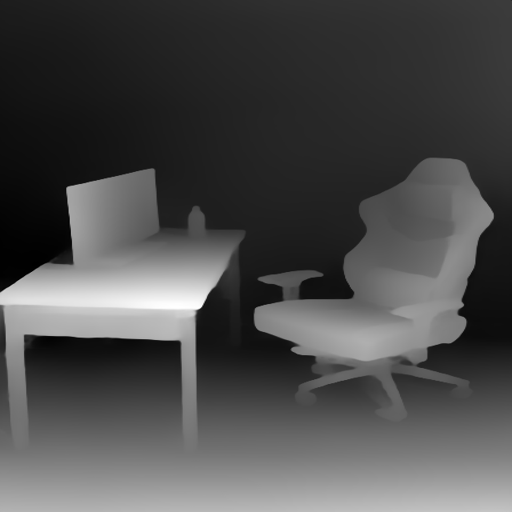 | 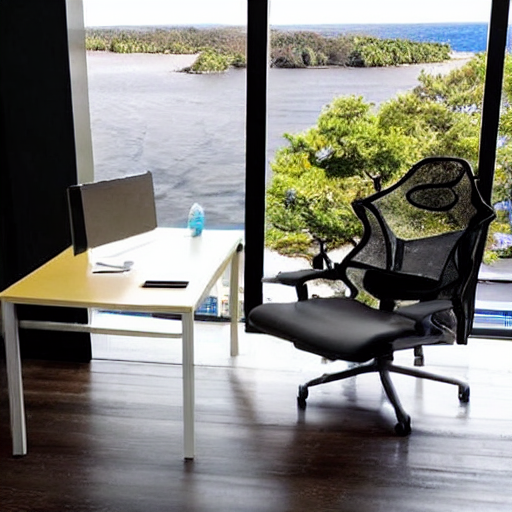 |
| TencentARC/t2iadapter_openpose_sd14v1 Trained with OpenPose bone image | A OpenPose bone image. | 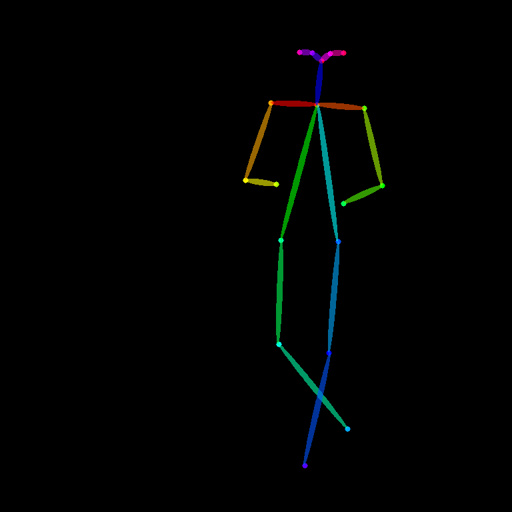 | 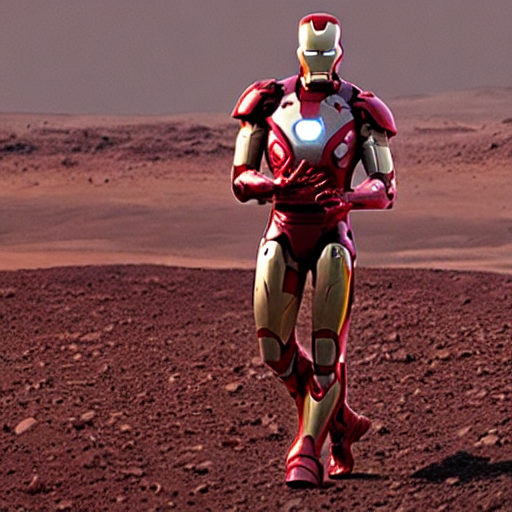 |
| TencentARC/t2iadapter_keypose_sd14v1 Trained with mmpose skeleton image | A mmpose skeleton image. | 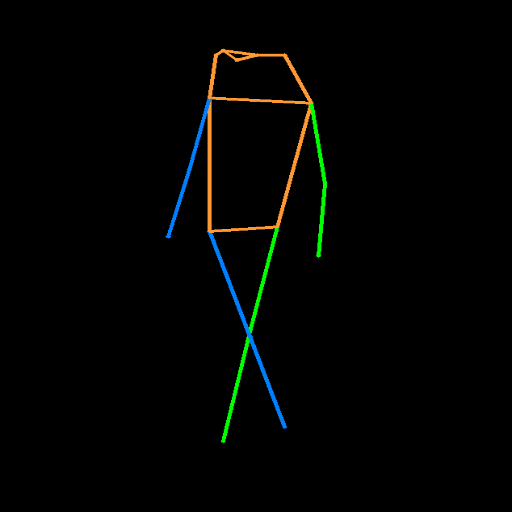 | 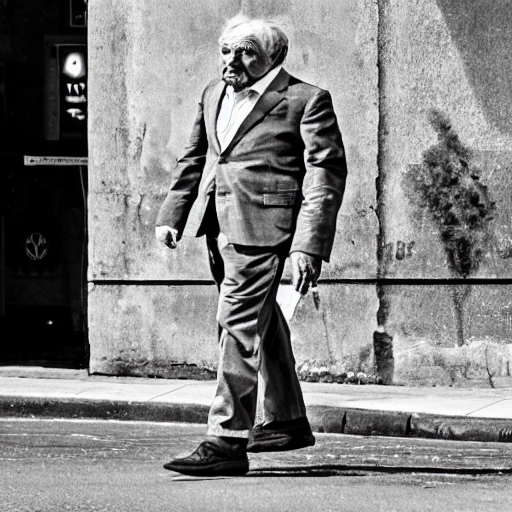 |
| TencentARC/t2iadapter_seg_sd14v1 Trained with semantic segmentation | An custom segmentation protocol image. | 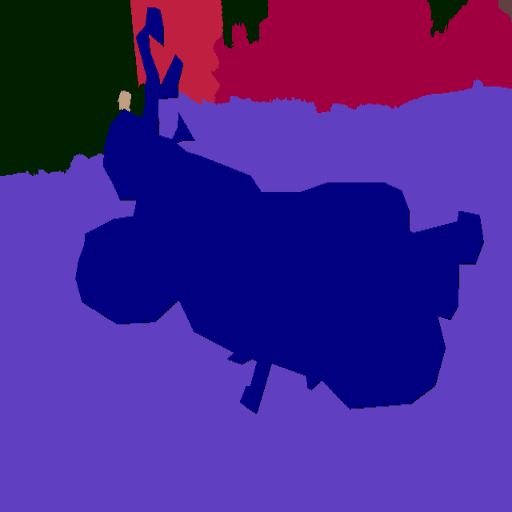 |  |
| TencentARC/t2iadapter_canny_sd15v2 | |||
| TencentARC/t2iadapter_depth_sd15v2 | |||
| TencentARC/t2iadapter_sketch_sd15v2 | |||
| TencentARC/t2iadapter_zoedepth_sd15v1 |
pip install diffusers transformers opencv-contrib-python1import cv2
2from PIL import Image
3import torch
4import numpy as np
5from diffusers import T2IAdapter, StableDiffusionAdapterPipeline
6
7image = Image.open('./images/canny_input.png')
8image = np.array(image)
9
10low_threshold = 100
11high_threshold = 200
12
13image = cv2.Canny(image, low_threshold, high_threshold)
14image = Image.fromarray(image)
15
16image.save('./images/canny.png')
17
18adapter = T2IAdapter.from_pretrained("TencentARC/t2iadapter_canny_sd14v1", torch_dtype=torch.float16)
19pipe = StableDiffusionAdapterPipeline.from_pretrained(
20 "CompVis/stable-diffusion-v1-4",
21 adapter=adapter,
22 torch_dtype=torch.float16,
23)
24pipe.to("cuda")
25
26generator = torch.manual_seed(0)
27
28out_image = pipe(
29 "a rabbit wearing glasses",
30 image=image,
31 generator=generator,
32).images[0]
33
34out_image.save('./images/canny_out.png')

