


Views
No views yet
diffusers format.
It can be used in combination with Stable Diffusion, such as runwayml/stable-diffusion-v1-5.
diffusers and related packages:$ pip install diffusers transformers accelerate1
2import torch
3from PIL import Image
4from diffusers import ControlNetModel, DiffusionPipeline
5from diffusers.utils import load_image
6
7def resize_for_condition_image(input_image: Image, resolution: int):
8 input_image = input_image.convert("RGB")
9 W, H = input_image.size
10 k = float(resolution) / min(H, W)
11 H *= k
12 W *= k
13 H = int(round(H / 64.0)) * 64
14 W = int(round(W / 64.0)) * 64
15 img = input_image.resize((W, H), resample=Image.LANCZOS)
16 return img
17
18controlnet = ControlNetModel.from_pretrained('lllyasviel/control_v11f1e_sd15_tile',
19 torch_dtype=torch.float16)
20pipe = DiffusionPipeline.from_pretrained("runwayml/stable-diffusion-v1-5",
21 custom_pipeline="stable_diffusion_controlnet_img2img",
22 controlnet=controlnet,
23 torch_dtype=torch.float16).to('cuda')
24pipe.enable_xformers_memory_efficient_attention()
25
26source_image = load_image('https://huggingface.co/lllyasviel/control_v11f1e_sd15_tile/resolve/main/images/original.png')
27
28condition_image = resize_for_condition_image(source_image, 1024)
29image = pipe(prompt="best quality",
30 negative_prompt="blur, lowres, bad anatomy, bad hands, cropped, worst quality",
31 image=condition_image,
32 controlnet_conditioning_image=condition_image,
33 width=condition_image.size[0],
34 height=condition_image.size[1],
35 strength=1.0,
36 generator=torch.manual_seed(0),
37 num_inference_steps=32,
38 ).images[0]
39
40image.save('output.png')

| Model Name | Control Image Overview | Condition Image | Control Image Example | Generated Image Example |
|---|---|---|---|---|
| lllyasviel/control_v11p_sd15_canny | Trained with canny edge detection | A monochrome image with white edges on a black background. | 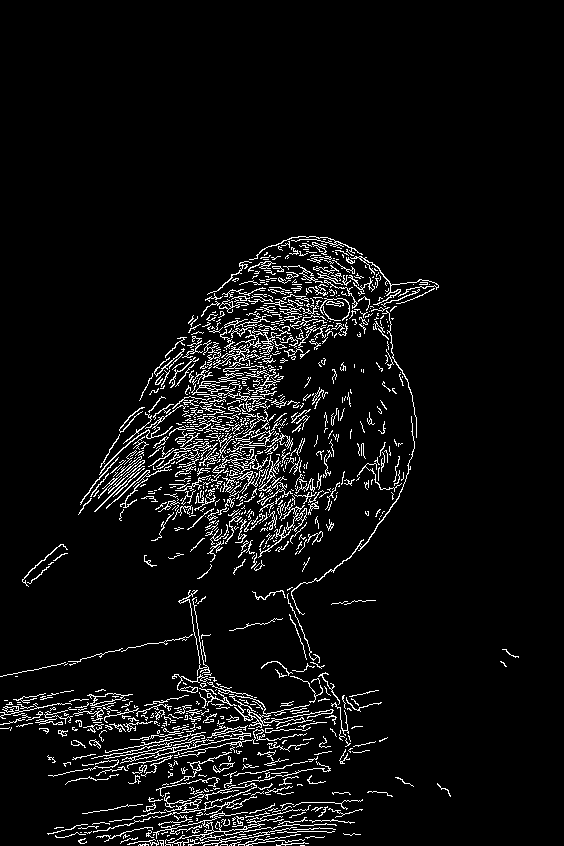 | 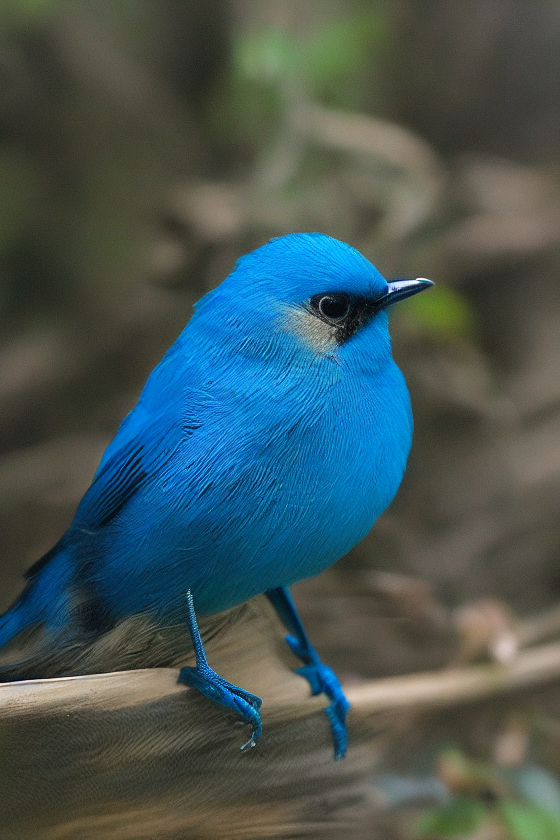 |
| lllyasviel/control_v11e_sd15_ip2p | Trained with pixel to pixel instruction | No condition . |  | 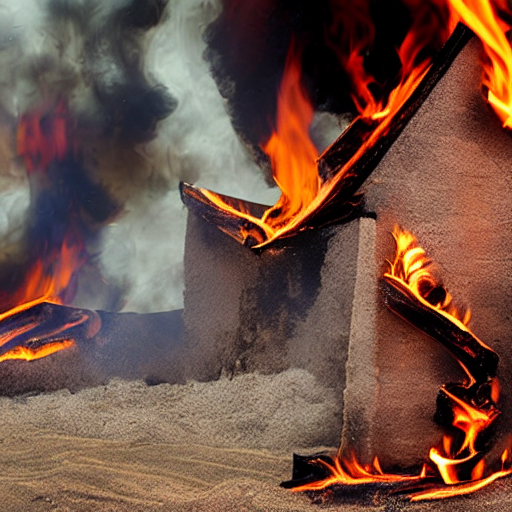 |
| lllyasviel/control_v11p_sd15_inpaint | Trained with image inpainting | No condition. |  | 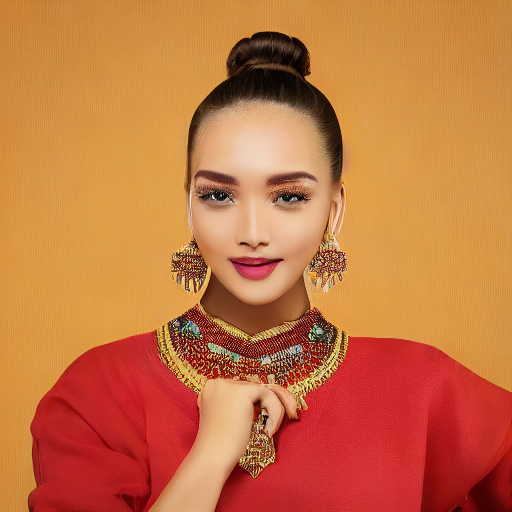 |
| lllyasviel/control_v11p_sd15_mlsd | Trained with multi-level line segment detection | An image with annotated line segments. | 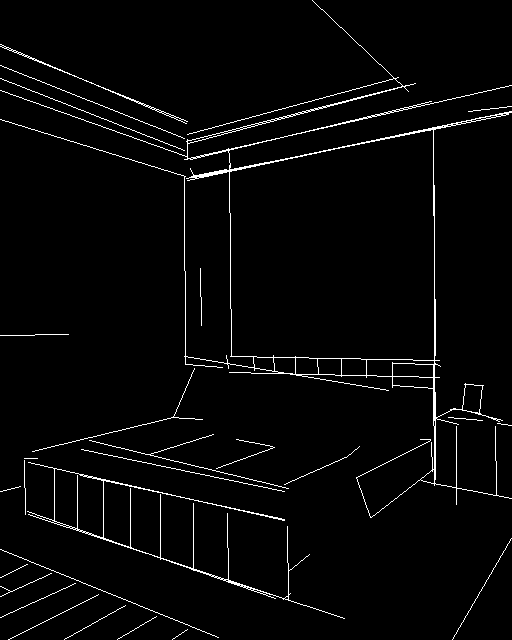 | 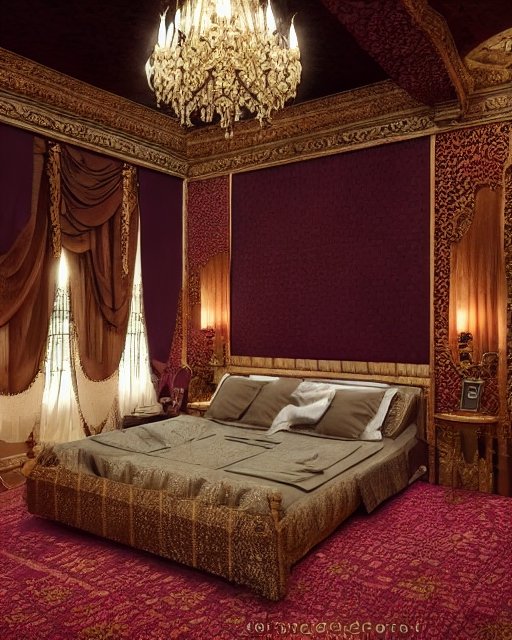 |
| lllyasviel/control_v11f1p_sd15_depth | Trained with depth estimation | An image with depth information, usually represented as a grayscale image. | 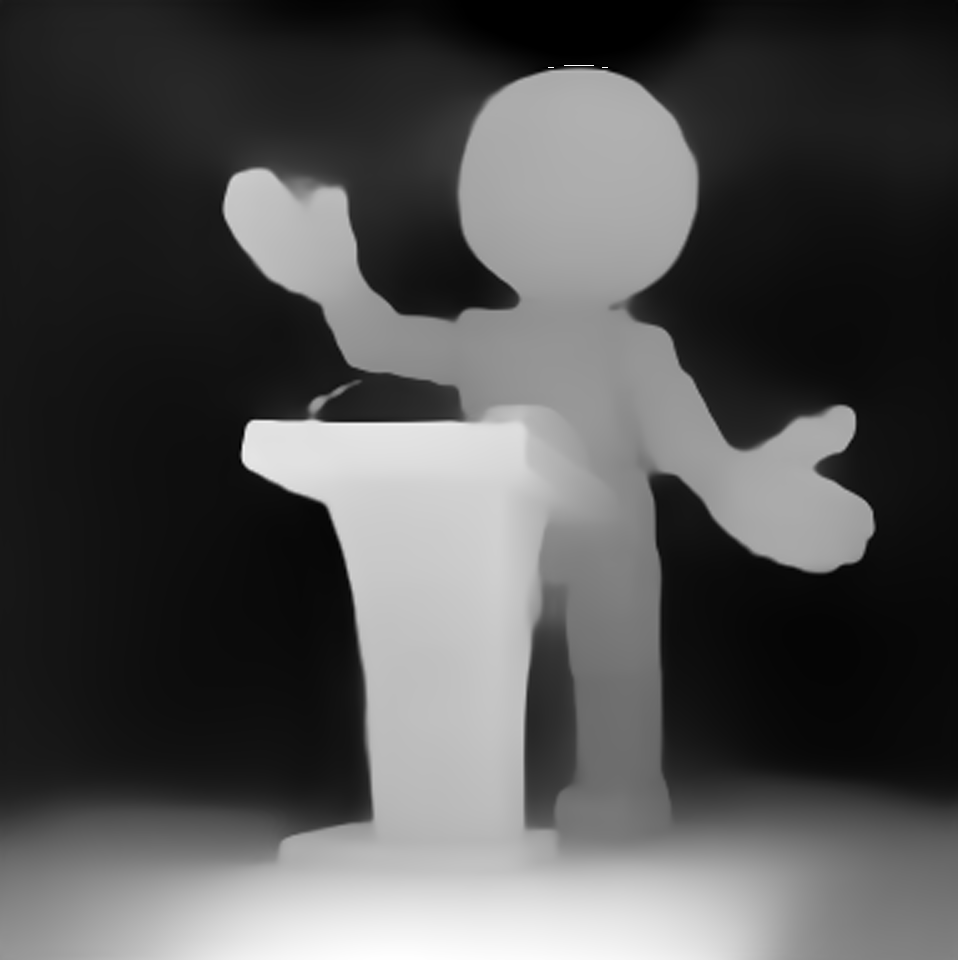 | 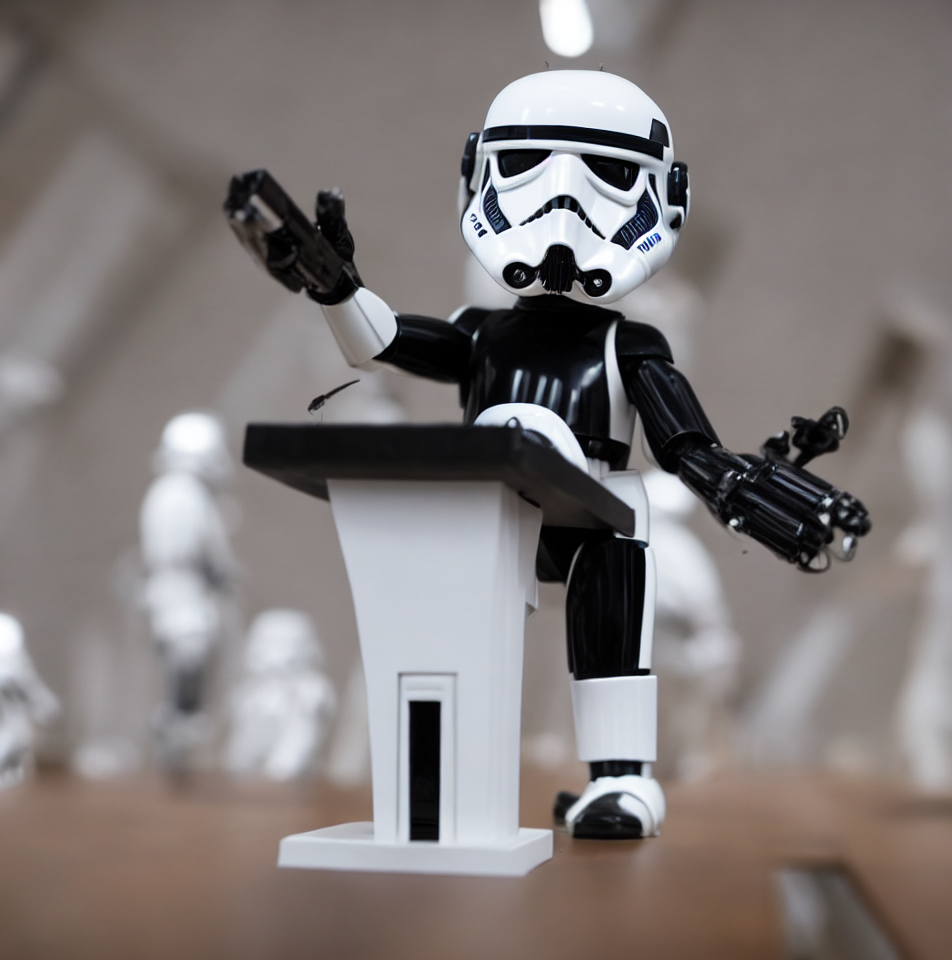 |
| lllyasviel/control_v11p_sd15_normalbae | Trained with surface normal estimation | An image with surface normal information, usually represented as a color-coded image. | 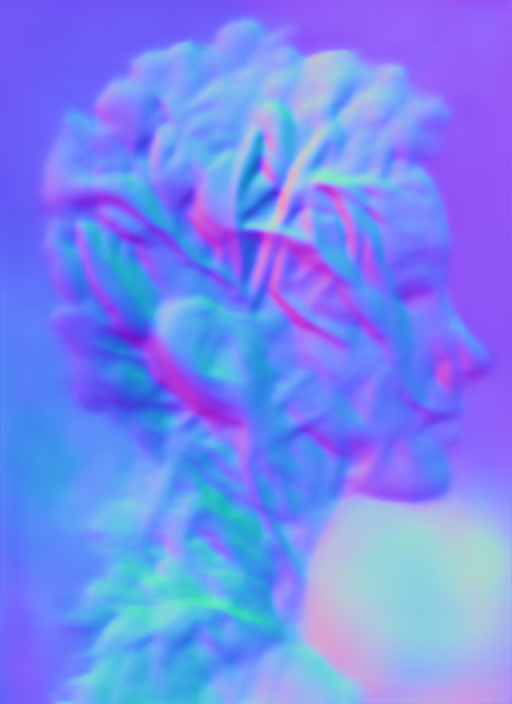 | 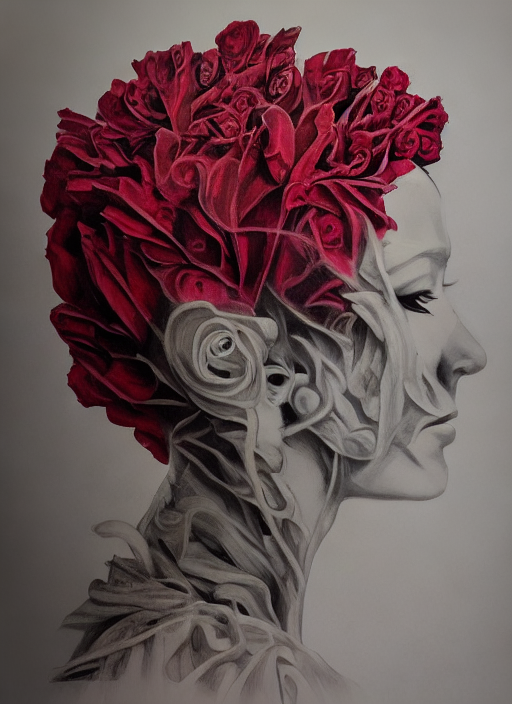 |
| lllyasviel/control_v11p_sd15_seg | Trained with image segmentation | An image with segmented regions, usually represented as a color-coded image. | 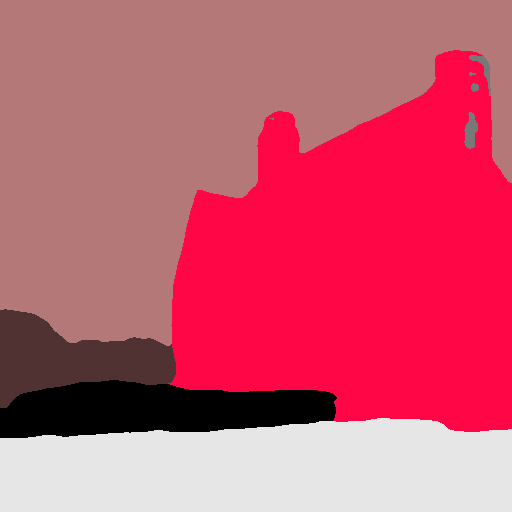 | 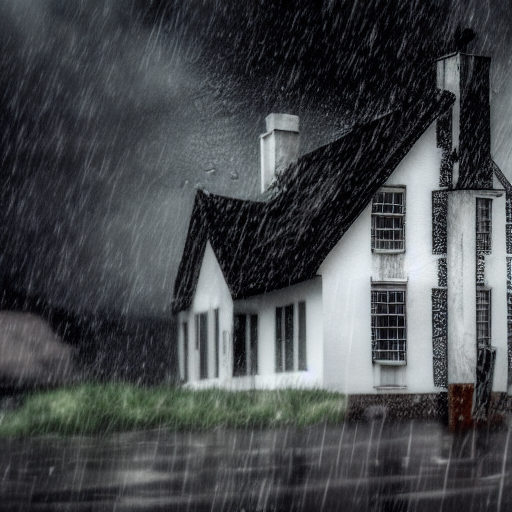 |
| lllyasviel/control_v11p_sd15_lineart | Trained with line art generation | An image with line art, usually black lines on a white background. | 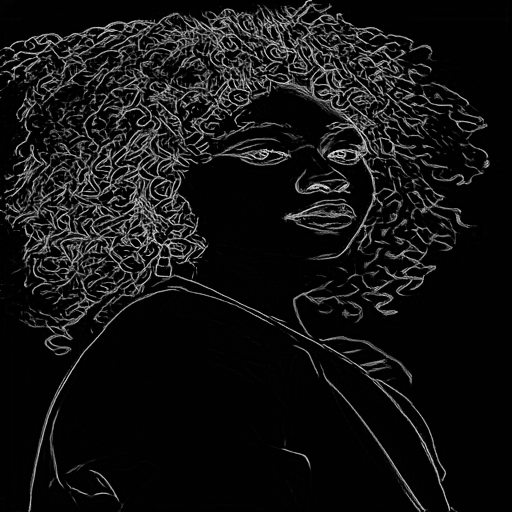 | 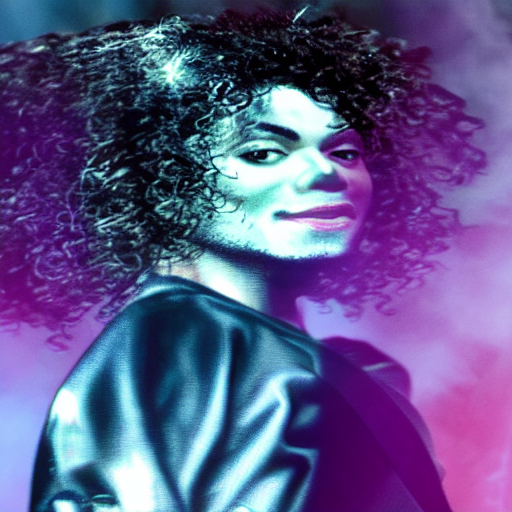 |
| lllyasviel/control_v11p_sd15s2_lineart_anime | Trained with anime line art generation | An image with anime-style line art. | 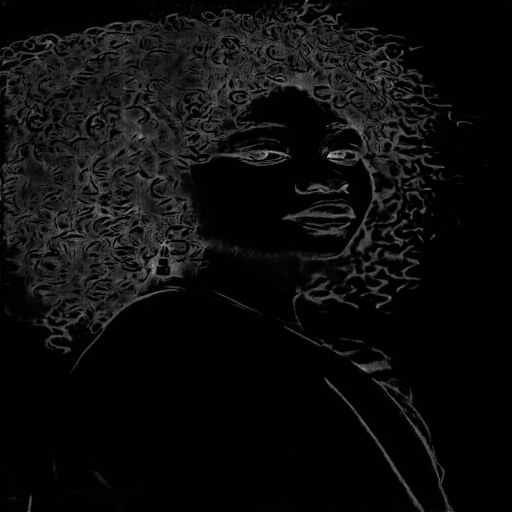 | 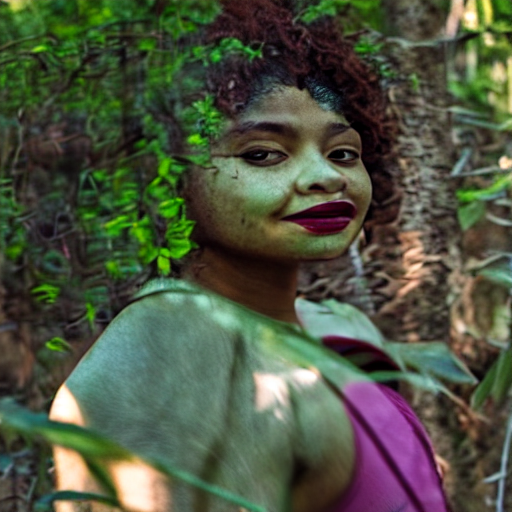 |
| lllyasviel/control_v11p_sd15_openpose | Trained with human pose estimation | An image with human poses, usually represented as a set of keypoints or skeletons. | 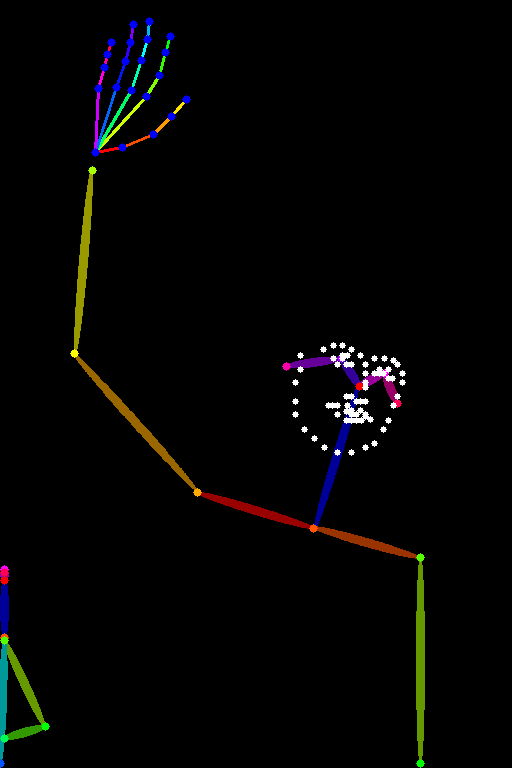 | 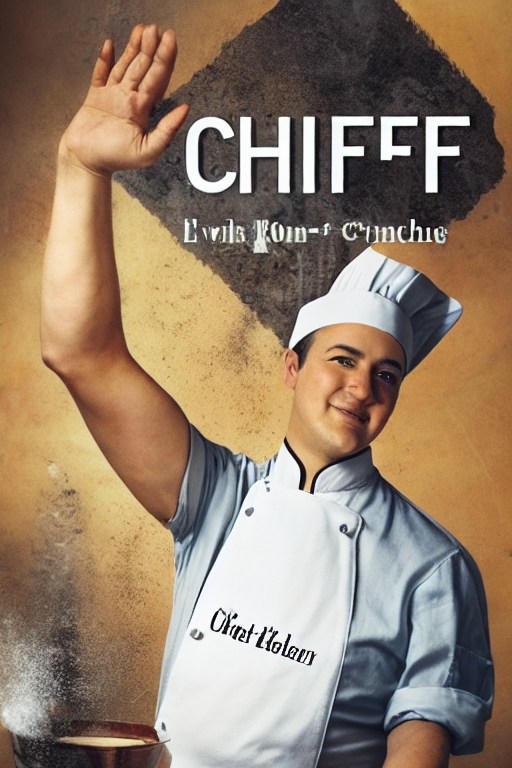 |
| lllyasviel/control_v11p_sd15_scribble | Trained with scribble-based image generation | An image with scribbles, usually random or user-drawn strokes. | 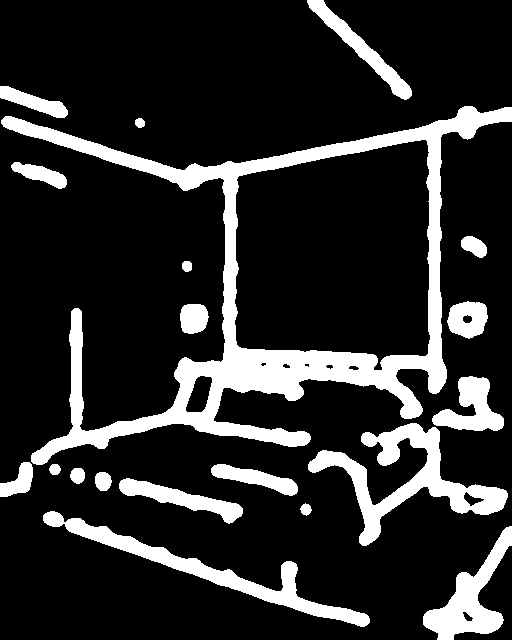 | 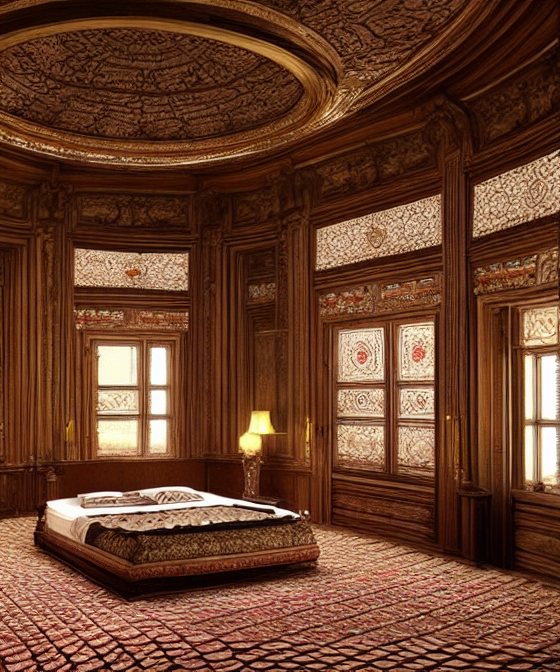 |
| lllyasviel/control_v11p_sd15_softedge | Trained with soft edge image generation | An image with soft edges, usually to create a more painterly or artistic effect. | 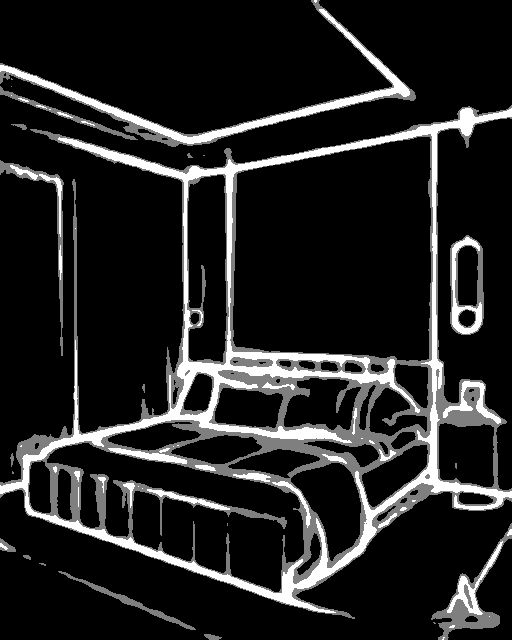 | 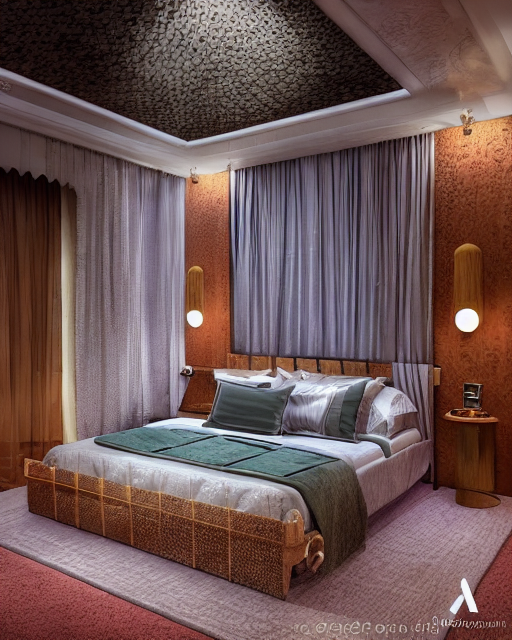 |
| lllyasviel/control_v11e_sd15_shuffle | Trained with image shuffling | An image with shuffled patches or regions. | 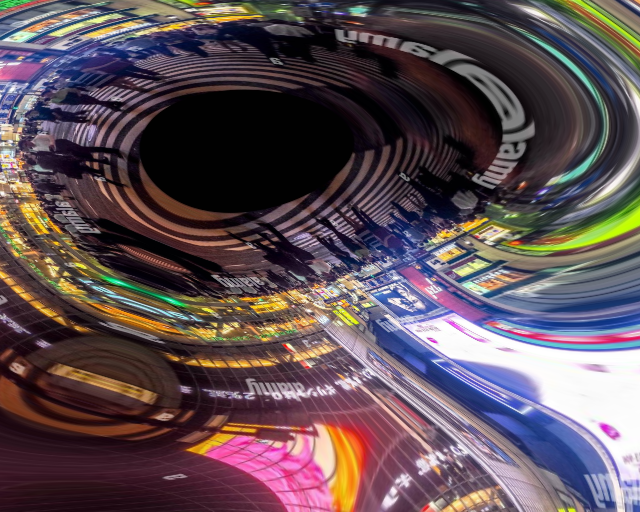 | 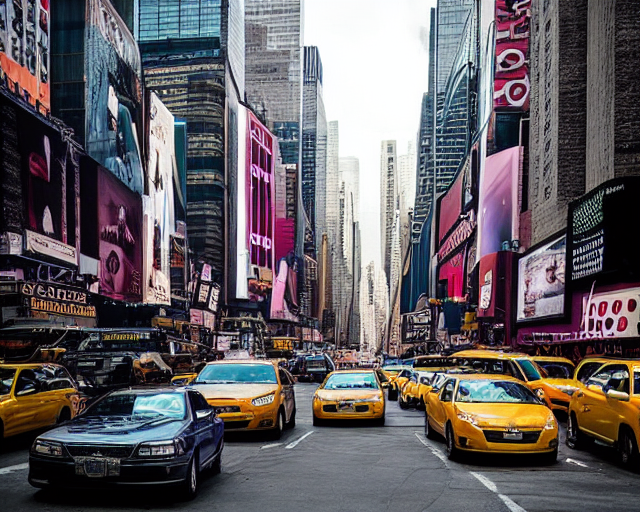 |
| lllyasviel/control_v11f1e_sd15_tile | Trained with image tiling | A blurry image or part of an image . |  | 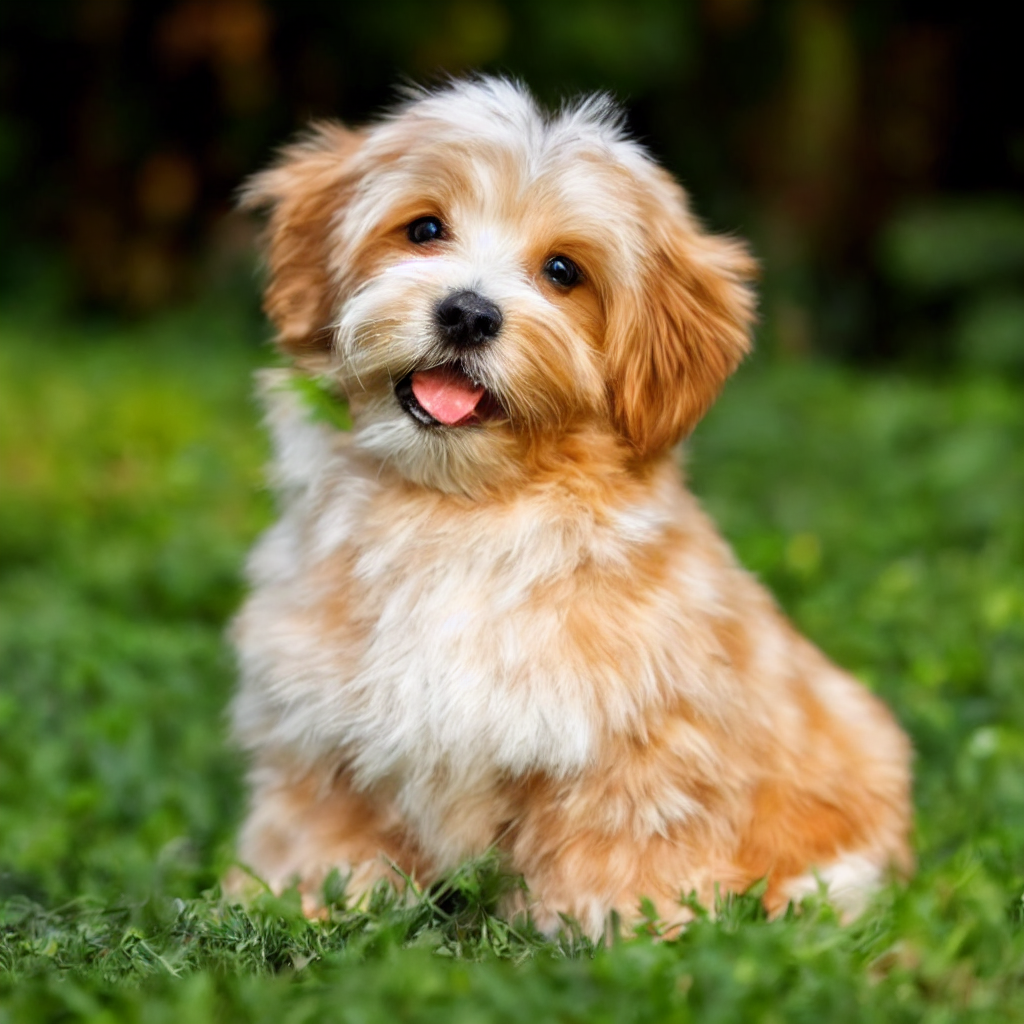 |